

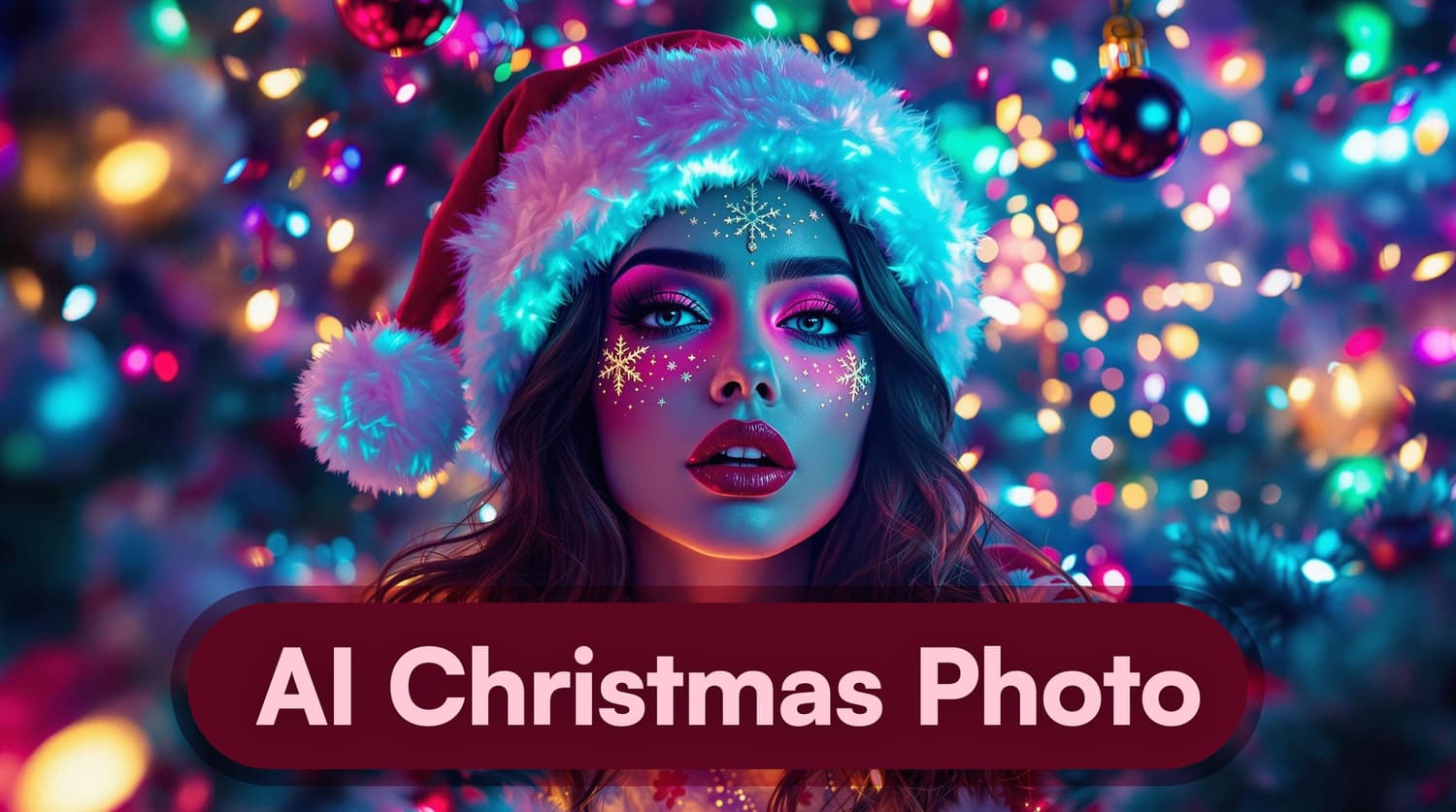
✨ 'Tis the season to be jolly – and digitally savvy! ✨ Transform your regular photos into magical Christmas portraits in minutes.
🎁 Unwrap the gift of AI this Christmas! Our AI generators create stunning holiday photos without expensive photoshoots or complex editing.
🎅 Santa's got a brand new bag – and it's filled with AI magic! We'll show you how to create your own AI Christmas photos in this guide.
Why Use AI for Christmas Photos?
Traditional holiday photoshoots can be stressful and expensive. AI photo generators offer a brilliant alternative:
- 📸 Create professional-quality photos from home
- 💰 Save hundreds on photography sessions
- ⚡ Get results in hours, not weeks
- 🎨 Choose from endless festive styles
- 🎄 Perfect for holiday cards and social media
Let's explore how you can create your own AI Christmas magic!
How AI Christmas Photos Work
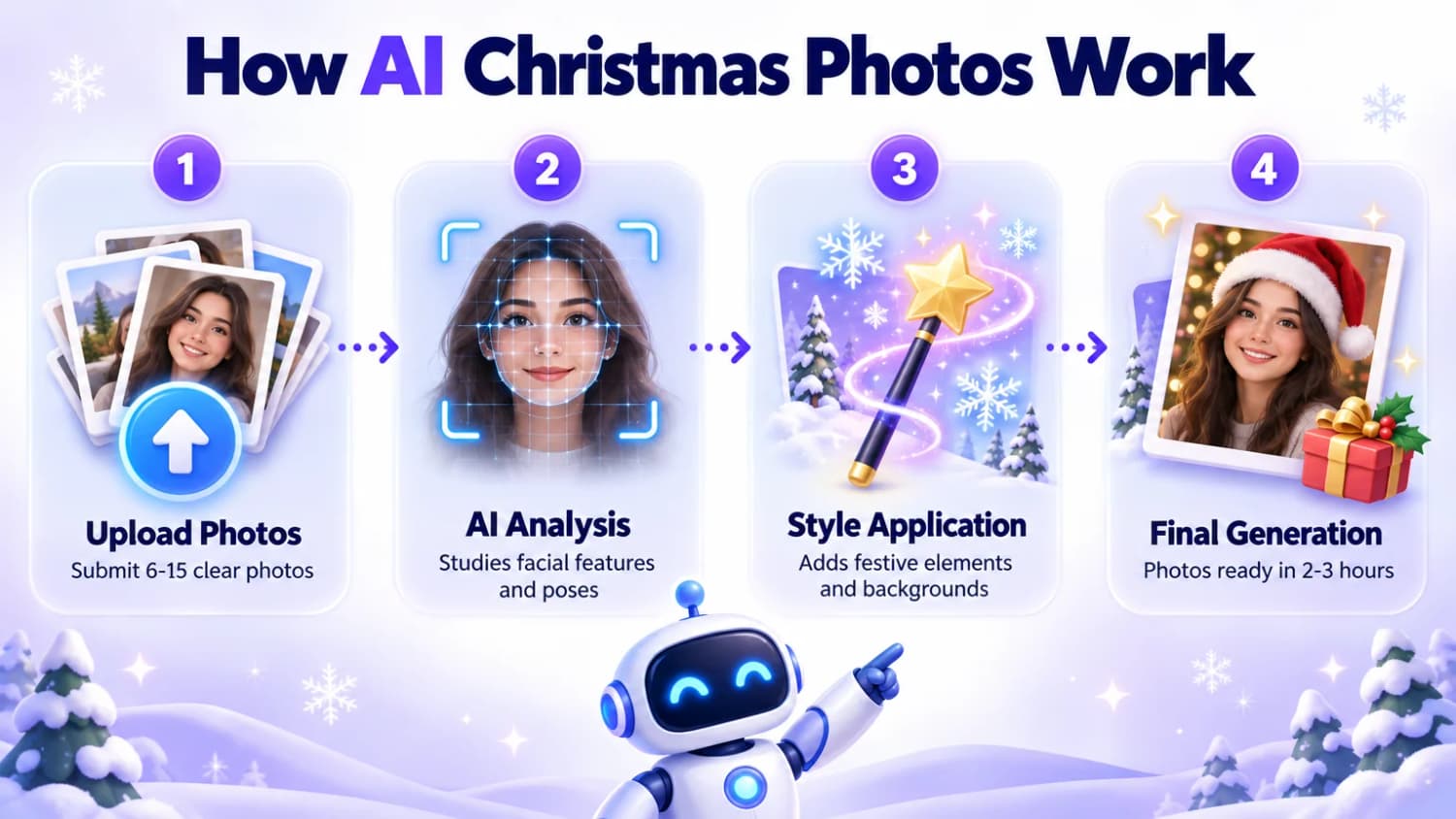
The process is surprisingly simple. Here's what happens behind the scenes:
- Upload Your Photos: Submit 6-15 clear photos
- AI Analysis: Advanced algorithms study facial features and poses
- Style Application: AI adds festive elements and backgrounds
- Final Generation: Get your transformed photos in 2-3 hours
Pro tip: The better your input photos, the more magical your results will be!
Choosing the Right AI Christmas Photo Generator
Several platforms offer AI Christmas photo generation. Here are some top options:
1. AI Christmas Photo
2. Aragon.ai
Key Features:
- 25+ million AI photos generated
- Variety of holiday styles and backgrounds
- Developed by Meta and Microsoft AI researchers
3. PhotoAI.me
Key Features:
- 100+ AI photo styles
- Receive images in less than 2 hours
- Happiness guarantee with free redo if unsatisfied
4. ProfileBakery
Key Features:
- 100+ Styles
- Swiss Quality
- Happiness guarantee with free redo if unsatisfied
How to Create AI Christmas Photos
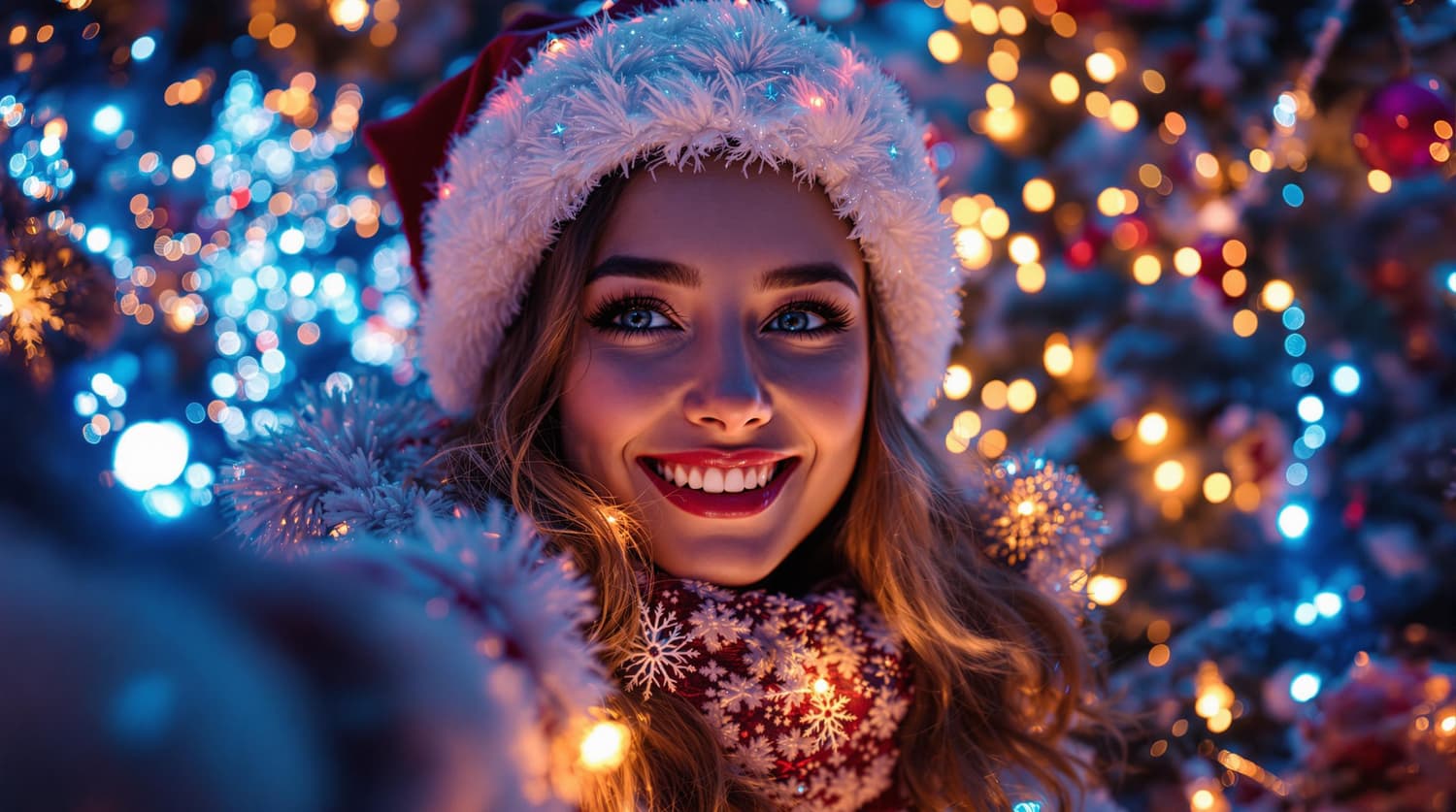
Ready to create your own festive masterpieces? Follow these simple steps:
1. Choose Your AI Platform
Select one of the recommended platforms or explore others that suit your needs.
2. Upload Your Photos
- Choose 6-15 of your best recent photos
- Include a variety of angles and expressions
- Ensure good lighting and clear facial features
3. Select Your Christmas Style
Browse through the available holiday themes. Options might include:
- Cozy fireside scenes
- Winter wonderlands
- Santa's workshop
- Festive city streets
4. Customize Your Look
Many platforms allow you to fine-tune your AI-generated photos:
- Choose specific outfits (e.g., ugly Christmas sweaters, formal attire)
- Add holiday accessories (Santa hats, reindeer antlers)
- Select background elements (Christmas trees, presents, snow)
5. Generate Your Photos
Click the "Generate" button and let the AI work its magic!
6. Review and Download
Once your photos are ready (usually within 2-3 hours):
- Review the results
- Select your favorites
- Download high-resolution images
Creative Ideas for Your AI Christmas Photos
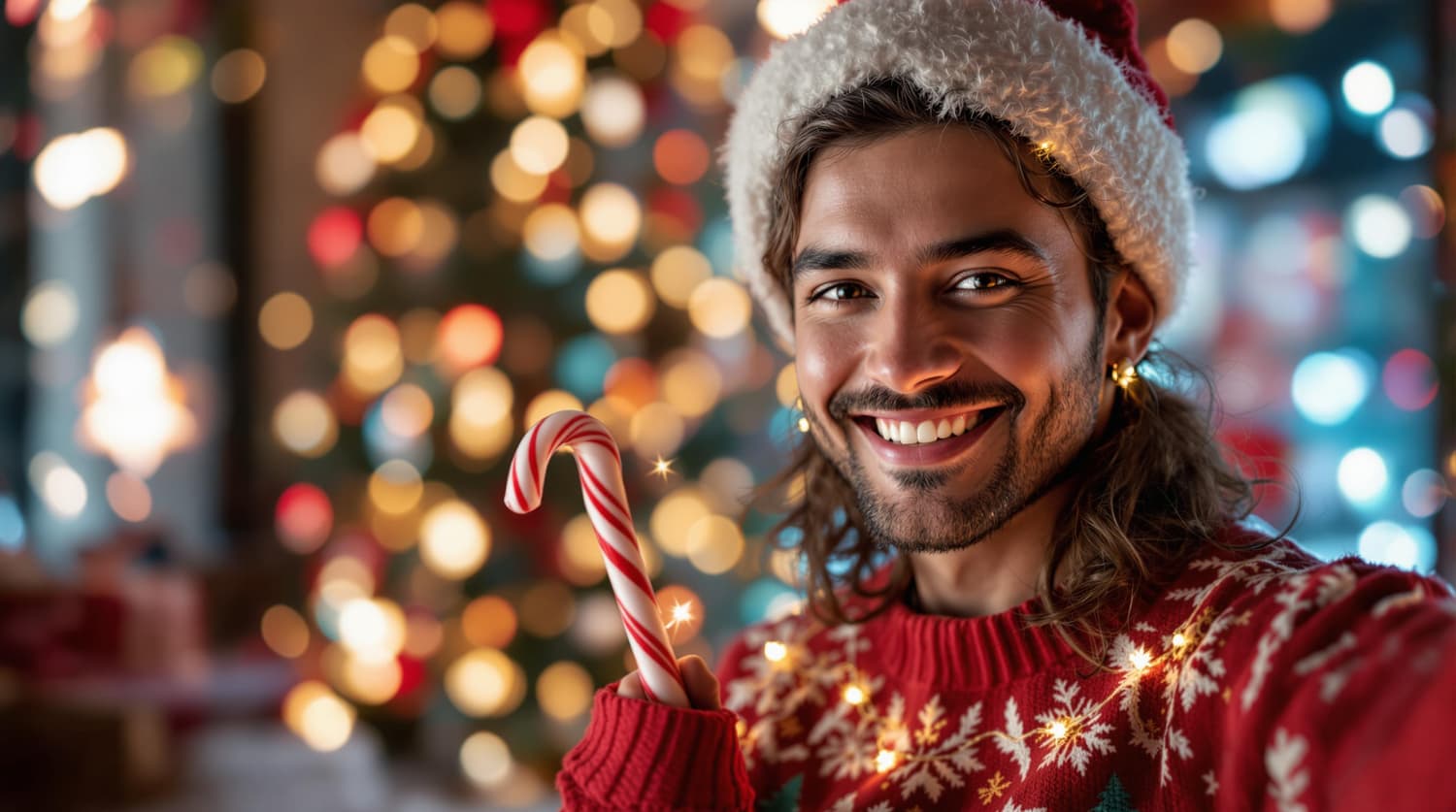
Now that you know how to create AI Christmas photos, let's explore some fun ways to use them:
1. Personalized Holiday Cards
Create unique Christmas cards featuring your AI-generated portraits. Add a personal message and send them to friends and family.
2. Social Media Posts
Share your festive AI photos on Instagram, Facebook, or Twitter to spread holiday cheer. You can also create holiday-themed memes using MagicMeme to make your posts more engaging and shareable.
3. Virtual Christmas Parties
Use your AI Christmas photos as backgrounds for virtual holiday gatherings on Zoom or other video platforms.
4. Gift Tags
Print small versions of your AI photos to use as personalized gift tags for presents.
5. Phone Wallpapers
Set your favorite AI Christmas portrait as your smartphone's wallpaper for the holiday season.
Tips for Getting the Best AI Christmas Photos
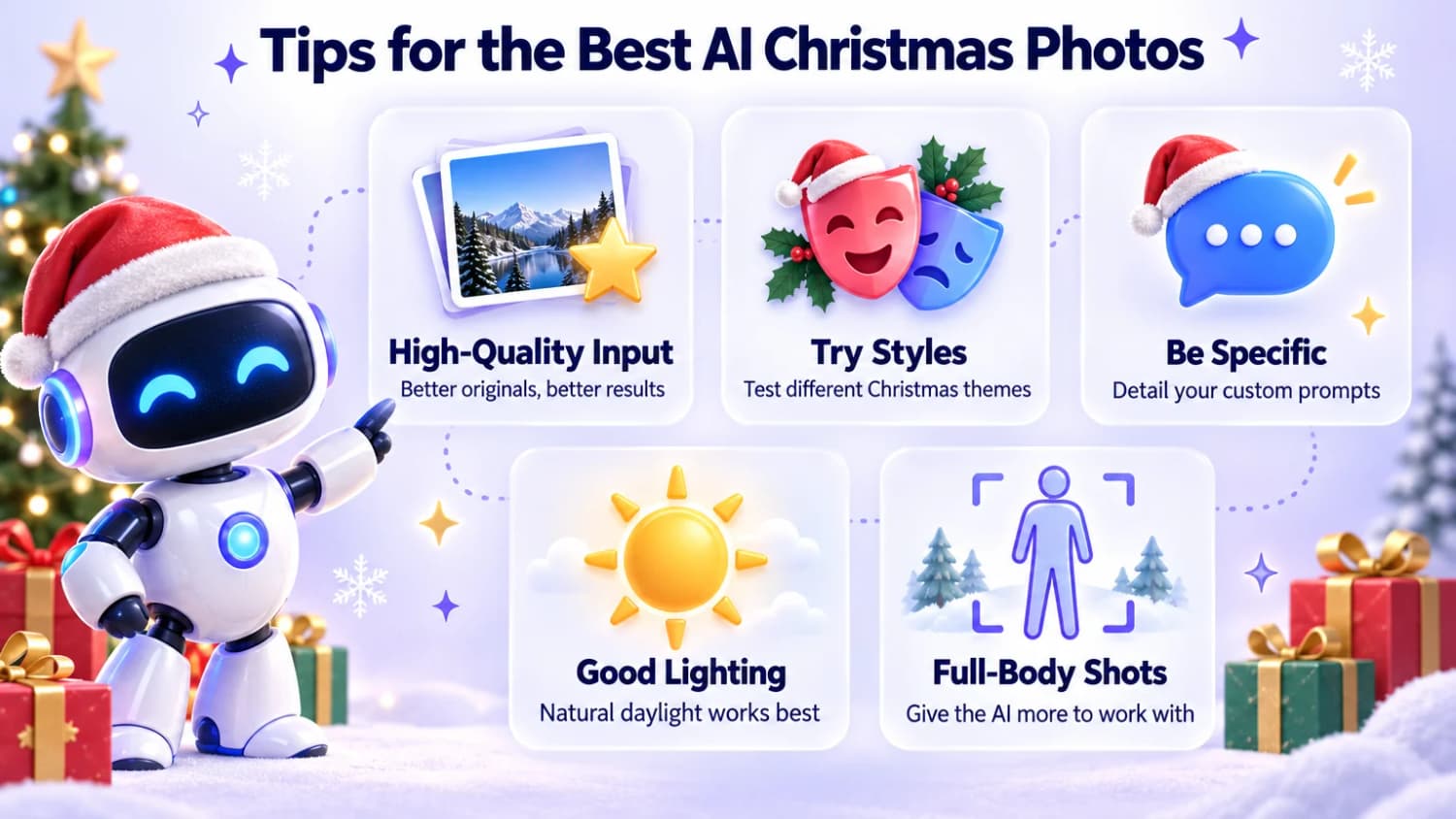
To ensure you get the most magical results, keep these tips in mind:
-
Use High-Quality Input Photos: The better your original photos, the more realistic and impressive your AI-generated Christmas photos will be.
-
Experiment with Styles: Don't be afraid to try different Christmas themes and settings. You might be surprised by which ones look best!
-
Be Specific in Your Prompts: If the platform allows custom prompts, be detailed about what you want (e.g., "cozy cabin with a roaring fireplace and falling snow outside the window").
-
Consider Lighting: AI models often work best with well-lit input photos. Natural daylight tends to produce the best results.
-
Include Full-Body Shots: While close-ups are great, including some full-body photos gives the AI more to work with for full scene generation.
Frequently Asked Questions
How do AI Christmas photos compare to professional photoshoots?
AI photos offer convenience and creative possibilities at a fraction of the cost. While they may not fully replace professional photography, they deliver impressive results for most holiday photo needs.
Can I use AI Christmas photos commercially?
This depends on your chosen platform's terms of service. Personal use is typically allowed, but commercial use may require a specific license.
How quickly will I receive my AI Christmas photos?
Most platforms deliver your festive portraits within 2-3 hours. Processing time varies based on complexity and current demand.
How secure is my data with AI photo generators?
Reputable platforms protect your data and often delete uploaded photos after 30 days. Always review the privacy policy before uploading.
Can I create AI Christmas photos of other people?
Only generate photos of yourself or people who have given explicit permission. Creating AI photos of others without consent may violate privacy rights.
Conclusion
Transform your holiday photos into magical AI portraits in minutes. Start with high-quality photos, experiment with different styles, and let your creativity shine.
Ready to create your own festive masterpieces?