

AI photo enhancers can upscale, sharpen, and denoise your images automatically. Top picks: Pixelcut (use code ILIAS for 20% off), Topaz Photo, Cutout.pro, Canva, AirBrush, Let's Enhance, Remini, Upscayl, Luminar Neo, HitPaw FotorPea. Some work great for portraits, others for landscapes or product photos.
I tested a bunch of AI photo enhancers to find out which ones actually improve your photos and which ones just add weird artifacts. Most of them claim to "magically" fix blurry images, but the results vary a lot.
Here's what I found after testing 10 AI photo enhancers with real photos: Pixelcut, Topaz Photo, Cutout.pro, Canva, AirBrush, Let's Enhance, Remini, Upscayl, Luminar Neo, and HitPaw FotorPea.
If you're looking specifically for AI-generated headshots (not enhancing existing photos), check out my AI Headshot Generator guide. Tools like Headshot Generator AI create new professional photos from selfies, which is different from enhancing existing ones.
Quick pick: which one should you use?
- Best for quick fixes: Pixelcut (mobile + web, use code ILIAS for 20% off)
- Best overall quality: Topaz Photo (desktop app, $199/year)
- Best free option: Cutout.pro (web-based, free tier)
- Best integrated tool: Canva (if you already use Canva)
- Best for portraits: AirBrush (mobile-focused)
- Best for upscaling: Let's Enhance (web-based, credit system)
- Best for old photos: Remini (mobile + web, viral restoration)
- Best free + private: Upscayl (open-source, offline)
- Best for photographers: Luminar Neo (desktop, full editing suite)
- Best one-click tool: HitPaw FotorPea (desktop, auto-detects needs)
Want to create memes from your photos? Tools like MagicMeme let you turn images into viral memes with AI face swapping and meme templates.
What is an AI Photo Enhancer?
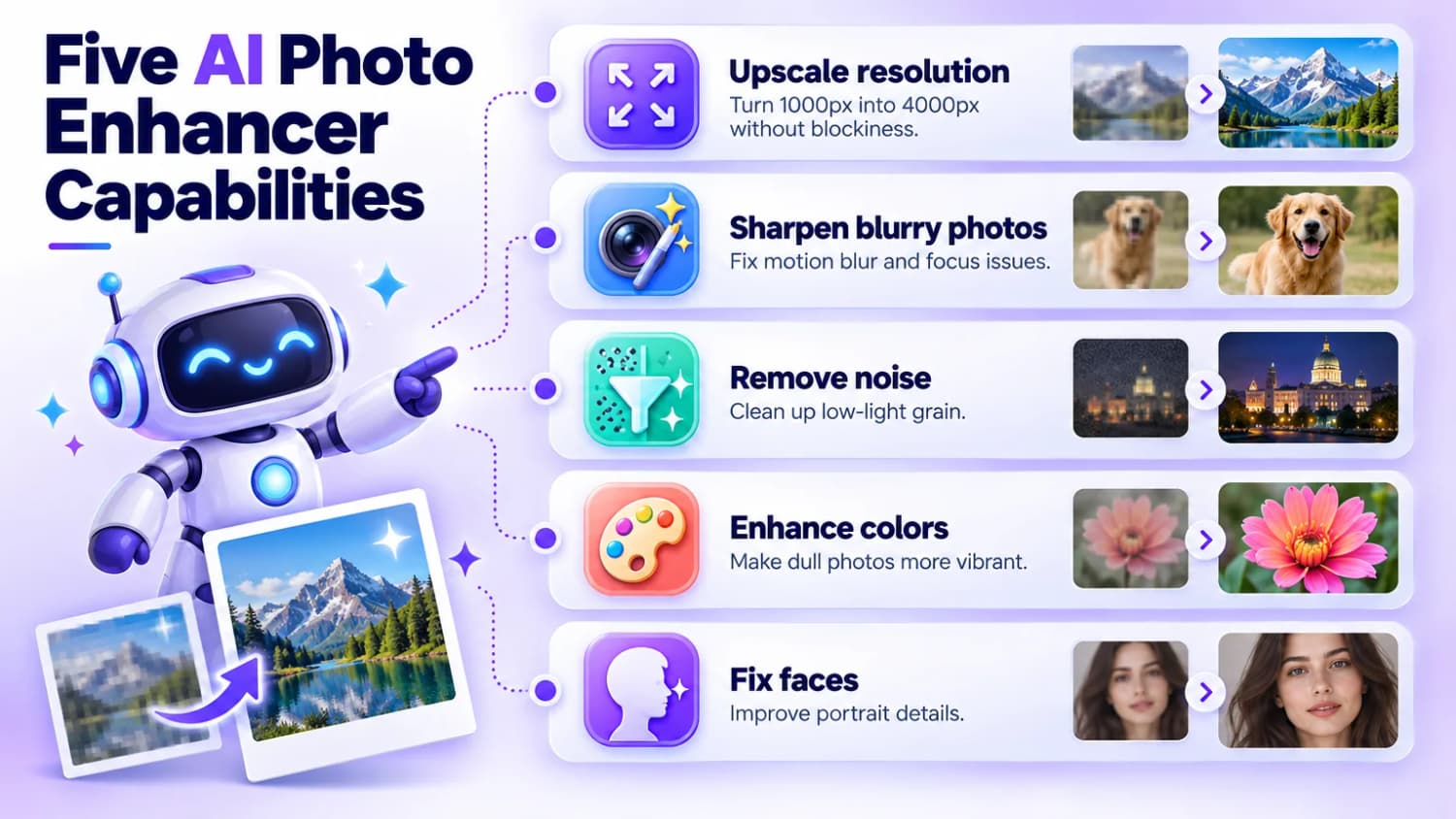
AI photo enhancers use machine learning to improve your existing photos. They can:
- Upscale resolution: Turn a 1000px image into 4000px without it looking blocky
- Sharpen blurry photos: Fix motion blur or out-of-focus shots
- Remove noise/grain: Clean up photos taken in low light
- Enhance colors: Make dull photos more vibrant
- Fix faces: Specifically improve portrait details
The key difference from AI headshot generators is that enhancers work with your existing photos. They don't create new images from scratch. They just make your current photos look better.
1. Pixelcut
Pixelcut is popular for e-commerce and product photos. It has both a mobile app and web version.
- Best for: Product photography and quick mobile edits
- Watch out for: Some features require subscription
- Platforms: iOS, Android, Web
- Speed: Very fast
If you're running an online store and need to quickly enhance product images, this is a solid choice. It handles object photos well and integrates with e-commerce workflows.
2. Topaz Photo
Topaz Photo is the gold standard for photo enhancement. It's a desktop app (Windows/Mac), not a web tool, which means it's more powerful but also more expensive.
- Best for: Serious photographers who need the best quality
- Watch out for: Subscription only since late 2025, $199/year for Photo AI
- Platforms: Windows, Mac (a separate web version and iPhone app exist)
- Speed: Depends on your GPU
It combines upscaling, sharpening, and noise reduction in one tool. The results are noticeably better than most web-based alternatives. If you're processing a lot of photos or need print-quality results, this is worth the investment.
The downside is the price and the fact that you need a decent computer to run it smoothly. Topaz stopped selling one-time licenses in late 2025, so new users pay yearly: $199/year for Photo AI, or $399/year for Topaz Studio with all its apps. Adobe completed its acquisition of Topaz Labs in September 2026. Topaz keeps its brand and standalone apps, and no pricing change has been announced. Buy directly from topazlabs.com; "lifetime" licenses sold elsewhere are resold or fake.
3. Cutout.pro
Cutout.pro offers a solid free tier and works directly in your browser. No download needed.
- Best for: Quick fixes without installing software
- Watch out for: Free tier has limitations on resolution
- Platforms: Web (any browser)
- Speed: Fast for most images
They have multiple enhancement modes: super enlargement (up to 200%), image sharpening, denoising, portrait enhancement, and even old photo repair. The results are decent for a free tool.
The portrait enhancer specifically works well for faces. It's powered by PicUP.AI technology and handles skin tones pretty naturally.
4. Canva
Canva's image enhancer is built into their design platform. If you're already using Canva for other stuff, this is convenient.
- Best for: People already using Canva
- Watch out for: Enhancement quality is just "okay"
- Platforms: Web, iOS, Android
- Speed: Fast
It's not the most powerful enhancer, but it's good enough for social media graphics and presentations. The main advantage is that you don't need to leave Canva or use another tool.
5. AirBrush
AirBrush focuses heavily on portrait enhancement and beauty retouching.
- Best for: Selfies and portrait photos
- Watch out for: Can make skin look too smooth/fake if you overdo it
- Platforms: iOS, Android, Windows, Mac
- Speed: Fast
It improves color, contrast, sharpness, and can upscale resolution. The portrait-specific features are nice if you're enhancing photos of people. Just don't go overboard with the smoothing.
6. Let's Enhance
Let's Enhance is a web-based tool focused specifically on upscaling.
- Best for: Upscaling low-res images for print
- Watch out for: Credit-based pricing
- Platforms: Web
- Speed: Medium
Good for when you have a small image that needs to be printed larger. The AI fills in details as it upscales, which works better than simple resizing.
7. Remini
Remini went viral for its ability to restore old, damaged photos.
- Best for: Restoring old family photos
- Watch out for: Results can look AI-generated
- Platforms: iOS, Android, Web
- Speed: Fast
It's impressive for badly damaged photos, but sometimes the "restored" faces look a bit off. It adds detail that wasn't there, which can be helpful or weird depending on the photo.
8. Upscayl (Open Source)
Upscayl is a free, open-source option that runs locally on your computer.
- Best for: Privacy-conscious users who want free upscaling
- Watch out for: More technical to set up
- Platforms: Windows, Mac, Linux
- Speed: Depends on your hardware
If you don't want to upload photos to cloud services, this is a solid choice. It's completely free and runs offline. The community on Reddit discusses various open-source enhancers if you want more options.
9. Luminar Neo
Luminar Neo is more than just an enhancer: it's a full AI-powered photo editing suite. It combines enhancement with professional editing tools, making it ideal for photographers who want control over the entire process.
- Best for: Photographers who want a complete editing solution
- Watch out for: Subscription or one-time purchase required
- Platforms: Windows, Mac (desktop)
- Speed: Fast for most operations
Luminar Neo includes Enhance AI, which automatically improves your photos with sliders for accent and sky enhancement. It also has Noiseless AI for low-light photos, Supersharp AI for blurry images, and Structure AI for detail enhancement. The masking feature lets you apply effects to specific parts of your photo.
Unlike simple one-click enhancers, Luminar Neo gives you granular control while still leveraging AI to speed up your workflow. It's particularly strong for landscape photography where you need to enhance skies and foregrounds separately.
10. HitPaw FotorPea
HitPaw FotorPea (formerly HitPaw Photo Enhancer) automatically detects what your photo needs and applies the right AI models. It's designed for simplicity: just upload and let it work.
- Best for: Beginners who want automatic enhancement
- Watch out for: Free trial has watermarks
- Platforms: Windows, Mac (desktop)
- Speed: Medium (depends on image complexity)
HitPaw FotorPea comes with 10+ specialized AI models that automatically activate based on your image. It handles face enhancement, denoising, sharpening, upscaling, old photo restoration, and colorization. The interface is intuitive, and you can batch process multiple images.
The automatic model selection is its standout feature: you don't need to know which tool to use. It analyzes your photo and applies the right combination of enhancements. Results are generally good, though not as refined as Topaz Photo for professional work.
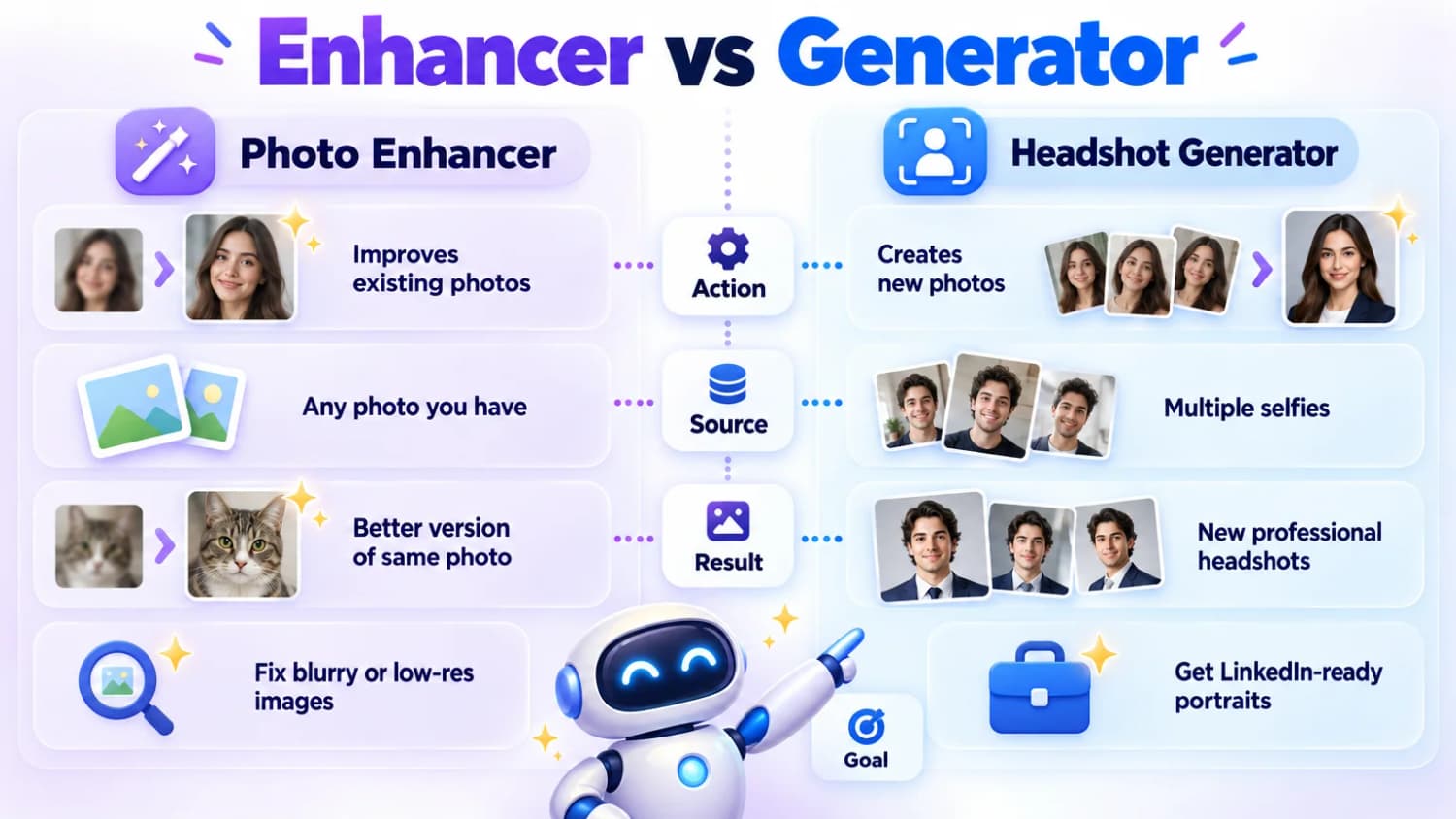
AI Photo Enhancer vs AI Headshot Generator
These are two different things:
| Feature | Photo Enhancer | Headshot Generator |
|---|---|---|
| What it does | Improves existing photos | Creates new photos |
| Input | Any photo you have | Multiple selfies |
| Output | Better version of same photo | New professional headshots |
| Use case | Fix blurry/low-res images | Get LinkedIn-ready portraits |
| Examples | Pixelcut, Topaz Photo, Luminar Neo | Headshot Generator AI |
If you need a professional headshot and don't have one, check out my guide to AI headshot generators. Tools like Headshot Generator AI can create studio-quality portraits from your selfies.
If you already have a headshot but it's blurry or low-res, then a photo enhancer is what you need.
Quick Reference: All 10 AI Photo Enhancers
Here's a complete list of all the tools covered in this guide:
- Pixelcut - E-commerce and product photos (mobile + web, 20% off with code ILIAS)
- Topaz Photo - Highest quality desktop enhancement ($199/year)
- Cutout.pro - Free web-based tool with multiple modes
- Canva - Integrated into design platform
- AirBrush - Portrait and beauty retouching (mobile-focused)
- Let's Enhance - Specialized upscaling for print
- Remini - Old photo restoration (viral mobile app)
- Upscayl - Free open-source offline upscaler
- Luminar Neo - Full AI editing suite for photographers
- HitPaw FotorPea - Automatic one-click enhancement
Summary
| Tool | Best for | Price | Rating |
|---|---|---|---|
| Pixelcut | Product photos | Freemium (20% off with code ILIAS) | ⭐⭐⭐⭐ |
| Topaz Photo | Best quality overall | $199/yr | ⭐⭐⭐⭐⭐ |
| Cutout.pro | Free web-based | Free tier | ⭐⭐⭐⭐ |
| Canva | Integrated workflow | Free/$18/mo | ⭐⭐⭐ |
| AirBrush | Portrait enhancement | Freemium | ⭐⭐⭐⭐ |
| Let's Enhance | Upscaling for print | Credits | ⭐⭐⭐ |
| Remini | Old photo restoration | Freemium | ⭐⭐⭐ |
| Upscayl | Free + private | Free | ⭐⭐⭐⭐ |
| Luminar Neo | Photographers | Subscription/One-time | ⭐⭐⭐⭐ |
| HitPaw FotorPea | One-click auto | Freemium | ⭐⭐⭐⭐ |
Tips for Better Results
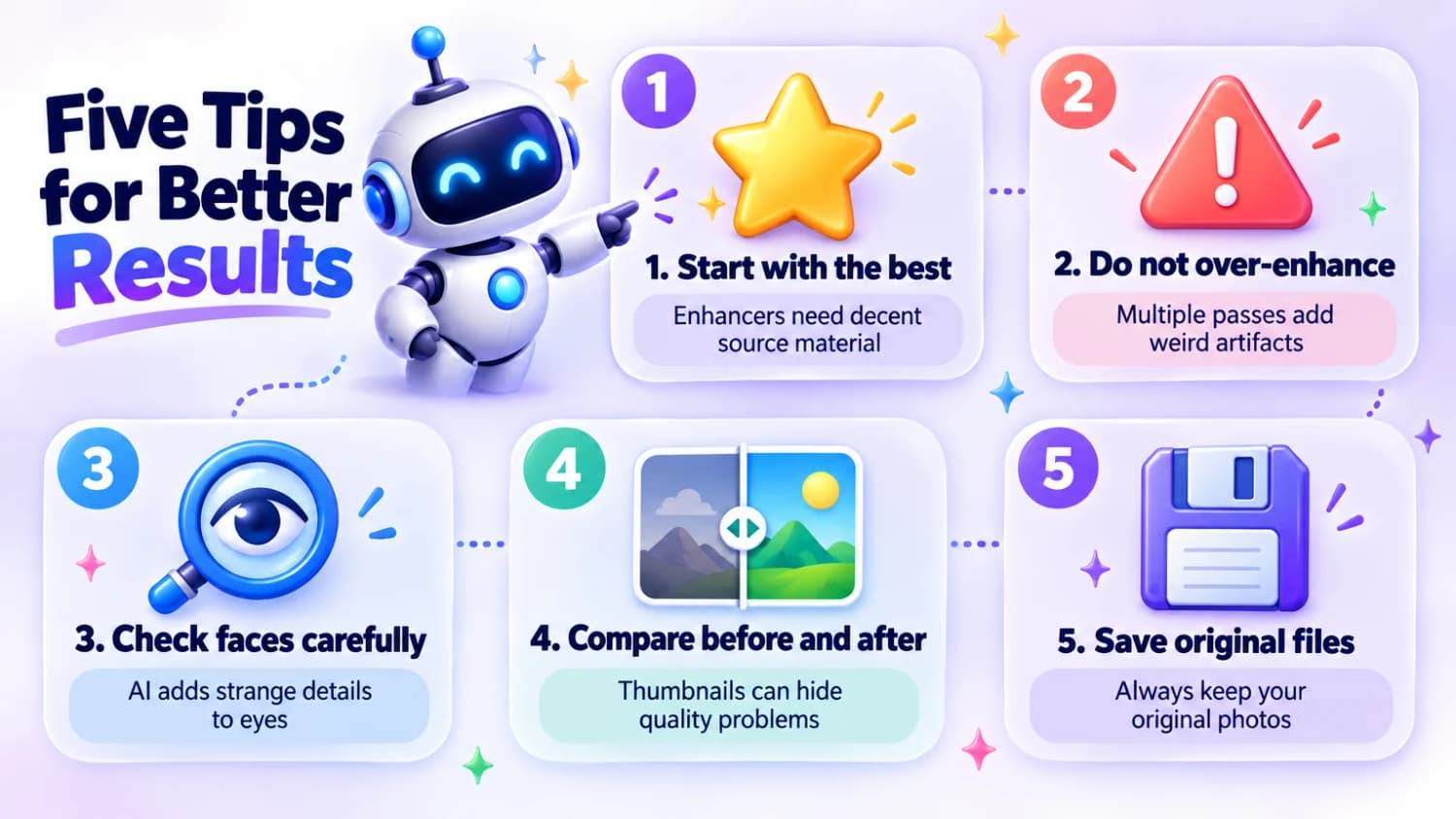
- Start with the best photo you have: Enhancers can only do so much with terrible source material
- Don't over-enhance: Multiple passes can add weird artifacts
- Check faces carefully: AI sometimes adds strange details to eyes and teeth
- Compare before/after at full size: Thumbnails can hide problems
- Save originals: Always keep your original files
Frequently Asked Questions
Can AI really fix a blurry photo?
Sometimes. AI enhancers work best on photos that are slightly blurry or low-resolution. If your photo is extremely out of focus, even the best AI can't magically create detail that wasn't captured.
Are free AI photo enhancers any good?
Some of them are decent. Cutout.pro and Upscayl offer solid free options. The main tradeoffs are usually resolution limits, watermarks, or slower processing.
Will AI enhancement make my photo look fake?
It can, especially with aggressive settings. The key is to use subtle enhancement and check the results carefully. Over-enhanced photos often have unnaturally smooth skin or weird artifacts.
Should I use a photo enhancer or an AI headshot generator?
Depends on what you need:
- Use a photo enhancer if you have a good photo that's just blurry or low-res
- Use an AI headshot generator if you need a completely new professional portrait
What's the best free AI photo enhancer?
For web-based: Cutout.pro. For desktop (open source): Upscayl. For automatic one-click enhancement: HitPaw FotorPea offers a free trial.
Which AI photo enhancer is best for photographers?
Topaz Photo offers the highest quality results for serious photographers, while Luminar Neo provides a complete editing suite with AI enhancement tools. Both are desktop applications that give you full control over the enhancement process.
What's the best AI photo enhancer for old photos?
Remini is specifically designed for restoring old, damaged photos and went viral for this capability. HitPaw FotorPea also includes old photo restoration features with colorization options.