

An AI presentation maker turns a topic, outline, PDF, or YouTube link into a slide deck in minutes.
PowerPoint still works. It just eats your afternoon. These tools research the topic, structure the story, and spit out something you can edit.
I tested 11 AI presentation makers for speed, design control, exports, and pricing. Ranked for real work, not homepage hype.
Here's the short list:
The rest are solid for specific workflows: Canva if you already live there, Slidesgo if you want cheap templates, Plus AI if you refuse to leave Google Slides or PowerPoint.
Quick Picks
| If you want... | Pick | Why |
|---|---|---|
| Fastest editable PowerPoint | Topic → researched PPTX in about a minute | |
| Turn existing content into slides | YouTube, PDF, URL, DOCX → Google Slides | |
| Memorable keynote-style delivery | Zoom canvas + AI generation | |
| Agency-looking brand decks | Smart Slides + Brand Kit | |
| One design ecosystem | Magic Design inside the Canva suite | |
| A free AI PowerPoint generator | Free AI generations + huge theme library | |
| Stay inside Slides / PowerPoint | Native add-on, not a separate host | |
| Web cards / live share links | Card-based web decks, not classic slides |
What Makes a Good AI Presentation Maker?
Most tools fail the same way. Pretty homepage. Mid slides. Painful export.
Here's what actually matters:
- Speed. Can you get a usable first draft in under a minute?
- Structure. Does it research and outline, or just dump filler into a template?
- Editability. Can you fix slides without fighting the UI?
- Exports. Real PPTX / Google Slides matter more than a pretty web preview.
- Pricing honesty. Free trials and credit traps hide the real cost.
Keep those five in mind as you go through the list.
1. GenPPT
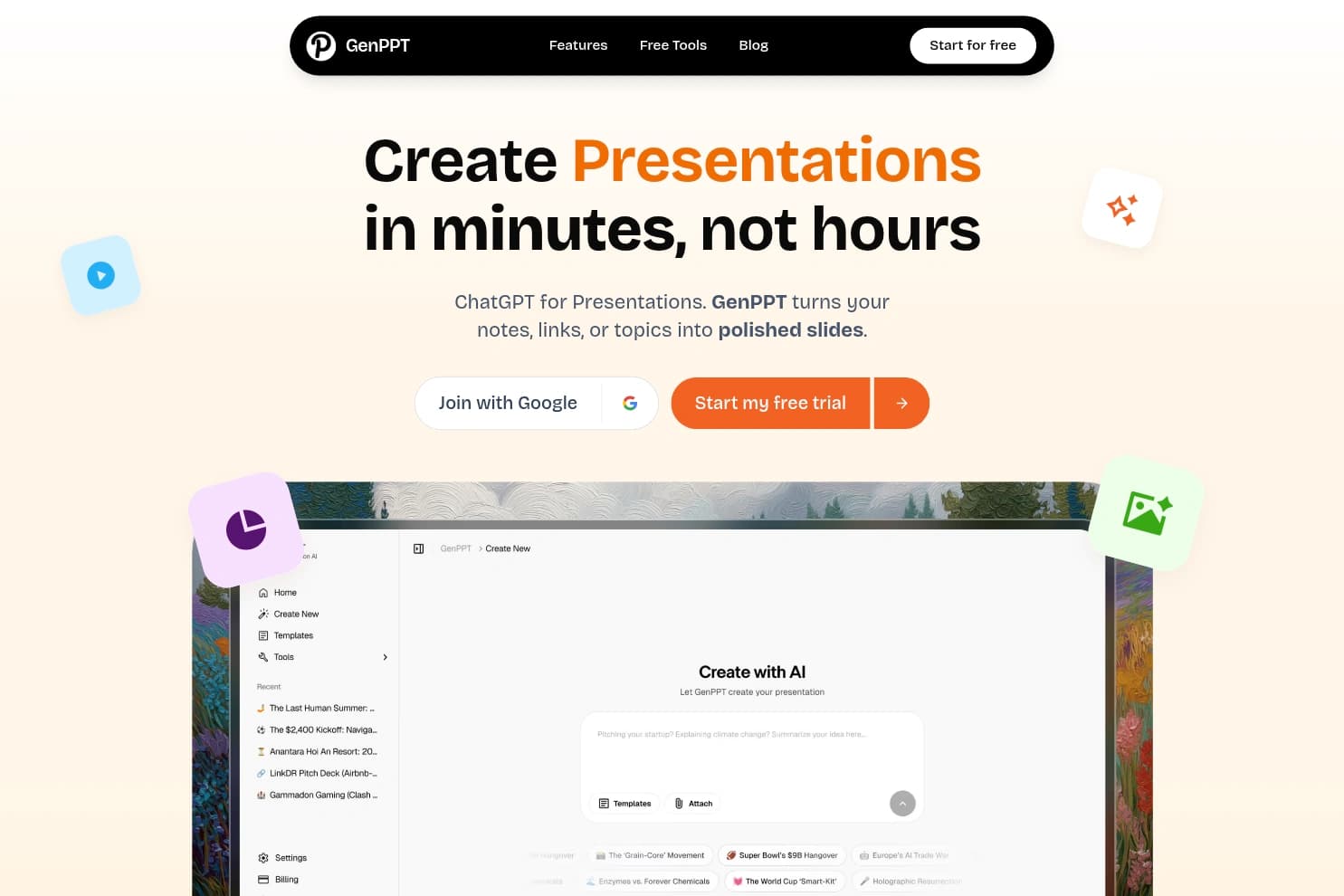
GenPPT is still the best pick if you need a real PowerPoint file fast. Type a topic or paste notes. It researches, structures the deck, and exports a native .pptx you can open in PowerPoint, Keynote, or Google Slides.
That's why it's #1. Most "AI slide" tools trap you in their web editor. GenPPT optimizes for the file you actually send to a teacher, client, or boss.
There's a chat refine step after generation, plus AI or Unsplash images on slides. Design customization is lighter than Canva or Beautiful.ai. That's the trade: speed and structure over endless theme fiddling.
Pros: Fast topic-to-PPTX, researched structure, chat edits, clean export.
Cons: Fewer fancy templates than design-first tools. Not a native Google Slides add-on.
Pricing: $1 for 3 days, then $19/mo or $99/yr (~$8/mo). Paid plans include about 20 AI presentations/month, no watermark.
Try GenPPT2. MagicSlides
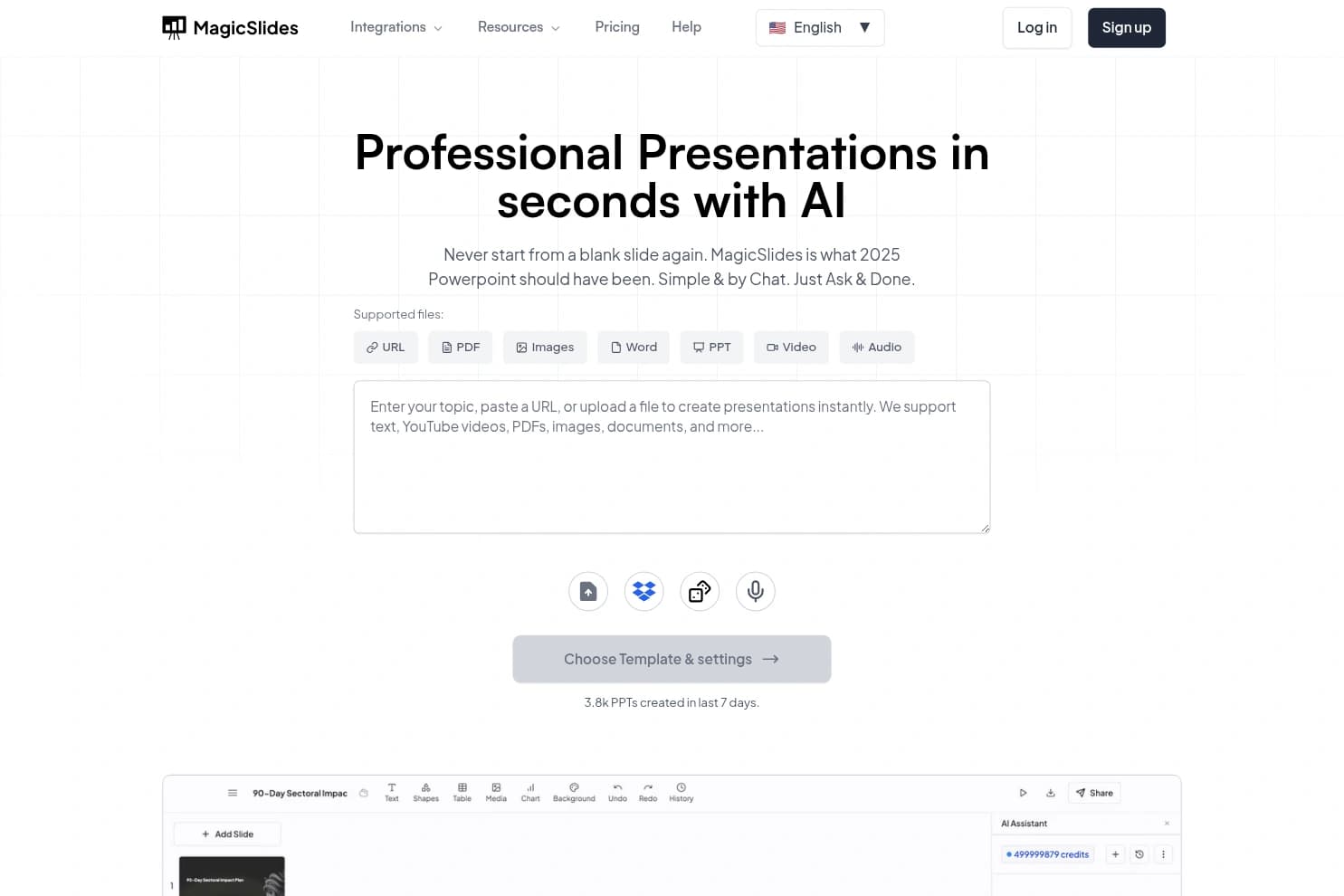
MagicSlides is the best tool when the content already exists. Feed it a YouTube video, PDF, URL, DOCX, or plain text. It builds an editable deck, with a strong Google Slides workflow plus PowerPoint and PDF export.
There's also a Google Workspace add-on, Gemini-powered chat editing, Clone Slide (image → editable slides), 100+ languages, and even an API / MCP path if you want automation.
First drafts can look basic. Plan to polish in Google Slides. Free tier is watermarked and capped.
Pros: Multi-input conversion, Google Slides native path, multilingual, free tier exists.
Cons: Watermark on free. Design often needs manual cleanup. Branding is deeper on higher plans.
Pricing: Free (~3 decks/mo, watermark). Essential $8/mo, Pro $16/mo, Premium $29/mo, with lower prices on annual billing.
Try MagicSlides3. Prezi
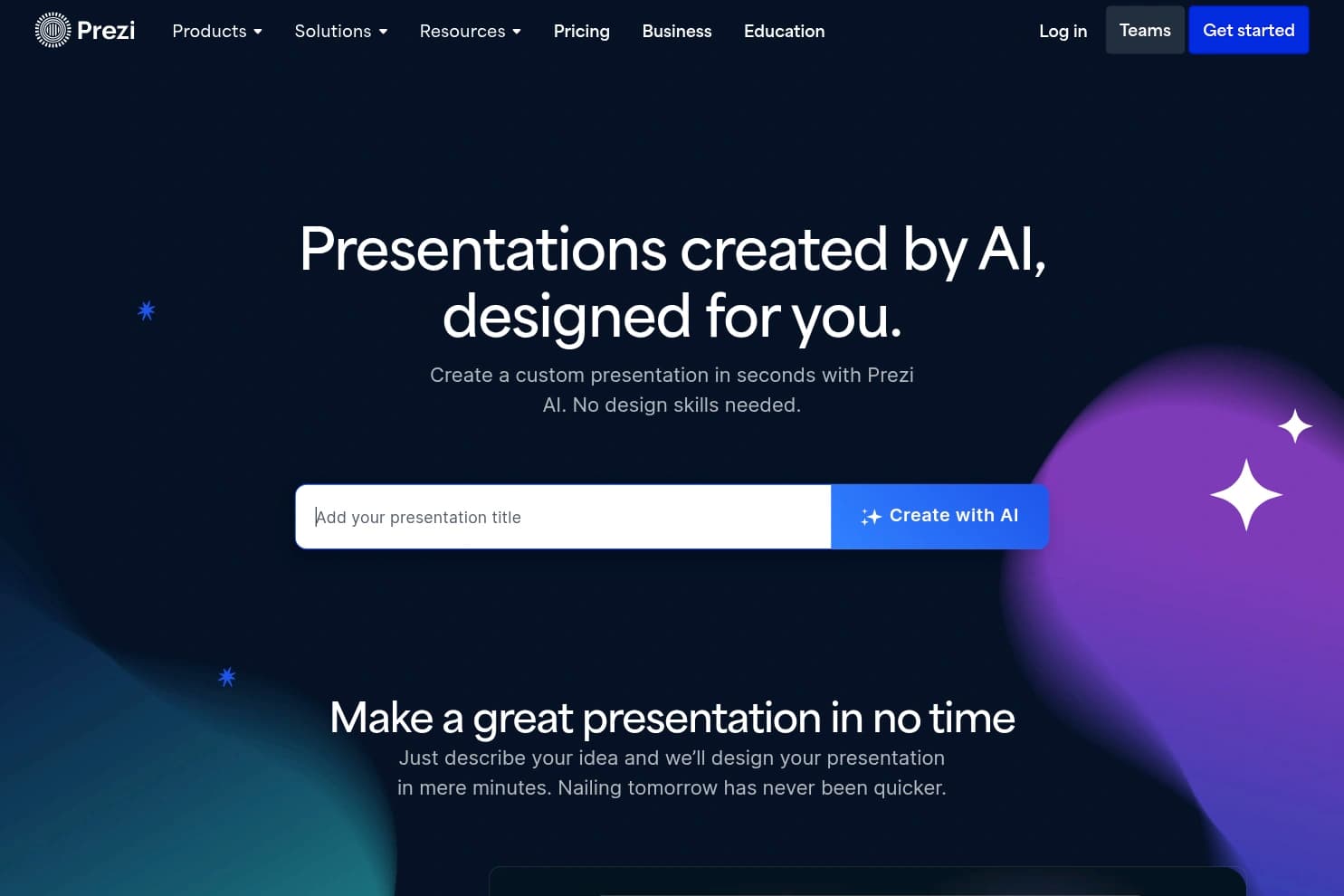
Prezi is for people who hate bullet-point decks. Instead of linear slides, you get a zooming canvas. Prezi AI can generate a motion deck from a prompt or from PPTX / PDF / DOCX in seconds, then you refine with chat.
There's also Prezi Video for presenting over Zoom/Teams, Rooms with polls/quizzes, brand-from-URL, and a newer AI agent surface called Swoop. Great for pitches and teaching. Less great if your client demands a clean PowerPoint handoff.
Pros: Memorable storytelling, fast AI gen, video/present tools, free plan exists.
Cons: Learning curve. PPTX/PDF flatten the motion. Unlimited AI starts at Plus, not Standard.
Pricing: Free Basic (500 AI credits). Standard $7/mo. Plus $19/mo (unlimited AI). Premium $29/mo. Teams from $39/user/mo. Prices above are annual.
Try Prezi4. Beautiful.ai
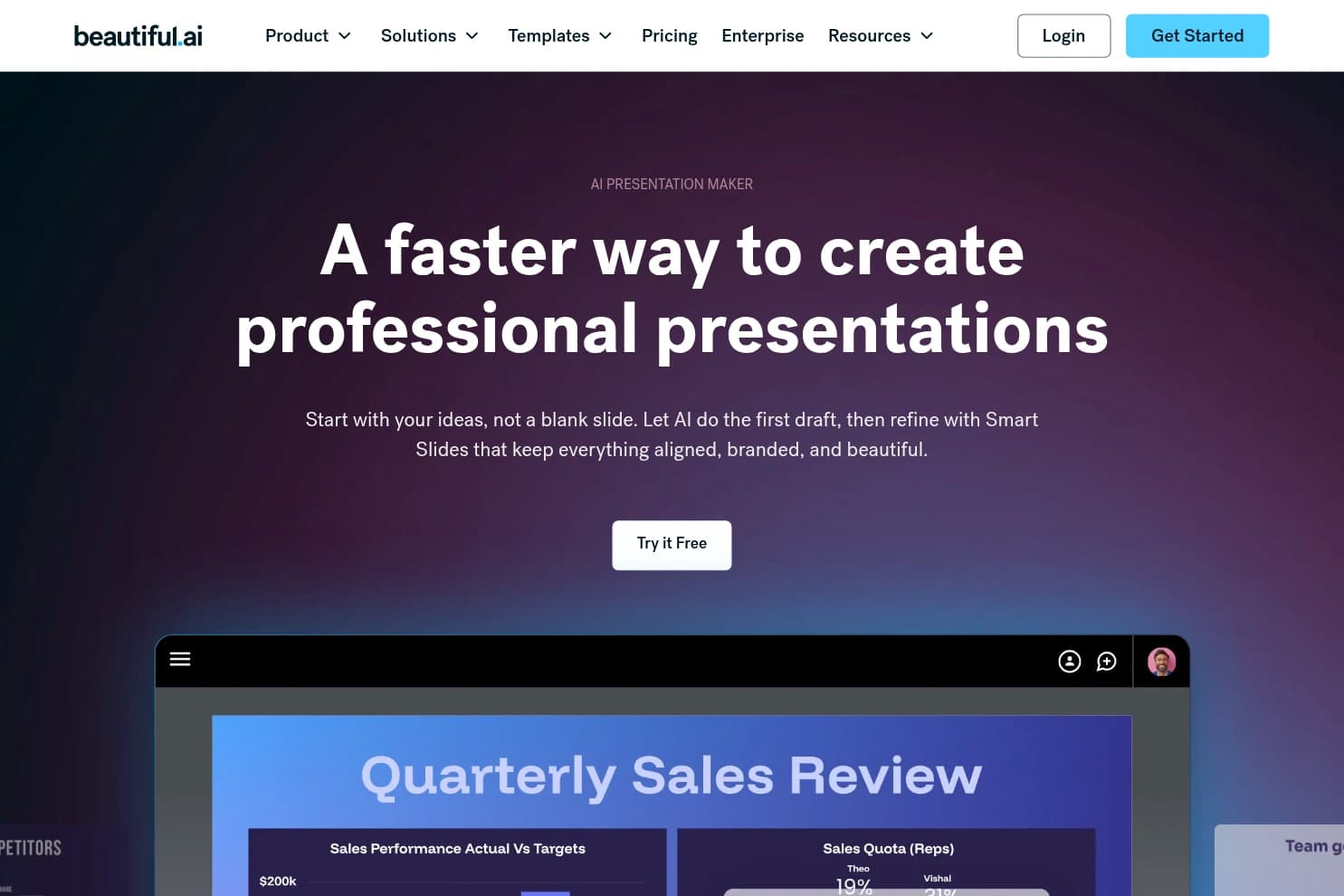
Beautiful.ai is the polish pick. Smart Slides keep layouts aligned while you edit. The 2026 Create with AI workflow is outline-first: prompt or paste a doc, pick a theme, generate, then regenerate slide by slide.
Brand Kit locks colors, fonts, and logos. Collaboration, analytics, and editable PPTX export are solid for sales and consulting decks. No forever-free plan. Team pricing jumps hard.
Pros: Smart layouts, strong brand control, outline-first AI, editable PPTX.
Cons: No free forever tier (14-day trial needs a card). Team seats are expensive. Less freeform than Canva.
Pricing: Pro $12/mo annual (or $45/mo monthly). Team $40/user/mo annual. Education gets 1 year free with a valid .edu.
5. Canva
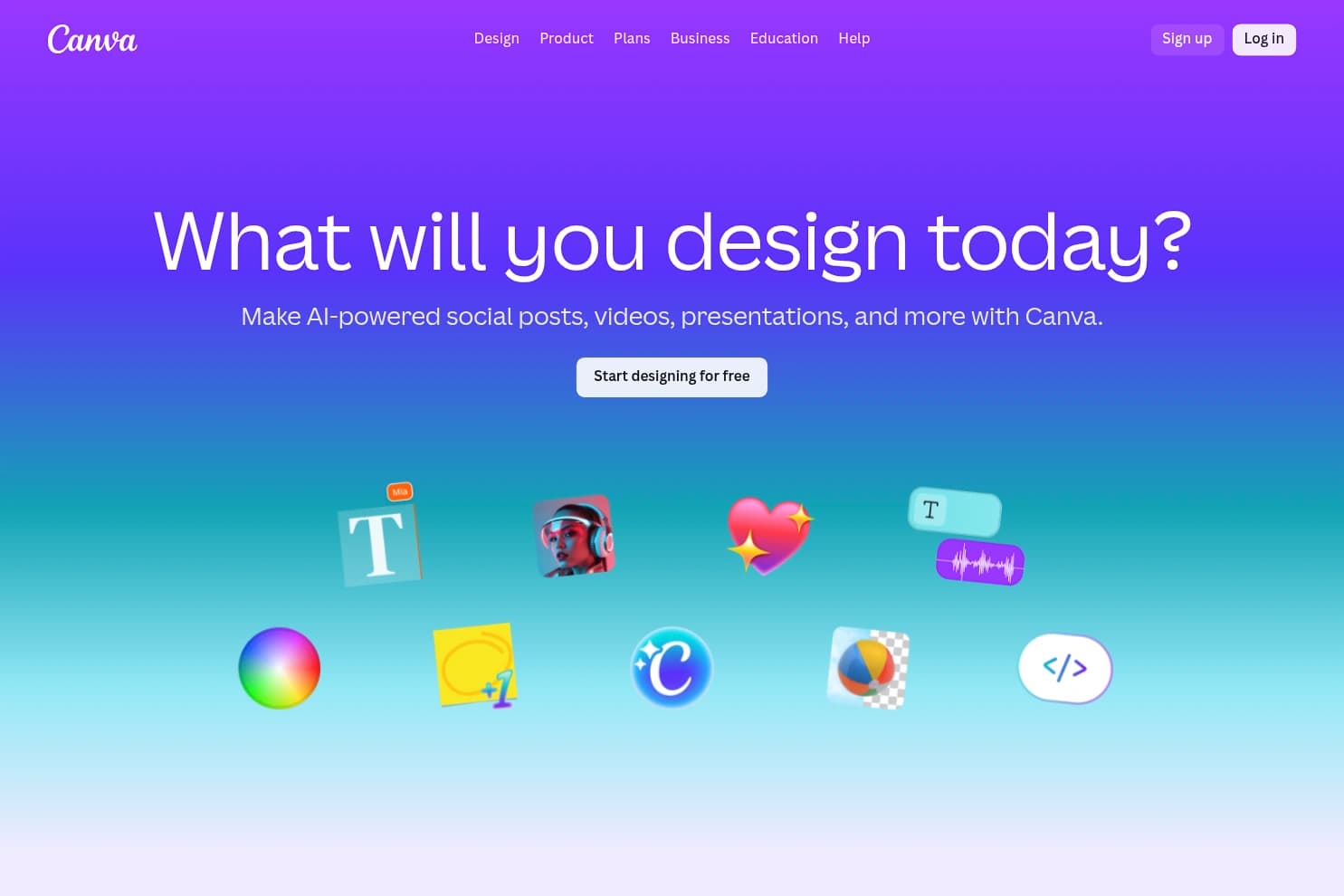
Canva is the best choice if your team already designs in Canva. Magic Design / Canva AI turns a prompt (or attached docs) into a deck you finish with Brand Kit, Magic Write, and the rest of Magic Studio.
Exports cover PPTX, PDF, and native Canva links. AI usage shares a monthly allowance across the suite, so heavy Ultra/AI 2.0 use burns quota fast. PPTX export often needs cleanup.
Pros: Huge template library, brand kit, one ecosystem for slides + social + video.
Cons: Shared AI credits. Free tier is limited. PPTX fidelity is mixed.
Pricing: Free with limited AI. Pro $144/year. Business $250/person/year. Presentation gen counts as Premium AI usage.
Try Canva AI Presentations6. Slidesgo
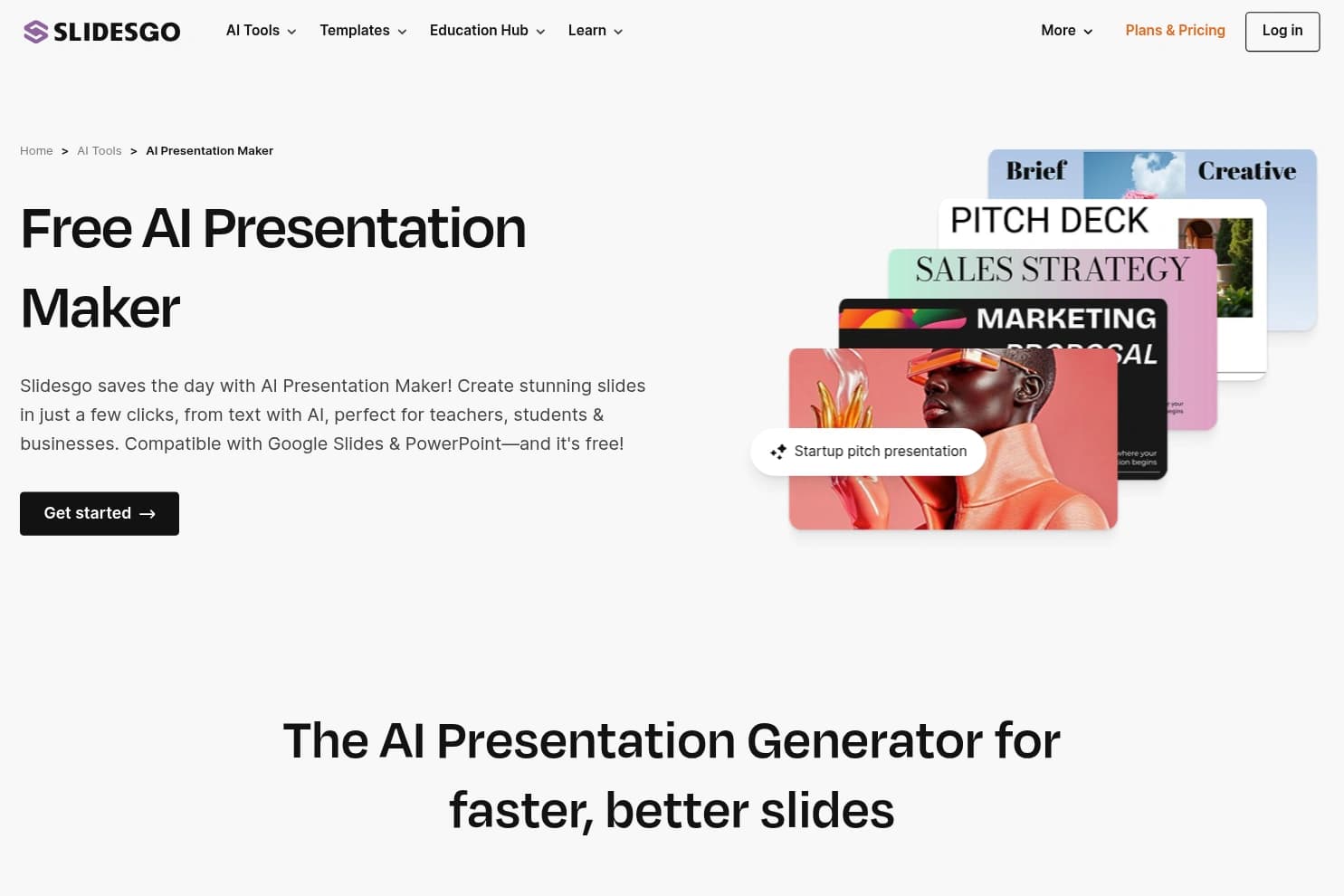
Slidesgo is the budget / education pick. Prompt or upload a DOCX/PDF/TXT, choose tone and image style, and get a themed deck you open in PowerPoint, Google Slides, or Figma.
It's template-driven, not a full slide OS. Free gets 3 AI presentations/month plus attribution. Premium is cheap and removes the watermark/attribution hassle. Teachers also get lesson-plan and quiz tools.
Pros: Cheap, pretty templates, real free tier, education extras.
Cons: AI content is templated. Free caps are low. Less brand control than Beautiful.ai / Canva Pro.
Pricing: Free (3 gens/mo). Premium $7.99/mo or $47.99/yr ($4/mo). "Unlimited" Premium is capped around 150/mo.
Try Slidesgo7. Plus AI
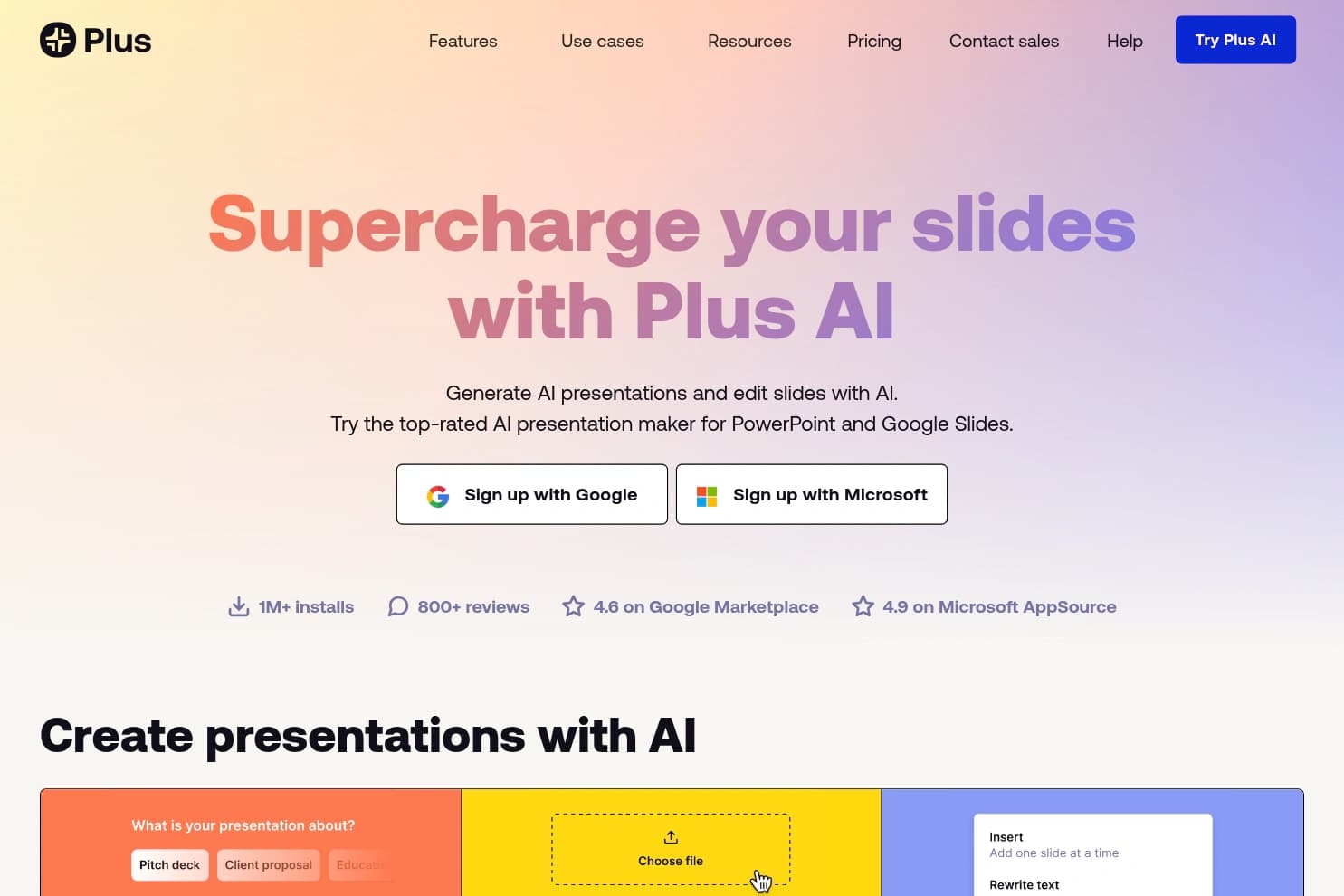
Plus AI lives inside Google Slides and Microsoft PowerPoint. Generate a deck, insert a slide, rewrite, or remix layouts without leaving the editor your team already uses.
One subscription covers both hosts. There's also doc upload, AI images/charts, branding on Team, plus API / Zapier / MCP for automation. No permanent free plan. Credit burn matters if you remix and generate images constantly.
Pros: Native Slides + PPTX fidelity, works where teams already edit, solid rewrite/remix.
Cons: Trial only (no forever free). Credits can vanish on heavy use. Org upgrade model can surprise teams.
Pricing: 7-day trial. Basic $10/mo annual. Pro $20/mo. Team $30/mo. Max $200/mo for unlimited credits.
Try Plus AI8. Simplified AI
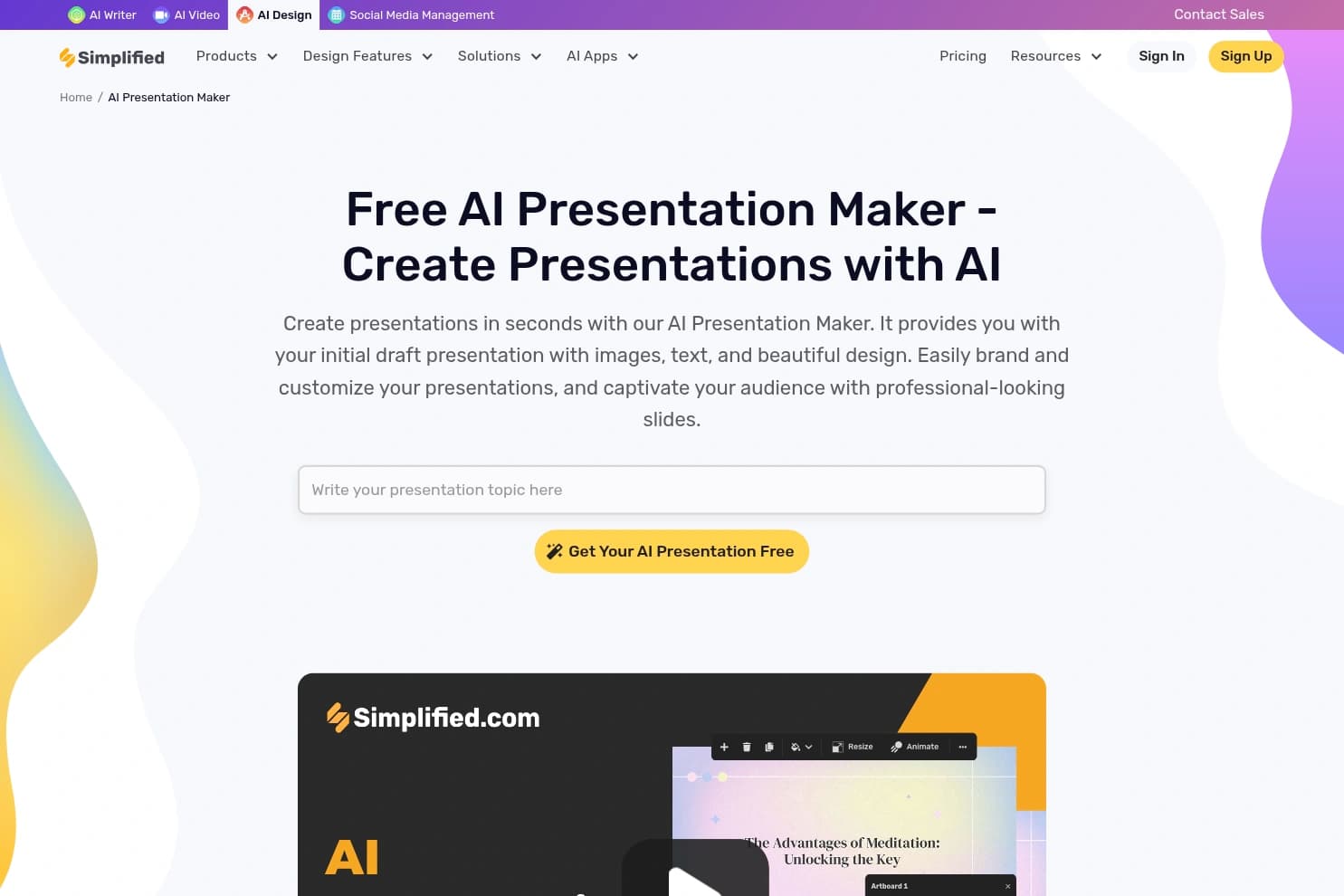
Simplified is a marketing suite first. Its Riley agent can turn a brief into a branded deck, carousel, or single-slide visual with Brand Kit applied.
Useful if you already publish social, video, and copy in Simplified. Weak if you need clean PowerPoint handoff — official exports lean PDF / HTML / PNG / ZIP, not PPTX.
Pros: Fast branded drafts, suite integration, chat iteration on slides.
Cons: No native PPTX listed. Template set is smaller. Credits span the whole suite.
Pricing: Free (limited, one-time credits). One ~$24/mo billed annually. Enterprise from $399/mo annual.
Try Simplified9. Visme
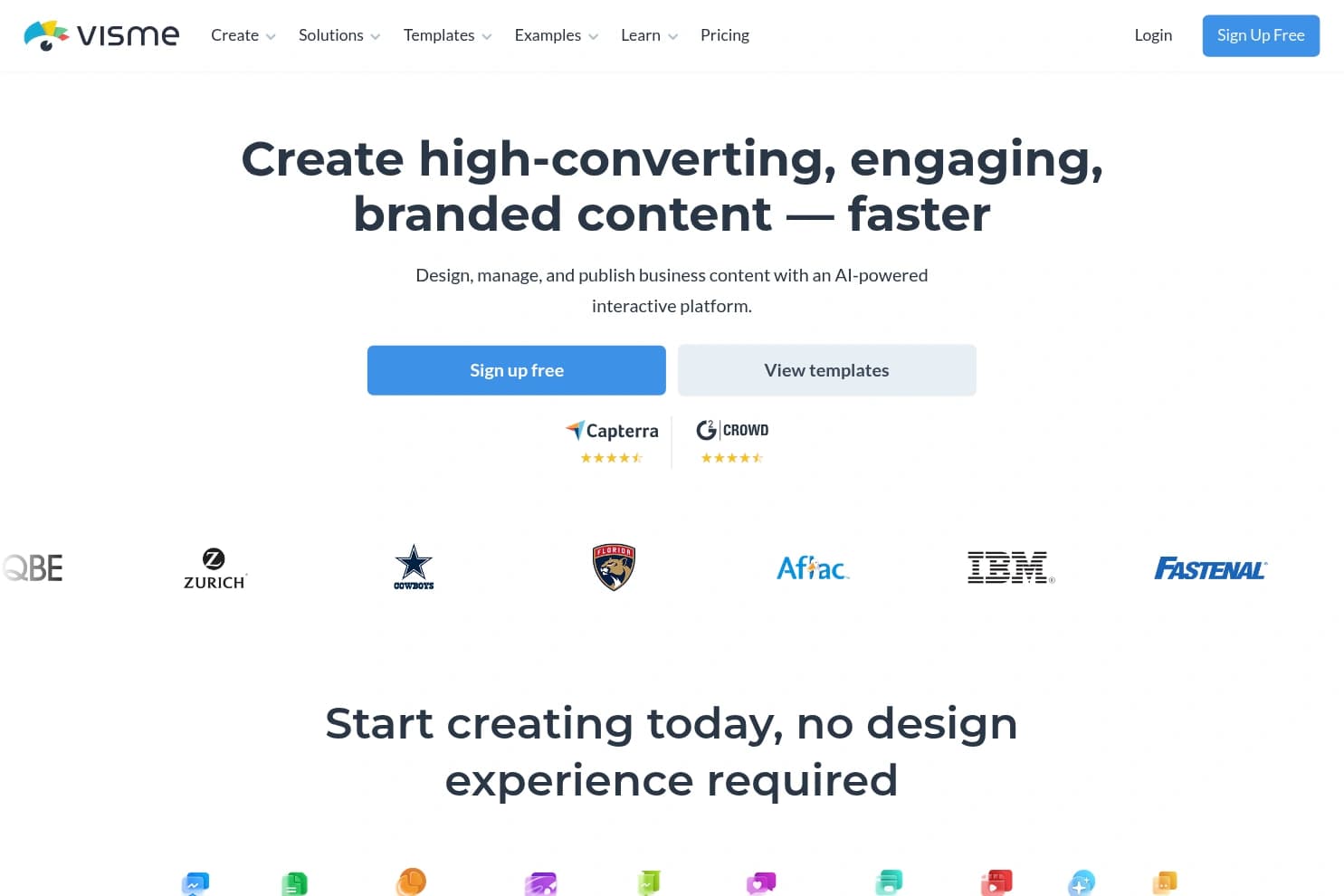
Visme is for teams that need presentations and infographics, reports, and other visuals in one place. AI Designer builds a draft from a prompt, file, or URL (capped around 10 pages per gen).
Brand Kit, interactivity, analytics, and Pro-tier PPTX/HTML5/video export are the draw. Free is basically a demo. PPTX is a Pro feature and can lose animations.
Pros: Broad visual toolkit, Brand Kit, Pro exports, collaboration.
Cons: Free tier is weak. AI page cap. Pro needed for serious PPTX delivery.
Pricing: Free Basic. Starter ~$12.25/mo annual. Pro ~$24.75/mo annual. Enterprise custom.
Try Visme10. Decktopus
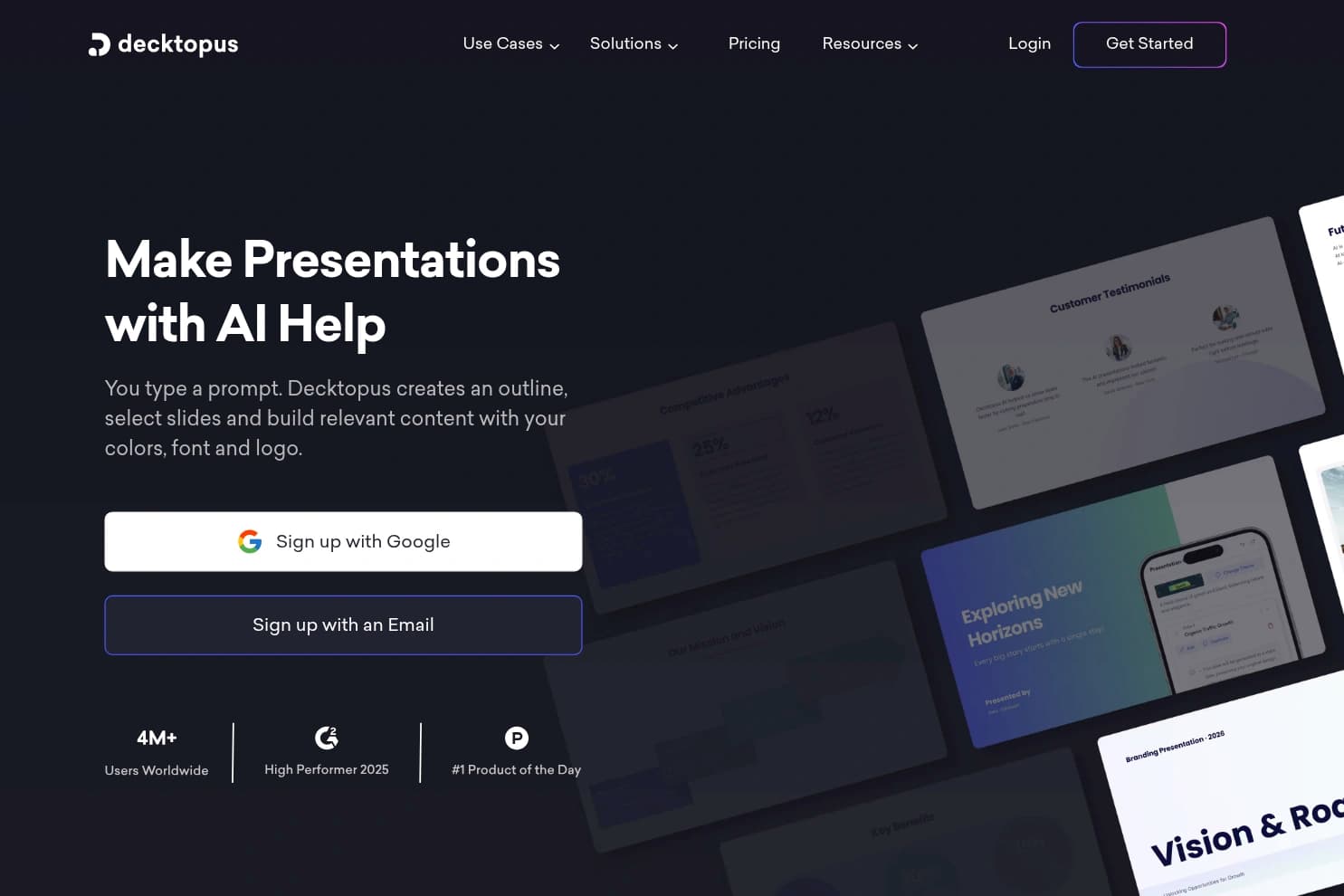
Decktopus locks you into designer-built layouts and fills content with AI. Share as an interactive web deck with forms, embeds, voice, and analytics. PDF → presentation is a useful path for sales teams.
Free can't export. Paid plans add PDF/PPTX, but fidelity is mixed and AI edits burn credits. Best when a live link + lead form beats a perfect PowerPoint master.
Pros: Fast template decks, interactive web share, forms/analytics on higher tiers.
Cons: Free has no export. Design freedom is limited. Credits + no-refund policy sting.
Pricing: Free (watermark, no export). Pro $9.99/mo billed annually, or $24.99 month to month.
Try Decktopus11. Gamma
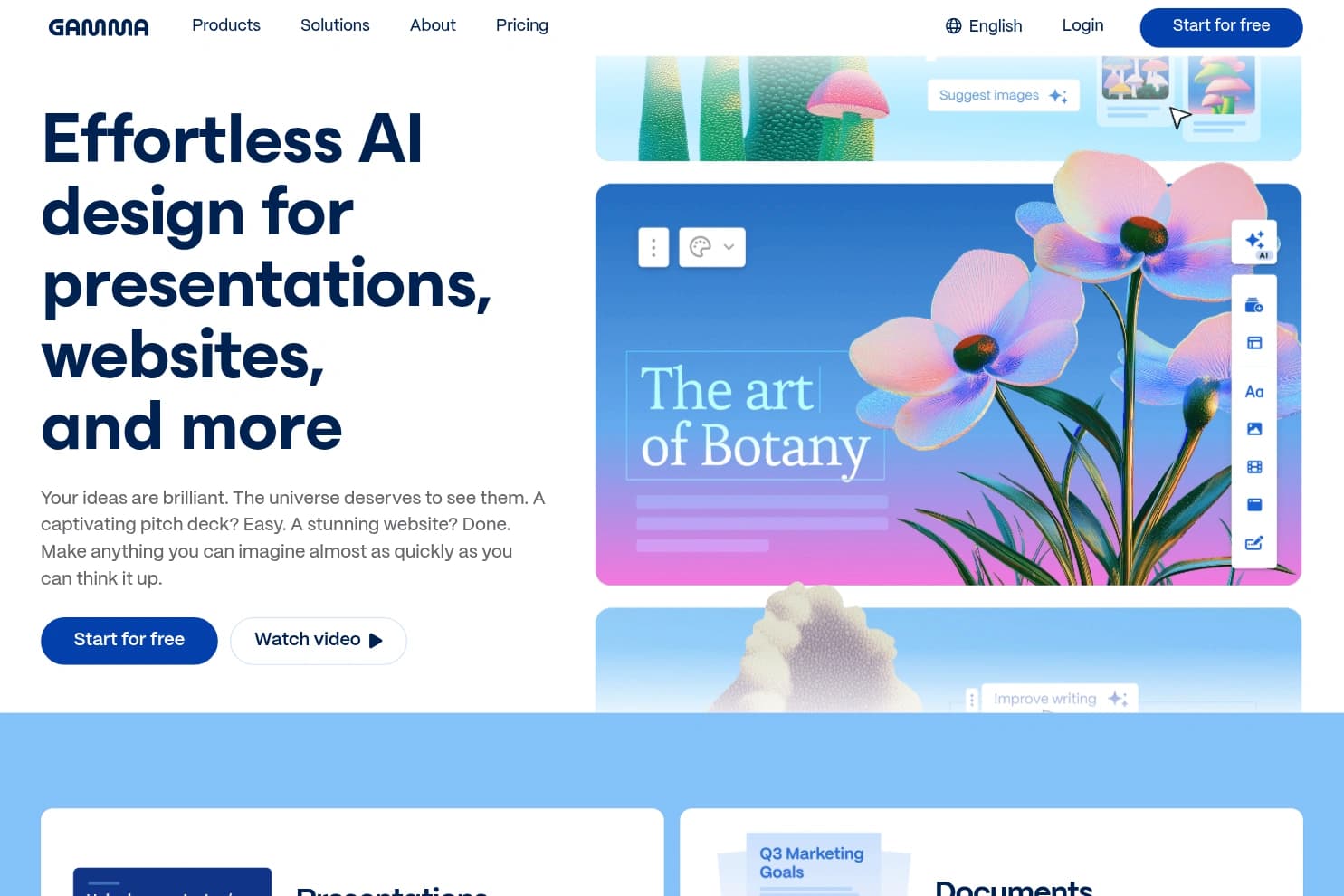
Gamma builds web-first cards, not classic fixed 16:9 slides. Same project can present as a deck, scrollable doc, or published page. Themes, Agent chat edits, analytics, and custom domains are the product.
Keep it for shareable web decks and interactive docs. Do not treat it as a PowerPoint replacement. PPTX/PDF export exists, but cards reformatting into slides often needs cleanup, and free credits do not refill.
Pros: Nice live web links, card layouts, Agent editing, themes.
Cons: Not a traditional slide tool. Free credits are one-time. Export fidelity is secondary. Heavy Agent/API use still meters paid plans.
Pricing: Free (400 one-time credits). Plus $9/seat/mo. Pro $18. Ultra $90. Annual discounts on most tiers.
Try GammaAI Presentation Maker Comparison
| Tool | Best for | Native export | Paid from | Free? |
|---|---|---|---|---|
| GenPPT | Fast researched PPTX | PowerPoint | $19/mo or $99/yr | $1 / 3-day trial |
| MagicSlides | YouTube/PDF → Slides | Google Slides, PPTX, PDF | $29/mo | Yes (watermarked) |
| Prezi | Storytelling keynotes | PDF, PPTX (flattened), link | $7/mo annual | Yes (credit-capped) |
| Beautiful.ai | On-brand business decks | PPTX, PDF, link | $12/mo annual | 14-day trial |
| Canva | Design ecosystem | PPTX, PDF, Canva link | $144/yr Pro | Yes (limited AI) |
| Slidesgo | Cheap templates | PPTX / Google Slides | $7.99/mo | Yes (3 gens/mo) |
| Plus AI | Stay in Slides/PPT | Native Slides + PPTX | $10/mo annual | 7-day trial |
| Simplified | Marketing suite decks | PDF/HTML/PNG | ~$24/mo annual | Limited |
| Visme | Presentations + visuals | PPTX on Pro+ | ~$12/mo annual | Weak free |
| Decktopus | Interactive web decks | PDF/PPTX on paid | $9.99/mo annual | No export |
| Gamma | Web cards / live links | PDF, PPTX, web | $9/seat/mo | One-time credits |
How to Choose
- Need a PowerPoint file tonight: GenPPT
- Have a PDF, YouTube, or URL already: MagicSlides
- Pitching on stage and want wow: Prezi
- Sales deck must match brand: Beautiful.ai
- Team already lives in Canva: Canva
- Student / teacher on a budget: Slidesgo
- Can't leave Google Slides or PowerPoint: Plus AI
- Want a live web link more than a slide file: Gamma or Decktopus
FAQ
What is the best free AI presentation maker?
Slidesgo and Canva both give usable free AI generations. MagicSlides has a free watermarked tier. GenPPT is a cheap trial, not forever-free.
Can AI make a full PowerPoint presentation?
Yes. GenPPT, Beautiful.ai, MagicSlides, Plus AI, Prezi, and Decktopus can get you to PPTX. Quality of the export varies — GenPPT and Plus AI are the cleanest for editable PowerPoint workflows.
Do AI presentation makers work with Google Slides?
MagicSlides, Slidesgo, and Plus AI are the strongest Google Slides options. Others usually go through PPTX upload.
Are AI presentation makers safe?
Stick to known platforms, check privacy policies, and don't paste secrets into prompts. Same rule as any cloud AI tool.
Will AI replace presentation design?
It replaces blank-page dread. You still own the story, the numbers, and the final pass before you present.
Bottom line
GenPPT is the best AI presentation maker in 2026 if you care about a fast, researched, editable PowerPoint. MagicSlides wins when you're repurposing existing content into Google Slides. Beautiful.ai and Prezi win on polish and stage presence.
Skip the "best overall" hype for web-card tools if your real deliverable is a .pptx. Pick the export format first. Then pick the AI.