
Chrome extension
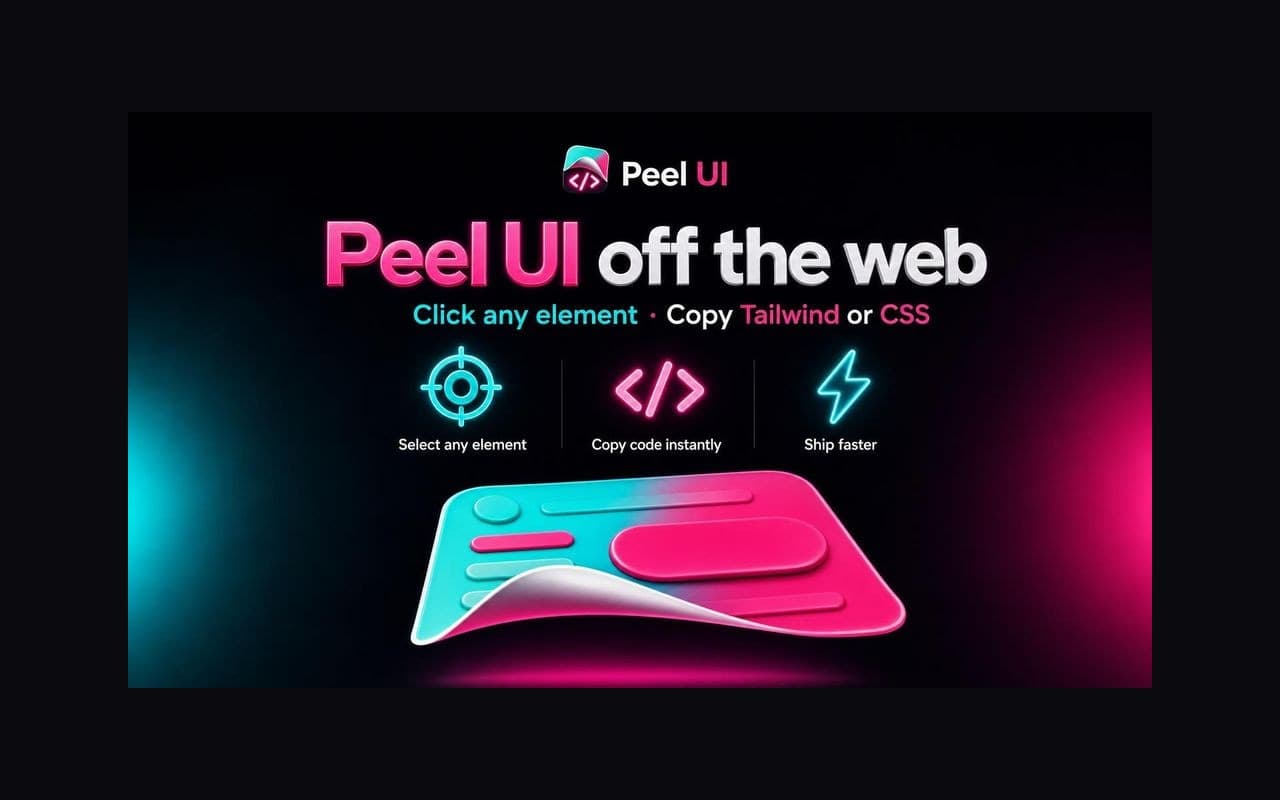
Peel any UI off the web
Point at any button, card, nav bar, or layout on a live site. Peel captures computed styles and copies Prompt (semantic tokens + code for AI), Tailwind v4, JSX, or plain CSS to your clipboard.
The problem
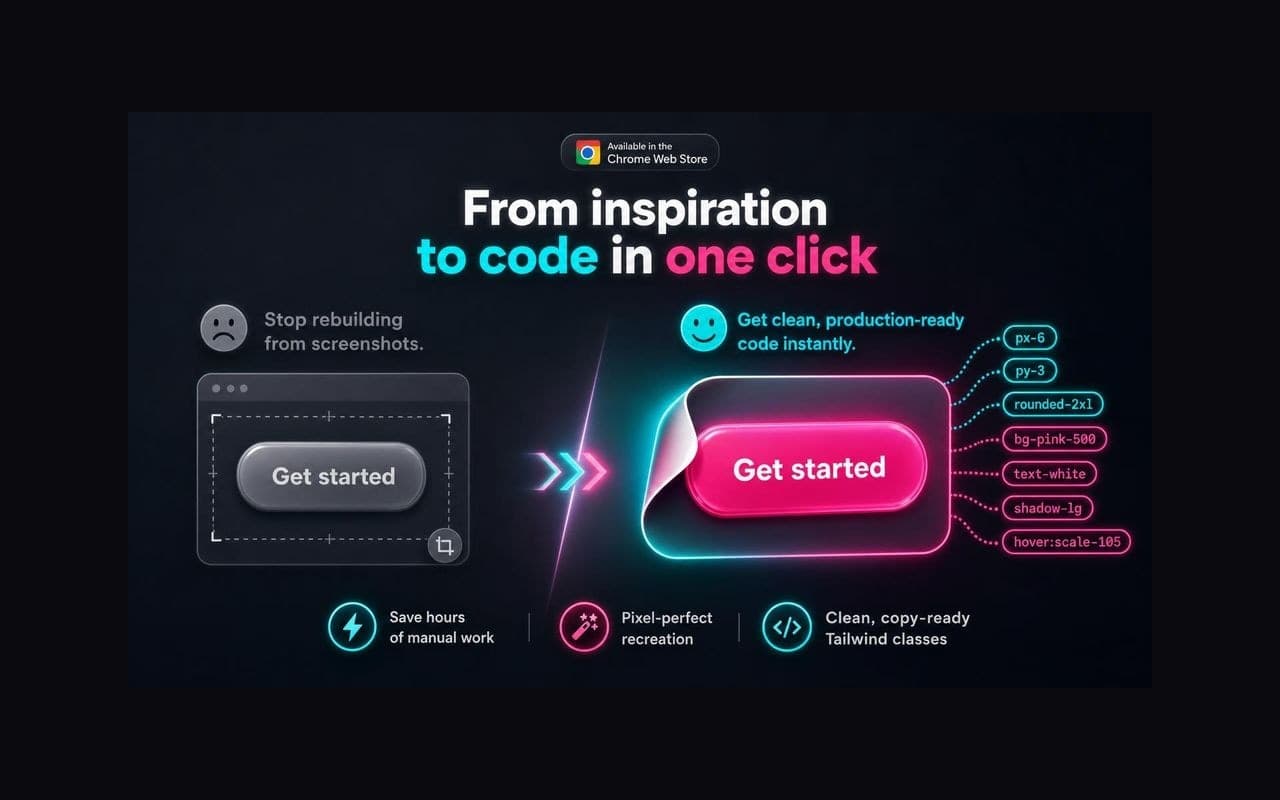
You see a component you love. You open DevTools. You click through computed styles, copy hex codes, guess at spacing, rebuild from a screenshot. Twenty minutes later you have a rough approximation, not the real thing.
Peel UI skips that loop. Hover the element, click, paste. Production-ready output.
How it works
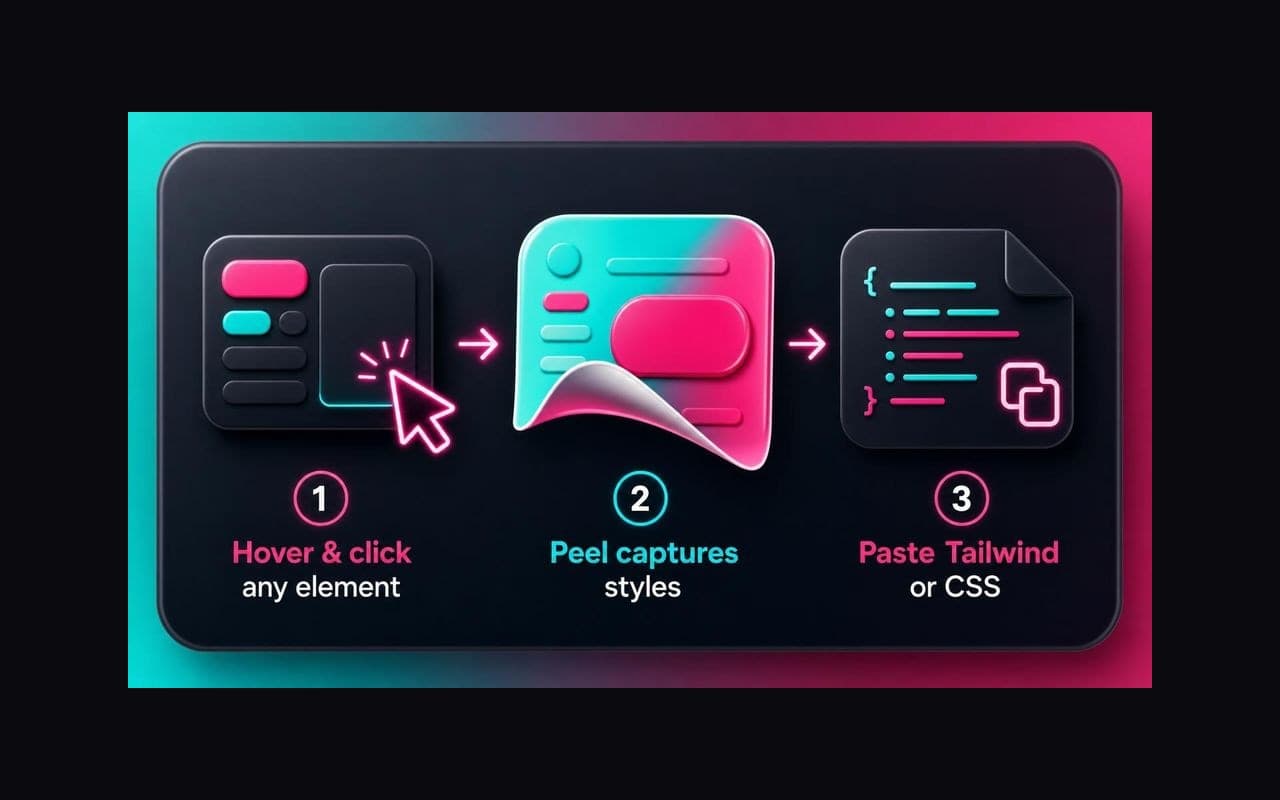
- Turn on the picker — click the Peel icon or press Alt+Shift+P (⌘+Shift+P on Mac).
- Hover and click any element. A live cyan outline shows exactly what you will capture.
- Copy instantly — Prompt markdown for AI, Tailwind
classNamestrings, JSX markup, or inline CSS.
Navigate nested DOM with ↑ (parent) and ↓ (first child). Esc exits picker mode. Enter copies the current selection.
What you get
Prompt export (default)
AI-ready markdown: semantic token bindings, source classes, a curated @theme excerpt, element tree, and Tailwind / JSX / CSS drafts in one paste.
Tailwind v4, mapped for you
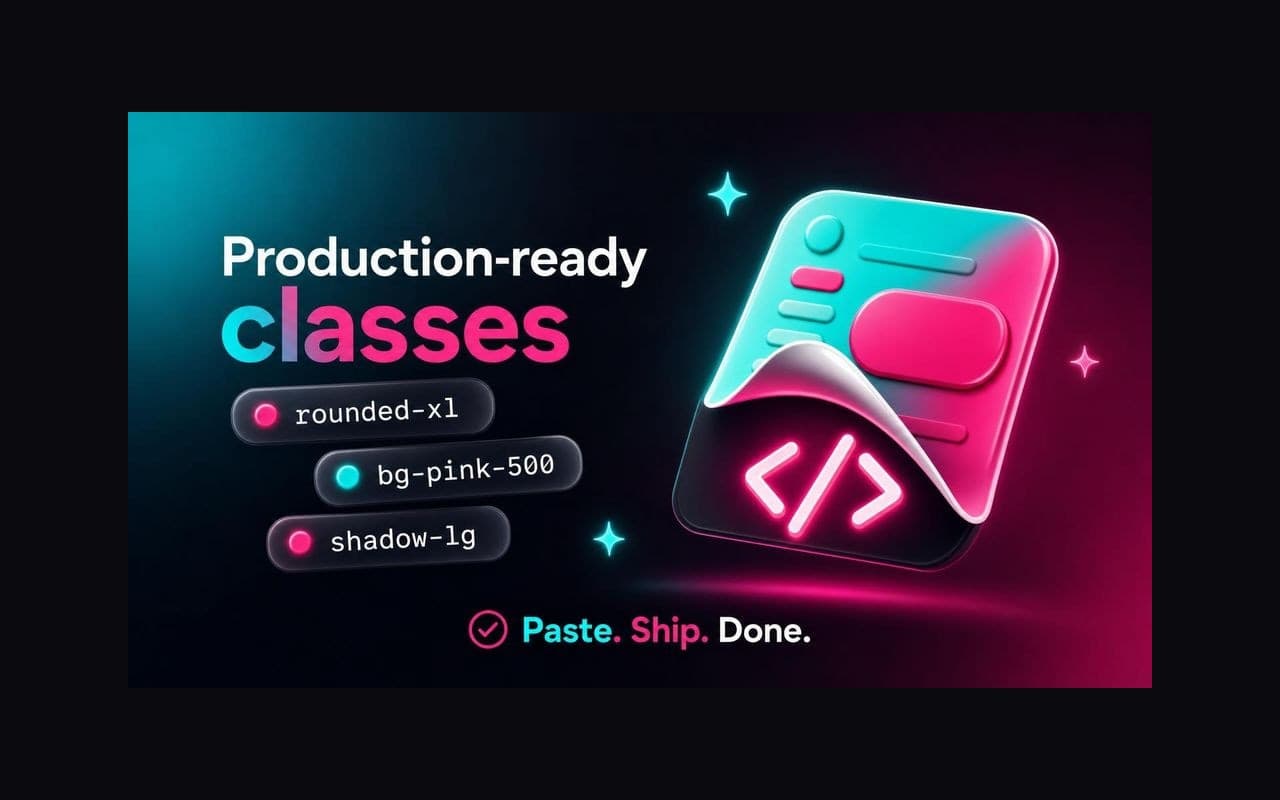
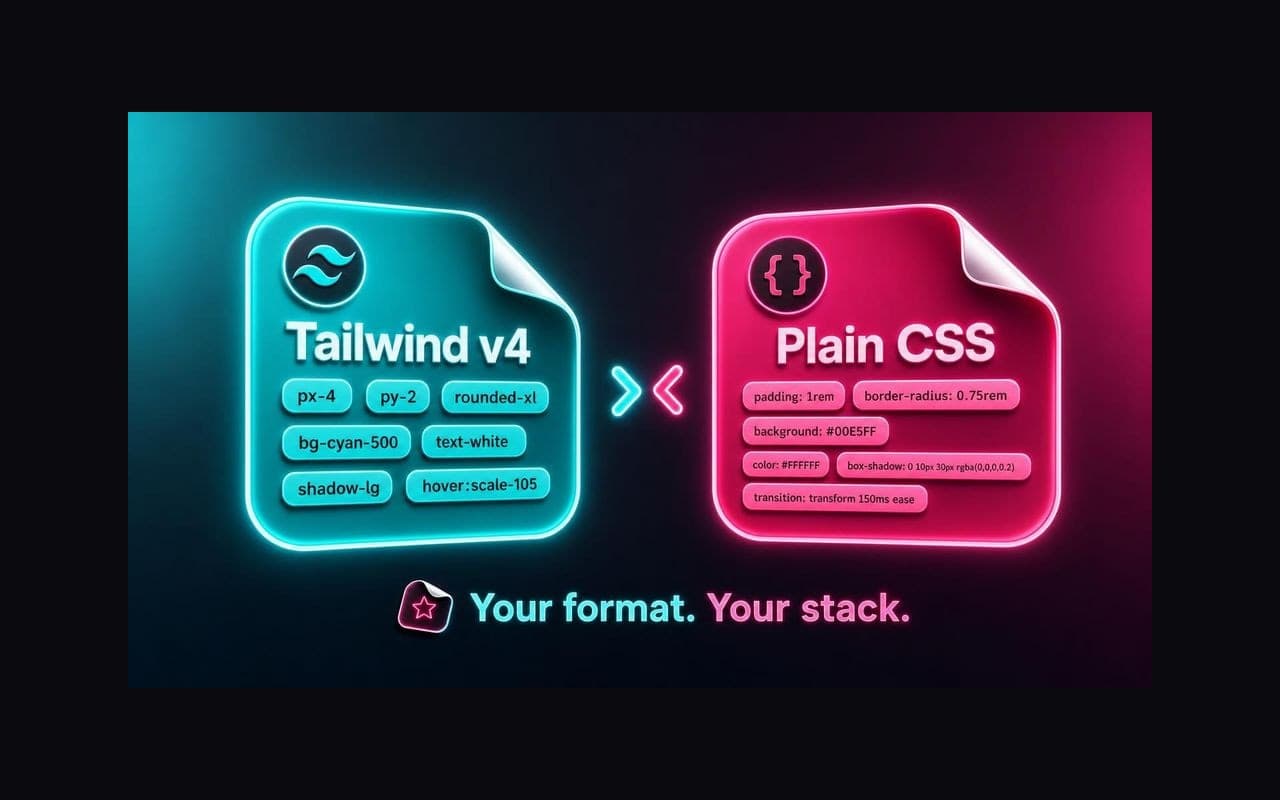
Peel reads computed CSS and maps it against bundled Tailwind v4 defaults. Values on the scale become clean utilities (p-4, text-neutral-500). Off-scale values become arbitrary classes (w-[15px]).
Export formats
| Format | Output |
|---|---|
| Prompt | Markdown bundle with tokens, tree, and code drafts |
| Tailwind | Utility classes per element |
| JSX | Same classes as className, clean markup |
| Plain CSS | Computed inline styles plus CSS block |
Local library
Every peel auto-saves with screenshot, colors, and searchable metadata. Prompt saves open to the prompt text.
Smart DOM cleanup
Exports strip broken aria-* refs, empty wrappers, and aspect-ratio spacers. Inline SVGs become size-tagged placeholders.
Zip bundle for assets
When your selection includes icons or images, hold Shift while copying to download SVGs, images, and JSX icon components in peel-ui-export-YYYYMMDD-HHMM.zip.
Brand
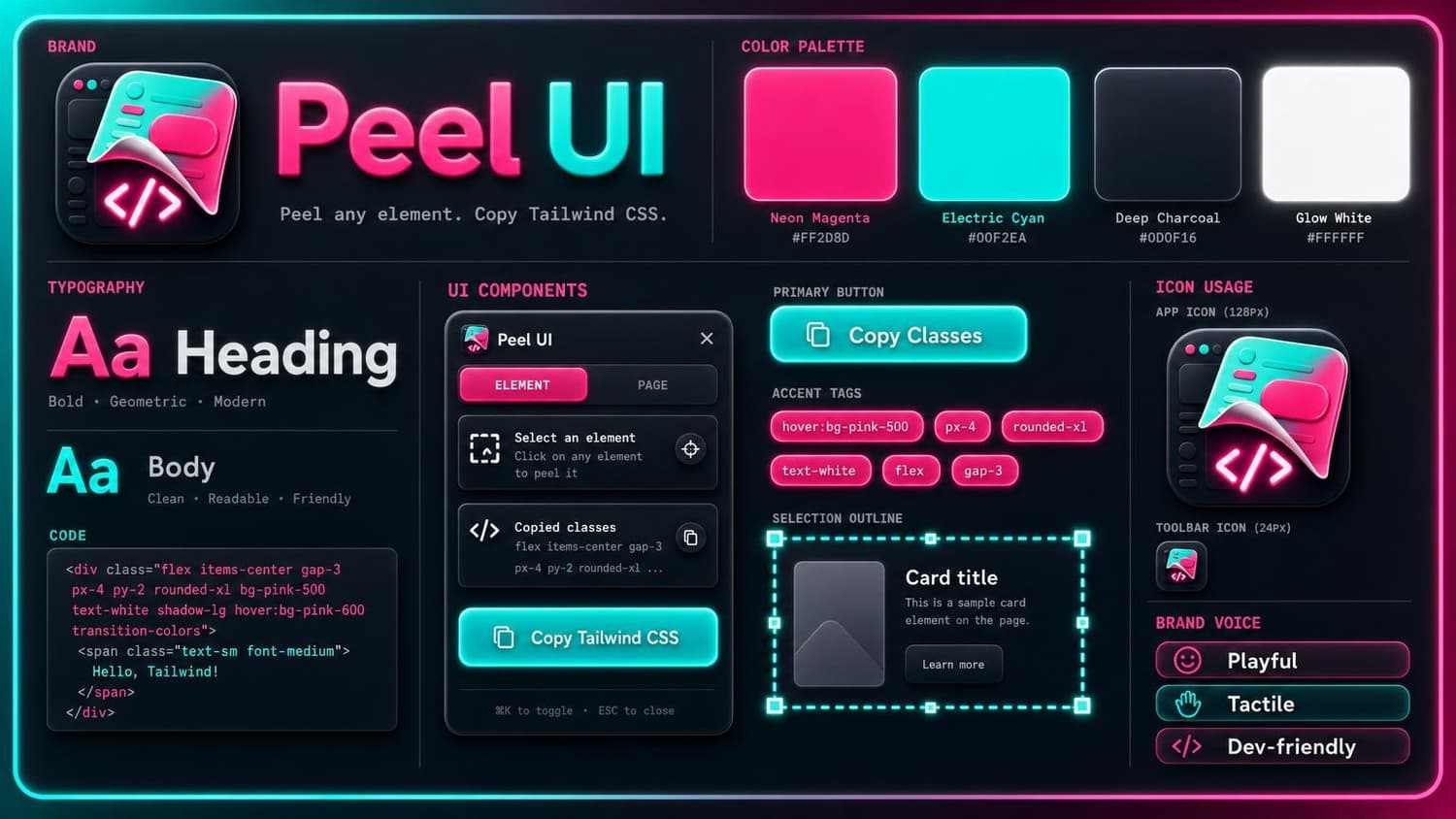
Neon magenta, electric cyan, sticker-peel metaphor — built to read at toolbar size and on store tiles.
Keyboard shortcuts
| Action | Windows / Linux | Mac |
|---|---|---|
| Toggle picker | Alt+Shift+P | ⌘+Shift+P |
| Copy selection | Enter | Enter |
| Zip + copy | Shift + click / Enter | Shift + click / Enter |
| HTML + peel | ⌘ + click / Enter | ⌘ + click / Enter |
| Move to parent | ↑ | ↑ |
| Move to first child | ↓ | ↓ |
| Exit picker | Esc | Esc |
Who it's for
Frontend devs, design engineers, and anyone prototyping in Tailwind or AI-assisted workflows who sees a component in the wild and thinks I want that.
Install
Peel UI is free.
- Install from the Chrome Web Store.
- Pin the extension to your toolbar.
- Open any normal web page (not
chrome://or the Web Store). - Click Peel UI, turn on the picker, hover and click.
Peel runs only when you activate it. Nothing is sent to a server.
Requirements: Chrome 116 or later.
Install Peel UI on Chrome →Support
Something isn't working
- Picker won't start — restricted pages (
chrome://, Web Store,file://) are blocked. Use a normal https site. - Wrong element — use ↑ and ↓ before copying.
- Classes look off — Tailwind/CSS use v4 defaults. Prompt adds semantic bindings from the source page.
- Zip didn't download — Shift+copy needs SVGs or images in the selection.
Contact
FAQ
- Is Peel UI free?
- Yes. Install and use it at no cost.
- What is Prompt export?
- A markdown bundle for AI: semantic tokens, source classes, theme excerpt, element tree, and Tailwind / JSX / CSS drafts. Default in v1.1.0.
- Does Peel read my project's Tailwind config?
- Tailwind and CSS exports use bundled v4 defaults. Prompt also reads @theme CSS from the page you peel.
- Does Peel send my data anywhere?
- No. Exports are generated locally. Library saves and stats stay on your device.
- Can I use exports commercially?
- You're responsible for respecting the original site's terms and licenses.
- Why arbitrary classes like text-[15px]?
- Peel preserves exact pixel values when no default token matches.
- Does Peel work on iframes?
- Cross-origin iframe content is not accessible due to browser security.
- Tailwind vs CSS vs Prompt?
- Prompt is the superset for AI. Tailwind gives utilities only. CSS gives computed styles plus a stylesheet block.
Privacy
Peel UI runs on your machine. It does not collect browsing history.
What Peel accesses
When you activate the picker, Peel injects scripts into the active tab to read DOM and computed CSS. Shift+copy may fetch image URLs from the page for zip bundles. Peel does not transmit exports to external servers.
Permissions
| Permission | Why |
|---|---|
| activeTab | Access the tab where you activate Peel |
| scripting | Inject the picker when you turn it on |
| contextMenus | Peel this element right-click action |
| storage | Save preferences and local stats |
| downloads | Save zip bundles on Shift+copy |
| offscreen | Build zip archives in a background document |
Privacy questions: me@il.ly. Last updated August 2026.

Peel UI
Copy UI as Prompt, Tailwind, or CSS. Playful, tactile, dev-friendly.
Install Peel UI on Chrome →