


- Best overall: Wix Harmony. AI agent plus full drag-and-drop editing, on every Wix plan including free.
- Best for startup landing pages: Framer. Design-grade output, from $10/mo.
- Cheapest: Hostinger. From $2.99/mo on a long term.
- Best for online stores: Shopify or Wix eCommerce.
- Fastest to a live site: Durable. A basic site in under a minute, with a CRM built in.
Every website builder now has an "AI" button. Most of them generate a pretty homepage in 30 seconds and then leave you stuck: generic copy, layouts you cannot really change, and a paywall the moment you want your own domain.
The good ones work differently. You describe your business, the AI drafts real pages, and then you keep full control to edit every section by hand. That second part decides whether the site survives past launch day.
I compared seven builders on what they produce from one prompt, how far you can edit afterward, SEO controls, and the real cost once AI credits and a store are involved.
The top four. Tap one to jump to its review:
How AI website builders work
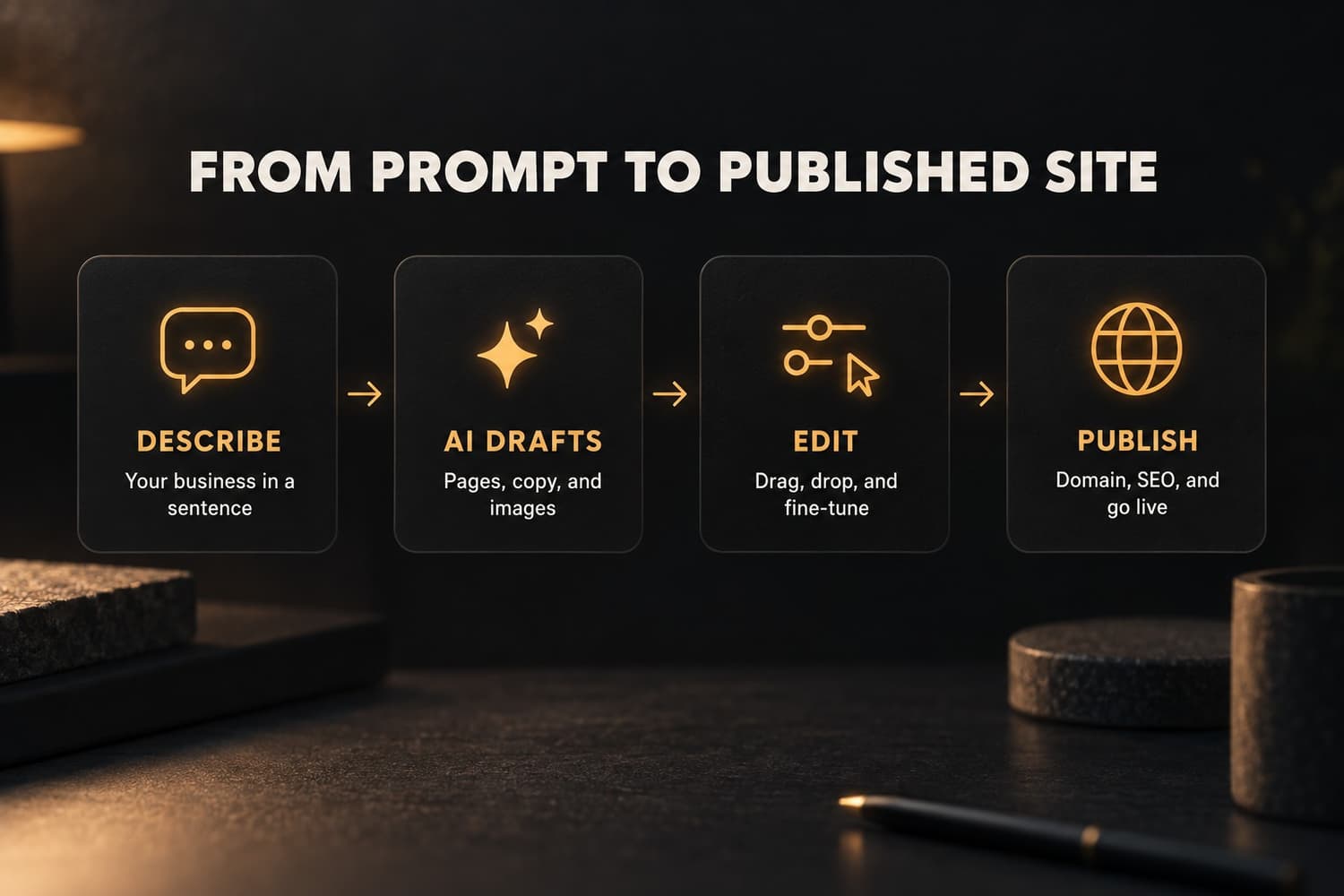
Every tool on this list follows the same four steps. You describe your business in a sentence or two. The AI drafts pages, copy, and images. You edit what it got wrong. Then you connect a domain and publish.
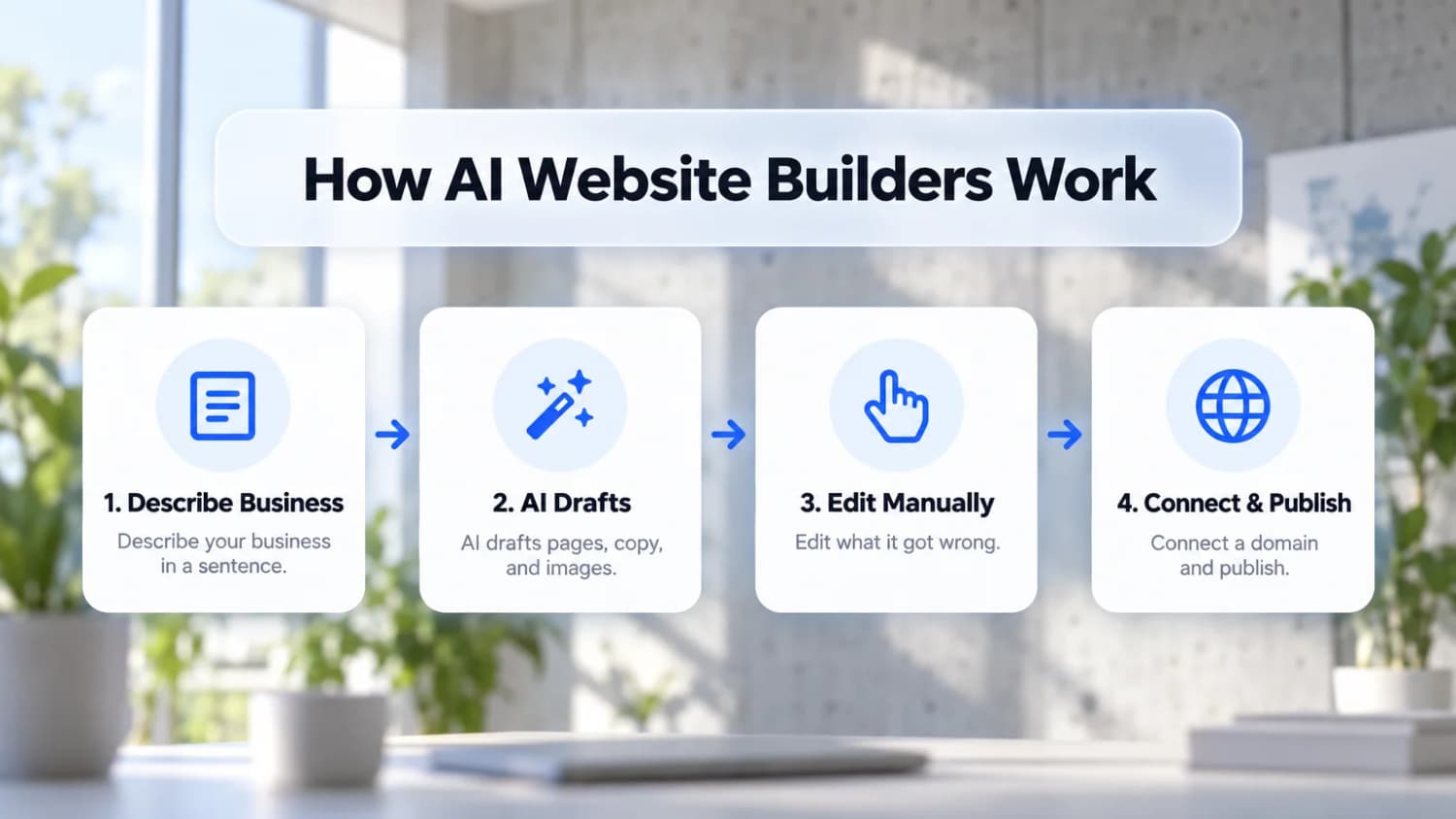
The differences are in steps two and three. Some builders generate a full multi-page site; others give you a single landing page. Some let you edit anything by hand; others only let you re-prompt and hope. Before you pick one, check how you would change a single button or section, because you will do that far more often than you will generate a new site.
1. Wix Harmony
Wix Harmony is the AI builder Wix launched in January 2026, and it is the best mix of AI speed and manual control on this list. You describe what you want to Aria, Wix's AI agent, and it builds or edits pages: a new section, a color palette change, a full page redesign, or adding a store. Then you switch to drag-and-drop and adjust anything by hand.
That hybrid is the point. Pure AI builders are fast but fight you on details; classic editors give you control but start from a blank page. Harmony does both, on top of Wix's business features: checkout, bookings, courses, and a full set of SEO controls for titles, meta descriptions, slugs, heading tags, alt text, and redirects.
Pricing
Harmony is included on every Wix plan, including the free plan. Paid plans, billed annually: Light $17/mo, Core $29/mo (needed to sell online), Business $39/mo, and Business Elite $159/mo. AI actions use monthly credits, with more credits on higher plans. All paid plans include a free domain for the first year and a 14-day money-back guarantee.
Know before you start
Harmony does not have a full CMS yet (it is on Wix's roadmap), some older Wix apps are not compatible, and existing Wix Editor sites cannot be migrated into it. If you already run a Wix site or need structured content today, the classic Wix Editor is still available with its own AI site generator.
Build your site with Wix Harmony2. Framer
Framer is the builder designers and startups use for landing pages that look custom. Its AI generates a full page from a prompt, and the editor works like a design tool, with real control over layout, animation, and responsive breakpoints.
It is less of a business platform than Wix: no bookings, and selling usually means embedding a third-party checkout. For a SaaS homepage, a portfolio, or a launch page, it produces the most polished result here.
- Best for: startups, designers, and product launch pages
- Pricing: free plan on a Framer subdomain. Basic $10/mo (30 pages) and Pro $30/mo, billed annually. Each published site needs its own plan.
3. Hostinger Website Builder
Hostinger Website Builder is the cheapest way to get an AI-built site with hosting included. The AI generates a multi-page site from a short description, and the editor is simple drag-and-drop.
The low price needs a long commitment and renews higher, so read the terms before you pay.
- Best for: small budgets and simple business sites
- Pricing: from $2.99/mo on a 48-month term (renews at $10.99/mo), and $3.99/mo for the Business plan with a store and no transaction fees. There is no free plan, but there is a 30-day money-back guarantee.
4. Squarespace
Squarespace still has the best-looking templates, and its AI site builder generates a site in that same polished style. It is the pick for portfolios, restaurants, and creative businesses where looks sell.
Editing is more constrained than Wix, which keeps sites looking good but limits custom layouts.
- Best for: portfolios and design-led small businesses
- Pricing: plans start around $16/mo billed annually. Squarespace renamed and repriced its plans in 2026, so confirm the price at checkout. 14-day free trial, no free plan.
5. Webflow
Webflow is the most powerful visual builder here, with a real CMS, clean code output, and fine control over every element. Its AI can generate pages and sections, but Webflow still rewards people who understand layout and CSS concepts.
- Best for: designers, agencies, and content-heavy marketing sites
- Pricing: free Starter plan. Basic $15/mo and Premium $25/mo (with CMS), billed annually, after Webflow's May 2026 pricing change.
6. Durable
Durable is the fastest route from nothing to a live site: answer a couple of questions and it generates a basic business site in under a minute. It bundles a CRM, invoicing, and AI marketing tools, which suits solo service businesses.
The sites are simple, and there is no online store.
- Best for: solo service businesses that need a site today
- Pricing: free plan with Durable branding. Launch $22/mo billed annually ($25 monthly) for a custom domain.
7. Shopify
Shopify is the standard for online stores, and its built-in AI writes product descriptions, generates store content, and helps with setup. If selling products is the core of your business, it has the deepest commerce features and app ecosystem.
- Best for: product stores that plan to scale
- Pricing: Basic from about $29/mo billed annually, plus payment processing fees.
Best AI website builder for an online store
For a dedicated store with many products, Shopify is the default. For a business that sells alongside bookings, services, or content, Wix eCommerce keeps everything on one site: products, checkout, and your regular pages, starting on the Core plan at $29/mo.
For developers who want Wix's commerce and booking backend with their own frontend, Wix Headless exposes those business features through APIs, so you can build the site in Next.js or any framework.
AI website builder comparison
| Builder | Best for | Free plan | Starting price | Online store | Full manual editing |
|---|---|---|---|---|---|
| Wix Harmony | Small businesses | Yes | $17/mo | Yes (Core, $29) | Yes |
| Framer | Startup landing pages | Yes | $10/mo | Via embeds | Yes |
| Hostinger | Lowest price | No (30-day refund) | $2.99/mo (48 mo) | Yes ($3.99) | Yes |
| Squarespace | Portfolios | No (14-day trial) | ~$16/mo | Yes | Limited |
| Webflow | Designers and CMS sites | Yes | $15/mo | Yes (Store plans) | Yes |
| Durable | Fastest launch | Yes | $22/mo | No | Limited |
| Shopify | Product stores | No | ~$29/mo | Yes | Theme-based |
How to choose an AI website builder
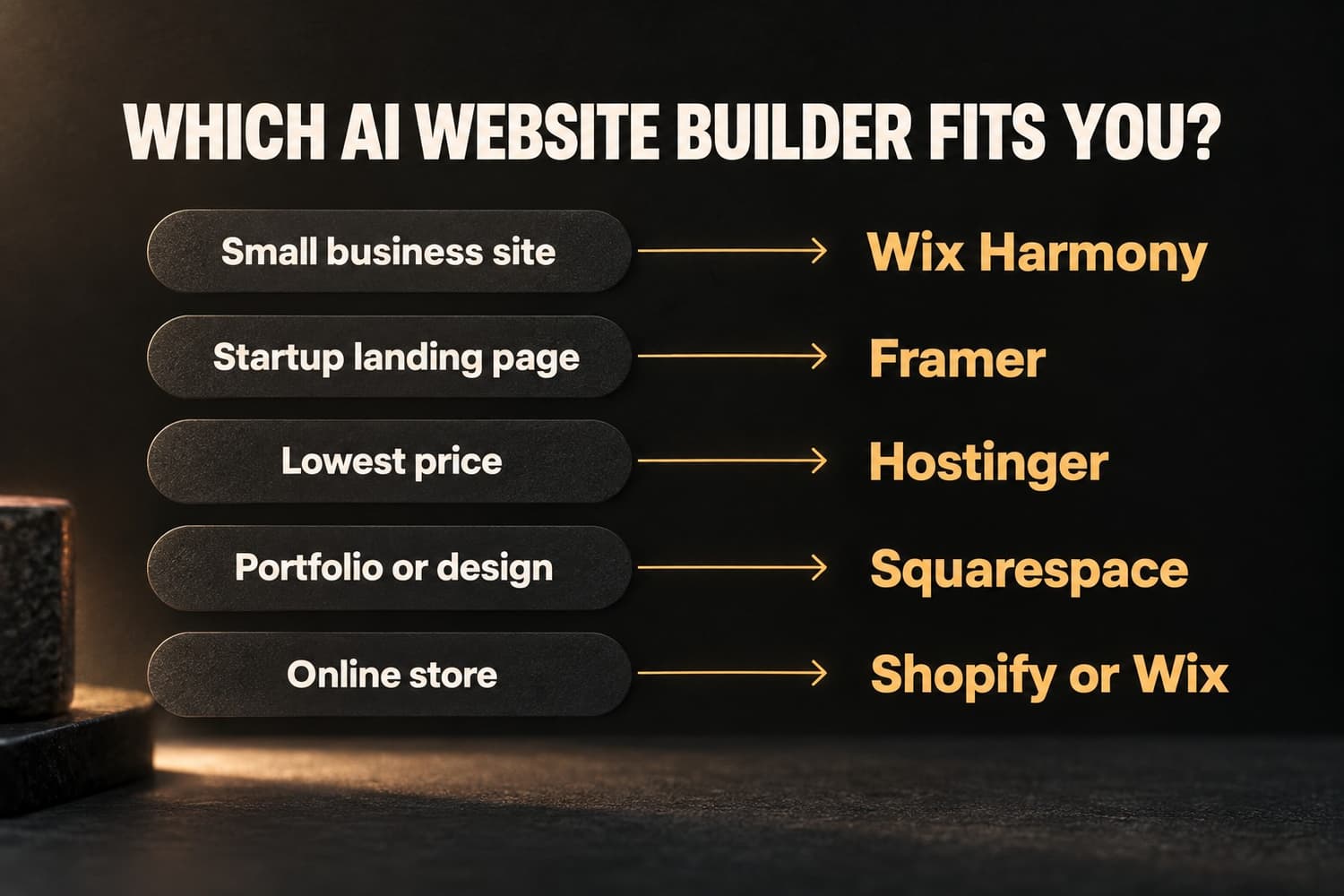
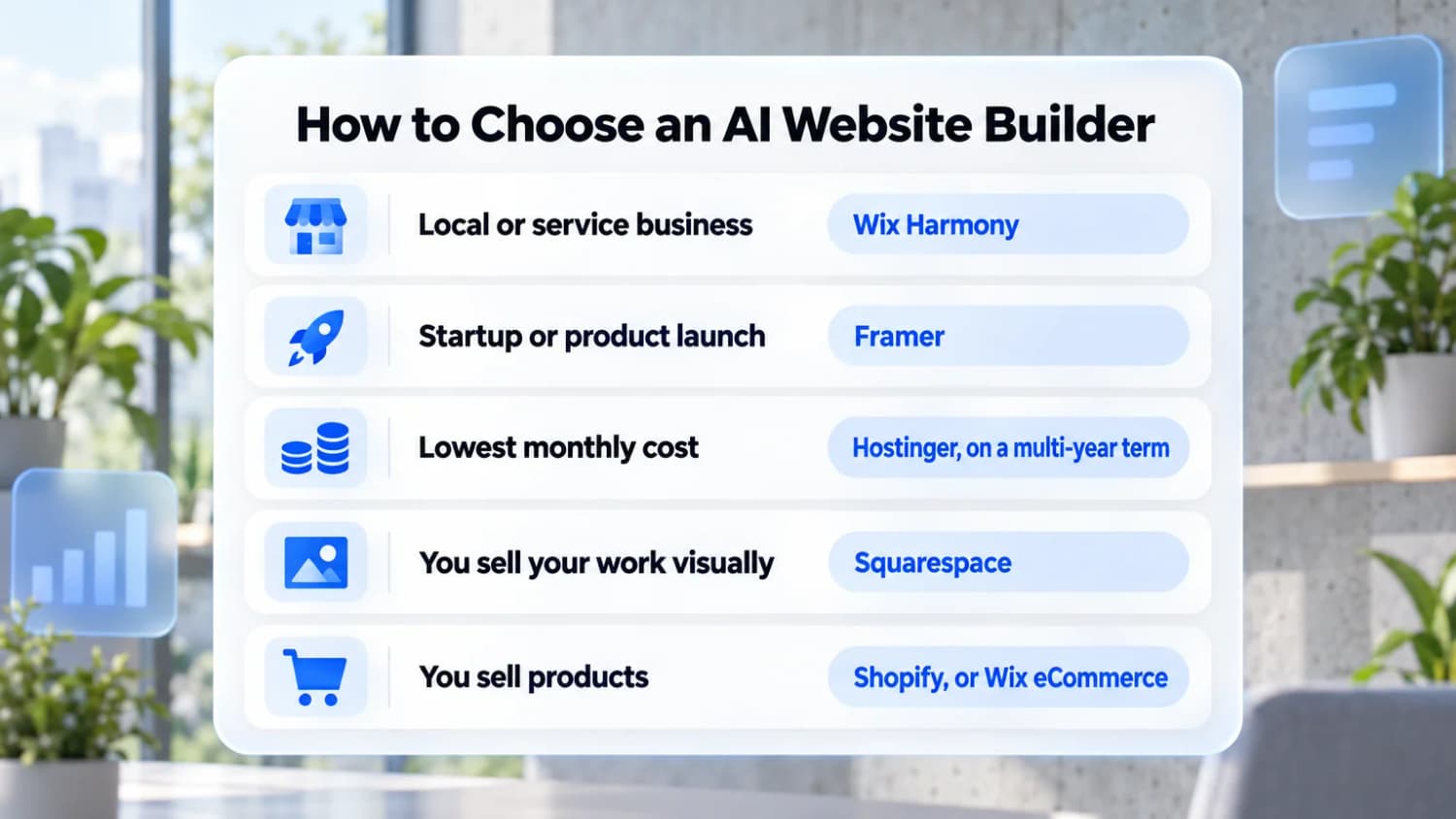
- You run a local or service business: Wix Harmony. Bookings, payments, and SEO in one place.
- You are launching a startup or product: Framer.
- You want the lowest monthly cost: Hostinger, if you are fine with a multi-year term.
- You sell your work visually: Squarespace.
- You sell products: Shopify, or Wix eCommerce if the store is one part of a bigger site.
Can ChatGPT build a website?
ChatGPT, Claude, and similar assistants can write the code for a website, and "vibe coding" tools like Lovable, Bolt, and v0 turn a prompt into a working app. What they do not give you by default is the rest: hosting, a domain, forms that send email, bookings, payments, and an editor your team can use without touching code.
For a custom web app, a coding tool is the right choice. For a business website you need to update every week, an AI website builder gets you further with less upkeep.
Is Canva or Wix better for a website?
Canva can publish simple one-page sites, which is fine for an event or a link-in-bio page. Wix builds full multi-page websites with SEO controls, a blog, a store, and bookings. If the site needs to rank in Google or sell anything, use a real website builder.
Free AI website builders
These let you build and publish without paying, on a branded subdomain:
- Wix: Harmony and the AI builder work on the free plan.
- Framer: free plan on a framer.website address.
- Webflow: free Starter plan for small sites.
- Durable: free plan with Durable branding.
The catch with every free plan: builder branding, a subdomain instead of your own domain, and usually no store. Plan to upgrade once the site starts bringing in business.
What an AI website really costs
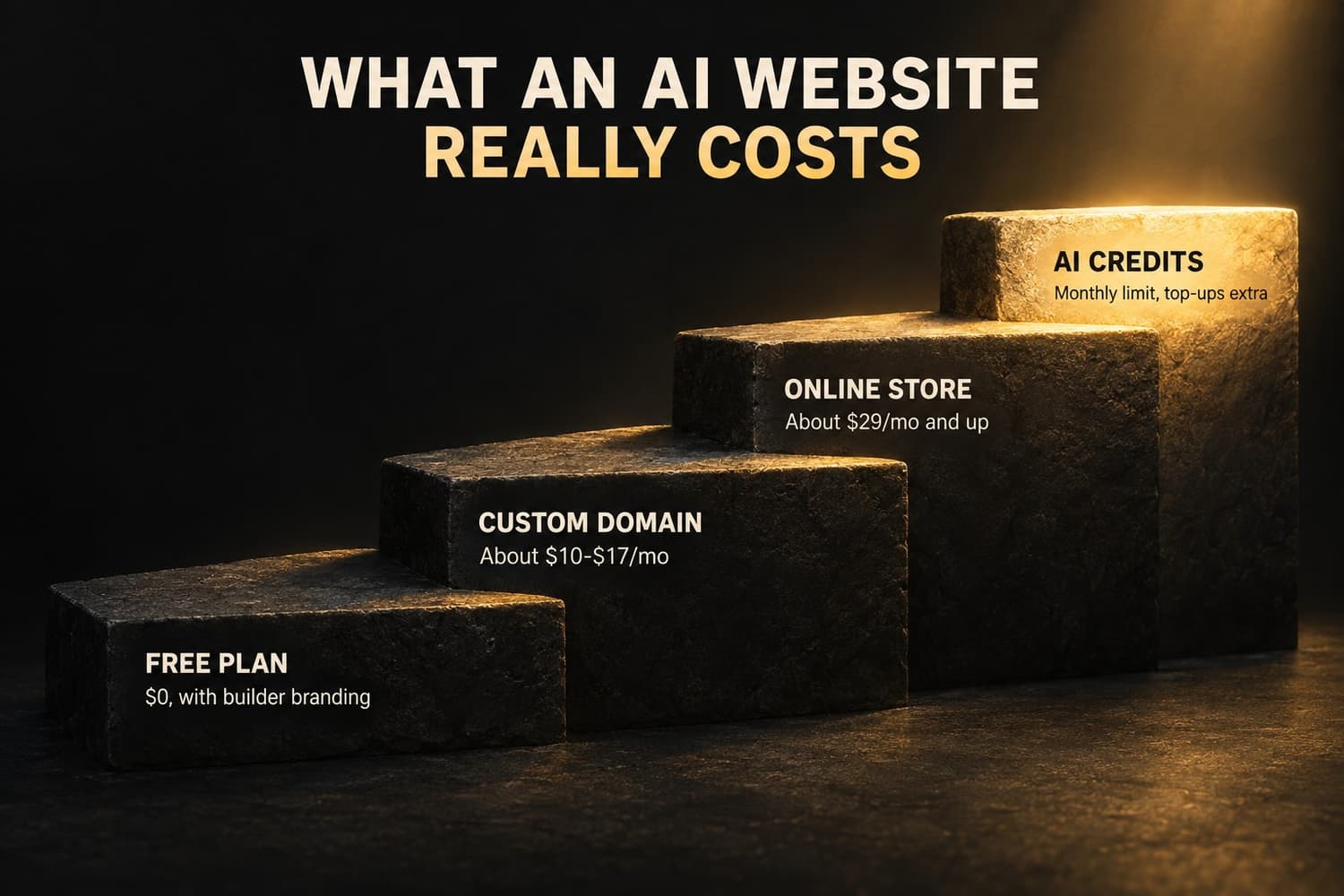
Budget in four steps:
- Free plan: $0, with the builder's branding and subdomain.
- Custom domain: about $10-$17/month on annual billing.
- Online store: about $29/month and up, plus payment processing fees (typically 2.9% + $0.30 per sale in the US).
- AI credits: most builders include a monthly allowance. Heavy use means waiting for the reset or buying top-ups.
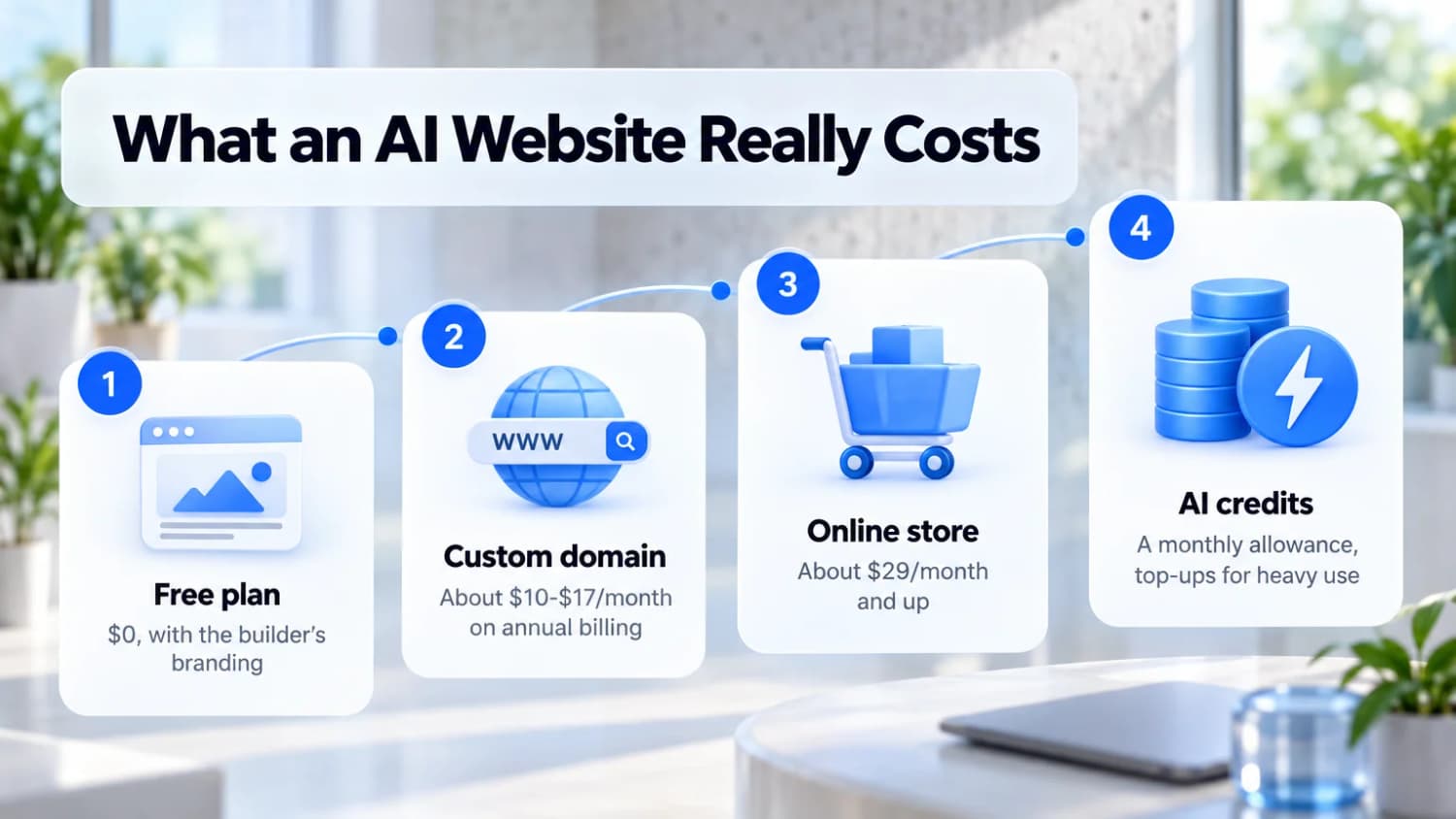
Annual billing is where the listed prices come from. Month-to-month plans usually cost 15-40% more, and first-year prices often renew higher.
FAQ
What is the best AI website builder in 2026?
Wix Harmony for most businesses, because it combines an AI agent with full drag-and-drop editing and built-in business tools. Framer is the best choice for startup landing pages.
Is there a free AI website builder?
Yes. Wix, Framer, Webflow, and Durable all let you build and publish for free on a branded subdomain. You pay once you want your own domain or a store.
Can AI really build me a website?
Yes. It will draft a full site in minutes, but you still need to edit the copy, swap in real photos, and check every page. Treat the AI draft as a starting point, not a finished site.
Are AI-built websites good for SEO?
They can be. What matters is that the builder lets you edit titles, meta descriptions, URLs, headings, and alt text, and that you replace generic AI copy with specific, useful content. Wix, Webflow, and Squarespace all give you those controls. For a deeper check, see my guide to SEO audit services.
What is the difference between Wix Harmony and the Wix Editor?
Harmony is Wix's newer builder with the Aria AI agent built in, combining AI generation with drag-and-drop editing. The classic Wix Editor is the long-standing drag-and-drop editor. Existing Editor sites cannot move to Harmony yet, so new sites are the best fit for Harmony.