


Best Vercel alternatives in 2026: use Cloudflare Pages for high-traffic static and edge apps, Netlify for the closest frontend workflow, Render or Railway for full-stack apps, Fly.io for global containers, and Coolify on a VPS when you want maximum control and predictable costs.
Vercel is still the smoothest place to deploy a Next.js frontend. The previews are excellent, the defaults are sensible, and the platform is built by the company behind Next.js.
But Vercel is not always the best fit once your app needs long-running workers, Docker, lower bandwidth costs, a real backend, or a bill that does not grow with every seat and usage meter.
| Platform | Type | Notes |
|---|---|---|
| Cloudflare Pages + Workers | Edge + static | Great for traffic and bandwidth cost; Workers are not full Node. |
| Netlify | Frontend PaaS | Closest to Vercel’s Git + preview flow; not a full backend host. |
| Render | Full-stack PaaS | Workers, cron, Postgres in one place; not edge-first. |
| Railway | Full-stack PaaS | Fast MVP setup with add-on databases; usage can creep. |
| Coolify | Self-hosted PaaS | Flat VPS economics; you own patching and uptime. |
| Fly.io | Global containers | Real VMs near users; more infra work than a PaaS. |
| DigitalOcean App Platform | Managed PaaS | Easy middle ground; fewer Next.js-specific knobs than Vercel. |
| AWS Amplify | AWS app platform | Fits AWS-native teams; expect AWS-shaped bills and setup. |
| Firebase | Google app stack | Best when you already live in Firebase; spark-tier hosting is tight. |
| Google Cloud Run | Managed containers | Fits Dockerized Next/API; you manage build and GCP wiring. |
1. Cloudflare Pages + Workers
Cloudflare Pages is the best Vercel alternative when traffic cost is the problem. You get Git-based deploys, preview deployments, free SSL, a huge global network, and Workers for backend logic at the edge.
The biggest difference is pricing. Cloudflare Pages offers unlimited static requests and bandwidth on its free plan, while Vercel's free tier is capped and its paid usage can grow quickly for bandwidth-heavy sites. This makes Cloudflare especially attractive for content sites, docs, marketing pages, and frontend apps with spiky traffic.
It is also much more than static hosting. With Workers, R2, D1, KV, Queues, and Durable Objects, Cloudflare can replace a surprising amount of the backend stack people often bolt onto Vercel.
Best for: high-traffic static sites, edge-first apps, cost-sensitive projects, and teams already using Cloudflare DNS.
Pros
- Very generous free tier for static hosting.
- Global edge network with excellent latency.
- R2 storage has no egress fees.
- Works well for Astro, Remix, SvelteKit, static Next.js, and many frontend apps.
- Commercial use is allowed on the free tier.
Cons
- Advanced Next.js SSR and App Router behavior is not as seamless as Vercel.
- Workers run in a V8 isolate runtime with a subset of Node.js APIs, not a full Node.js server.
- The developer experience is more infrastructure-flavored than Vercel.
- Build limits and compatibility issues matter for larger teams.
Use Cloudflare when your app is mostly frontend, static, or edge-compatible. Be more careful if your app depends heavily on Node APIs, ISR, middleware behavior, or complex server-side rendering.
2. Netlify

Netlify is the closest direct Vercel competitor. It has the same basic shape: connect Git, push code, get deploy previews, serve assets from a CDN, and add serverless or edge functions when needed.
Netlify is strongest for frontend teams that are not fully locked into Next.js. It supports Next.js, but it also has a long history with Astro, Gatsby, Hugo, Eleventy, SvelteKit, Nuxt, and other static or Jamstack frameworks.
Netlify also has useful platform features Vercel does not emphasize as much, including forms, identity, branch deploys, and polished deploy previews.
Best for: frontend teams that want a Vercel-like workflow with broader framework support.
Pros
- Excellent deploy previews and branch deploys.
- Great for static sites, Jamstack apps, and content-heavy projects.
- Built-in forms and identity can remove small backend chores.
- Mature Git-based workflow.
- Good free and lower-cost plans for small sites.
Cons
- Still frontend-first, not ideal for heavy backends.
- Serverless functions have the same basic limitations as other function platforms.
- Pricing has become more complex with usage credits.
- Next.js support is good, but Vercel remains the first-class target.
Use Netlify when you like Vercel's workflow but want a more framework-neutral frontend platform. Do not choose it expecting a full backend platform.
3. Render
Render is a better Vercel alternative for apps that need a real backend. It can run web services, static sites, background workers, cron jobs, Redis, and Postgres from one dashboard.
Instead of squeezing backend work into short-lived serverless functions, Render lets you run long-lived services. That matters for queues, workers, WebSockets, scheduled jobs, APIs, and apps where the backend is more than a few API routes.
Render feels closer to Heroku than Vercel, but with a more modern developer experience. You connect Git, define services, and let Render handle builds, deploys, TLS, logs, and scaling.
Best for: full-stack apps that need web services, databases, workers, and cron jobs.
Pros
- Long-running services instead of only serverless functions.
- Managed Postgres and Key Value (Redis-compatible).
- Background workers and cron jobs are first-class.
- Docker and native runtime support.
- Easier than AWS or Kubernetes for small teams.
Cons
- Not edge-first like Vercel or Cloudflare.
- Costs rise when you need multiple services.
- Free web services can spin down.
- Less optimized for advanced Next.js features.
Use Render when your app has a backend with a pulse. If your architecture includes workers, queues, databases, and APIs, Render is usually a cleaner fit than Vercel.
4. Railway
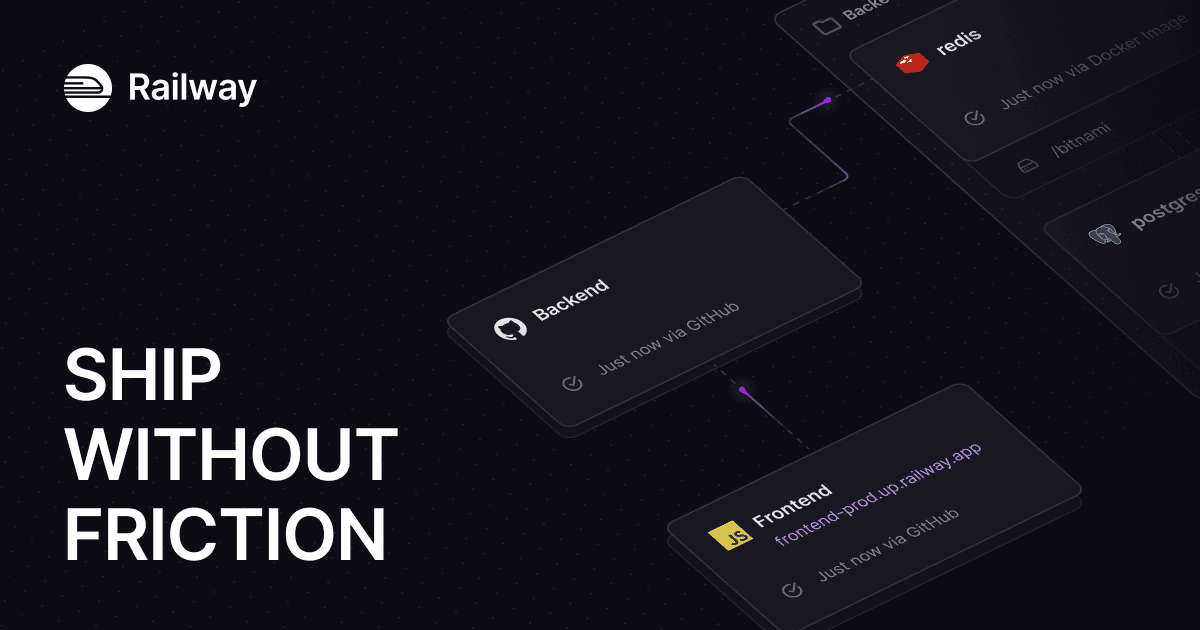
Railway is one of the fastest ways to get a full-stack app online. It auto-detects many frameworks, provisions databases quickly, and gives you a clean project-based dashboard for services, logs, variables, and deployments.
Railway is popular because it makes full-stack deployment feel lightweight. You can deploy a Next.js app, add Postgres, wire environment variables, and ship without touching Kubernetes, Terraform, or raw AWS.
The tradeoff is pricing predictability. Railway is usage-based, so small projects can be cheap, but production workloads should be monitored carefully.
Best for: prototypes, MVPs, internal tools, and small full-stack apps.
Pros
- Very fast setup.
- Built-in Postgres, MySQL, MongoDB, and Redis.
- GitHub, Docker image, and CLI deploys.
- Great developer experience for small teams.
- Spending controls help avoid surprises.
Cons
- Usage-based billing can climb as the app grows.
- Less infrastructure control than a VPS or cloud account.
- Fewer regions than Cloudflare or Fly.io.
- Not the strongest fit for complex production architectures.
Use Railway when speed matters more than perfect control. It is great for getting from code to live app quickly.
5. Coolify
Coolify is the best Vercel alternative if you want to own the server. It is an open-source, self-hosted deployment platform that gives you Git deploys, automatic SSL, databases, Docker support, and a web dashboard on your own VPS.
The appeal is simple: instead of paying per seat, per GB, per invocation, or per platform feature, you pay for a server. For many indie developers and small teams, that means a $5-20/month VPS can host multiple small apps.
This is the path many developers eventually land on after realizing Vercel's convenience is great, but their apps do not need the full Vercel platform.
Best for: developers who want low costs, no vendor lock-in, and full infrastructure control.
Pros
- Open source and self-hostable.
- Runs on any VPS or dedicated server.
- Supports Docker, Docker Compose, databases, and many app templates.
- No platform bandwidth markup.
- Great for hosting multiple small apps.
Cons
- You are responsible for updates, backups, uptime, and security.
- First setup can be intimidating.
- Scaling is manual compared with managed platforms.
- Not a zero-ops choice.
Best server for Coolify
Most people use a VPS or dedicated server from providers like Hetzner, DigitalOcean, or Vultr.
I use Hetzner for self-hosting because the price-to-performance ratio is hard to beat. A single server can run multiple Next.js apps, databases, analytics, and background services for far less than several managed platform subscriptions.
Sign up for Hetzner and get a $20 credit to try it out.
6. Fly.io

Fly.io is a container platform built around running apps close to users. You package your app in Docker, deploy it to Fly Machines, and run it across regions with global routing.
Fly is a strong Vercel alternative when latency matters and you want real compute instead of edge functions. It is especially interesting for apps with WebSockets, multiplayer, real-time collaboration, APIs, and workloads that need to run near users.
It is also more technical than Vercel. You will need to understand containers, regions, volumes, networking, and database placement.
Best for: global full-stack apps, real-time apps, WebSockets, and containerized services.
Pros
- Runs full containers globally.
- Good fit for long-running processes and WebSockets.
- More runtime control than Vercel.
- Can place apps close to users.
- Supports managed Postgres and persistent volumes.
Cons
- Steeper learning curve.
- Multi-region setups can get expensive and complex.
- Not a drop-in Next.js host.
- You need to understand the operational model.
Use Fly.io when you want global low-latency compute and are comfortable with Docker. If you just want simple frontend hosting, use Vercel, Netlify, or Cloudflare instead.
7. DigitalOcean App Platform

DigitalOcean App Platform is a managed PaaS for deploying apps from GitHub, GitLab, container images, and common runtimes. It sits between a simple frontend platform and raw infrastructure.
It supports static sites, web services, workers, databases, scaling, custom domains, and automatic HTTPS. For developers already using DigitalOcean Droplets or managed databases, App Platform is a natural next step.
Best for: small and mid-sized teams that want managed app hosting without AWS complexity.
Pros
- Simple Git-based deploys.
- Supports static sites, containers, and dynamic apps.
- Managed databases are available in the same ecosystem.
- Pricing starts low for small services.
- Easier than maintaining your own Droplets.
Cons
- Not as polished for Next.js as Vercel.
- Less globally distributed than Cloudflare or Fly.io.
- Costs depend on service size and architecture.
- Advanced platform features are more limited than larger clouds.
Use DigitalOcean App Platform when you want a practical, managed place to run web apps and APIs without learning the full AWS stack.
8. AWS Amplify
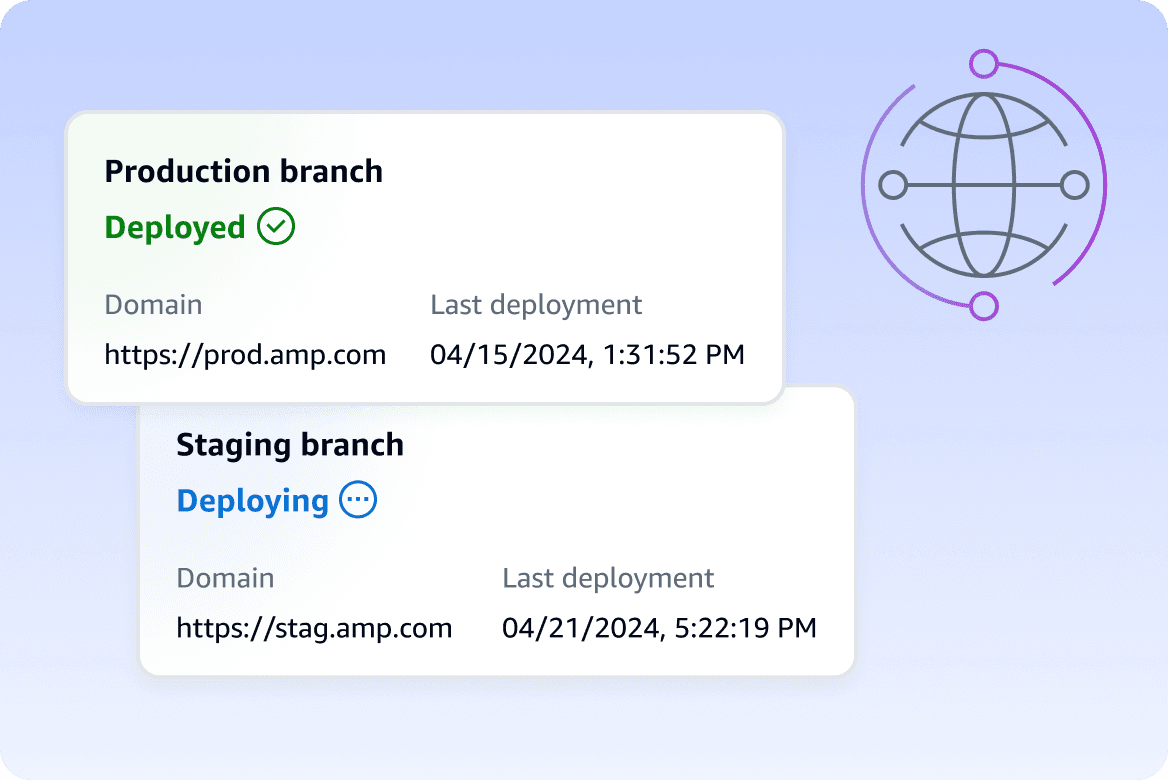
AWS Amplify is AWS's frontend and full-stack app platform. It supports Git-based deploys, branch previews, hosting, authentication, data, and backend resources in AWS.
Amplify is compelling if your company is already committed to AWS. You get AWS billing, AWS compliance posture, and integrations with services like Cognito, AppSync, DynamoDB, Lambda, and CloudWatch.
The tradeoff is AWS complexity. Amplify has improved, especially with newer full-stack TypeScript workflows, but it still asks you to think more like an AWS developer than a Vercel user.
Best for: teams already on AWS, mobile/web apps, and companies with AWS compliance or billing requirements.
Pros
- Deep AWS integration.
- Git workflows and branch deploys.
- Auth, data, storage, and backend features.
- Good fit for web and mobile teams.
- Enterprise-friendly billing and controls.
Cons
- More complex than Vercel.
- AWS bills can be hard to reason about.
- Framework support can lag Vercel for newer Next.js features.
- Migration away from Amplify-specific patterns can be painful.
Use AWS Amplify when AWS is already the center of gravity. If you are not already on AWS, it may feel heavier than the problem requires.
9. Firebase App Hosting and Firebase Hosting
Firebase Hosting is Google's hosting platform for static and dynamic web apps. Firebase App Hosting is the newer option aimed at frameworks like Next.js and Angular.
Firebase makes the most sense when you want hosting next to Firebase Auth, Firestore, Realtime Database, Cloud Functions, Cloud Storage, Analytics, and mobile SDKs. It is less compelling as a pure Vercel replacement if you are not using the broader Firebase ecosystem.
Best for: apps already using Firebase, web/mobile products, and teams that want Google's backend services.
Pros
- Strong auth, database, analytics, and mobile ecosystem.
- Good for apps that already use Firestore or Firebase Auth.
- Global CDN for hosted assets.
- Firebase App Hosting is more framework-aware than classic Firebase Hosting.
- Useful for small teams building web and mobile together.
Cons
- Free hosting bandwidth is lower than Vercel and Cloudflare.
- Pay-as-you-go billing runs through Google Cloud.
- Classic Firebase Hosting is not a full Vercel replacement for advanced Next.js.
- Preview workflows are not as automatic as Vercel.
Use Firebase when your app is already Firebase-native. Do not pick it only because you need cheap Next.js hosting.
10. Google Cloud Run
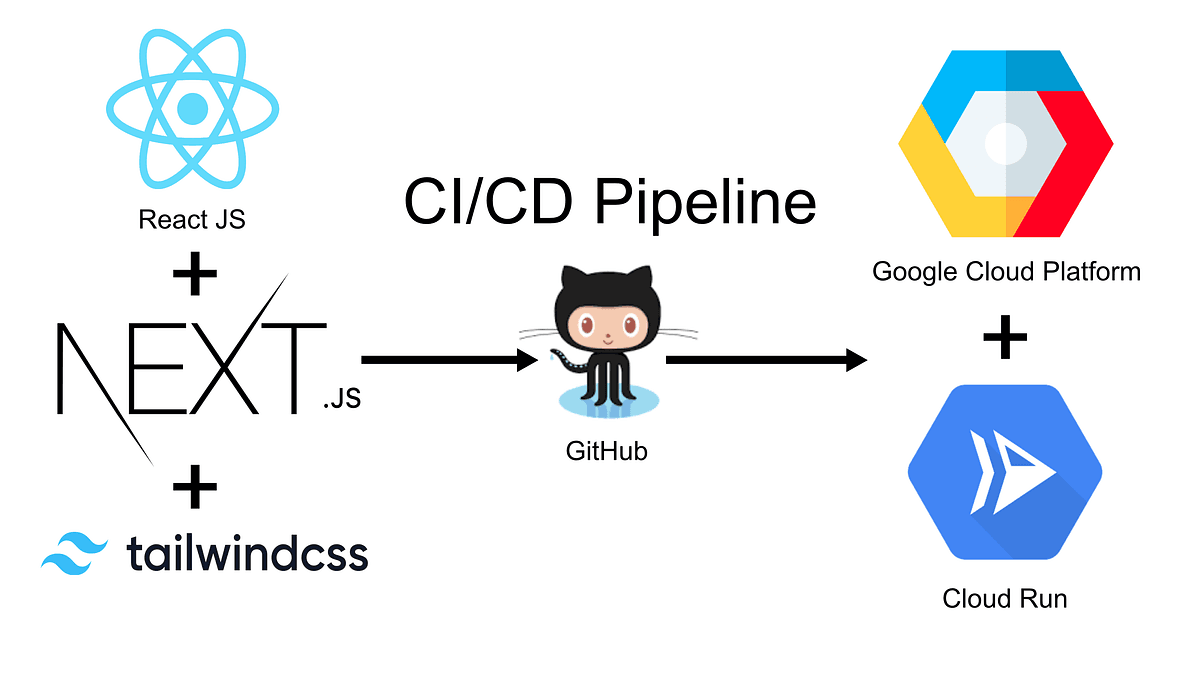
Google Cloud Run is a managed container platform. You build your Next.js app into a container, deploy it, and let Cloud Run scale it based on traffic.
This is a good option when you want standard containers without managing servers. It works for Next.js, APIs, background services, and microservices, as long as you are comfortable building and deploying Docker images.
Cloud Run can scale to zero, which can make it cost-effective for uneven traffic. It can also scale up quickly when traffic arrives.
Best for: containerized apps, teams already on Google Cloud, APIs, and services that need server behavior without server management.
Pros
- Standard Docker container model.
- Scales down to zero.
- Strong Google Cloud integration.
- Works for full Node.js servers.
- Good fit for APIs and microservices.
Cons
- You manage container builds and cloud configuration.
- Less beginner-friendly than Vercel.
- Not optimized specifically for Next.js previews and ISR.
- Cloud networking and billing can become complex.
Use Cloud Run when you want managed containers, not a frontend platform. It is a solid technical choice, but it is not the easiest migration path for a simple Vercel site.
How to choose a Vercel alternative
Choose based on the shape of your app, not the platform's homepage.
If your app is mostly static or content-heavy, start with Cloudflare Pages or Netlify. They keep the frontend workflow simple and are usually cheaper at scale.
If your app has workers, queues, cron jobs, a database, or a long-running API, look at Render, Railway, DigitalOcean App Platform, or Google Cloud Run.
If your app needs global containers, WebSockets, or low-latency compute near users, try Fly.io.
If your main goal is cost control and ownership, use Coolify on a VPS. The setup takes more work, but the monthly bill is easier to understand.
If your company is already deep into AWS or Firebase, use AWS Amplify or Firebase App Hosting rather than introducing another platform just for hosting.
When you should stay on Vercel
Do not migrate just because there are cheaper options.
Stay on Vercel if:
- Your app is primarily a Next.js frontend.
- Preview deployments are important to your team.
- ISR, middleware, image optimization, and App Router behavior need to work with the fewest surprises.
- Your current bill is reasonable.
- You would lose more engineering time migrating than you would save in hosting costs.
Vercel is expensive compared with a VPS, but it is not only hosting. You are paying for workflow, previews, framework support, CDN, observability, build infrastructure, and fewer deployment chores.
Migration checklist
Inventory what Vercel is doing for you. List every middleware.ts matcher, every export const runtime = 'edge', every revalidate / fetch(..., { next: { revalidate } }), and every route using next/image with the default loader. Those are the features most likely to behave differently (or not at all) on another host.
Rebuild against the target runtime. On Cloudflare and other Workers-style hosts, assume not full Node: swap or stub packages that rely on native Node APIs. On Fly, Render, Railway, Coolify, or Cloud Run, run the same production next build + next start (or your Docker CMD) locally first. If you use ISR, confirm how revalidation is triggered on the new platform (same URL, webhook, or cron) so you do not ship stale pages.
Replace Vercel-only wiring. Point next.config images at a custom loader or a self-hosted optimizer if the new platform does not implement Vercel’s image API. Move preview / branch env vars and protection (password, SSO, IP allow) into the new provider’s model or your app. Recreate vercel.json redirects and headers in the host’s config or in Next config so imports and SEO do not break silently.
Cut over without drama. Lower DNS TTL ahead of time, run the new site behind the production hostname on a single path or subdomain first if you can, compare status codes and a few critical responses, then flip DNS. Keep the old Vercel project live until you have seen real traffic and error rates on the new stack—not until “it built once.”
Conclusion
The best Vercel alternative depends on why you are leaving.
Choose Cloudflare Pages for traffic economics, Netlify for the closest frontend workflow, Render for full-stack apps, Railway for fast prototypes, Coolify for self-hosting, Fly.io for global containers, DigitalOcean App Platform for a simpler managed PaaS, AWS Amplify for AWS-native teams, Firebase for Firebase-backed products, and Google Cloud Run for managed containers.
If your Next.js app is simple and Vercel is affordable, staying put is perfectly reasonable. If your backend, bandwidth, or bill has outgrown the platform, the alternatives above are mature enough to take seriously in 2026.