

I'm Ilias, and I've worked on the marketing teams of startups generating $1M-$1B+ in annual revenue, helping them build and scale their affiliate programs. I'm also an active affiliate myself, earning $20K/month in commissions, so I know these platforms from both sides—what works for companies AND what affiliates actually want to use.
I've spent 100+ hours testing 30+ platforms. I've seen tracking that breaks and loses commissions. Buggy integrations that cost companies thousands. Platforms that make simple tasks unnecessarily complicated.
Here's the truth: Your affiliate program's success depends entirely on tracking quality and ease of setup. Affiliates will leave if your tracking screws them over or has bugs. They also drive serious value beyond sales—SEO traffic, backlinks, and organic referrals that compound over time.
If you're new to affiliate marketing, focus on choosing software that tracks payouts reliably. Tracking quality is the foundation: without accurate clicks, conversions, and commissions, affiliates lose trust fast.
If you're here for the TL;DR, here are the 3 best affiliate software platforms in 2025:
- Tolt - $49/month, 0% transaction fees, 5.0/5.0 rated. Only platform with zero commission on affiliate revenue. White-label everything, built for bootstrappers.
- Affonso - $12.50/month, built by a 12-year affiliate veteran. Cheapest option with AI affiliate discovery and auto payouts. Perfect for launching fast.
- Dub - $75/month, backend link tracking (most accurate). Powers affiliate programs for Framer, Tella, Privy. $36M+ revenue driven, 194K+ partners.
Get my exact SEO checklist that helped generate 100k+ visitors.
No spam. Unsubscribe anytime.
What separates great platforms from garbage:
- Bulletproof tracking - Cookie and cookie-less tracking that doesn't drop conversions (this is make-or-break) + Cloudflare proxy / Ad-block bypass.
- Instant setup - Connect your payment processor in minutes, no developers needed
- Automated payouts - No manual spreadsheets, no payment headaches
- Affiliate-friendly dashboards - If your affiliates hate it, they won't promote you
Most affiliate software is either overpriced enterprise bloat or janky DIY tools. You need something that works, tracks properly, and doesn't cost a fortune.
The top 3 platforms (pick one of these):
- Tolt - 0% transaction fees, $49/mo, 5.0/5.0 rated, perfect for bootstrappers
- Affonso - $12.50/mo, AI affiliate discovery, cheapest way to launch
- Dub - $75/mo, backend link tracking (most accurate), powers Framer/Tella/Privy
8 more options if you need something specific:
- Rewardful - $49/mo, 2,600+ teams, deepest Stripe integration (under 15 min setup)
- PromoteKit - $39/mo, free tier (3 referrals), "software with a soul" - stupidly simple
- FirstPromoter - $49/mo, 7+ years, $30M+/mo tracked, 2,000+ customers, battle-tested
- PartnerStack - Custom pricing, 127K+ partners, $2.5B+ driven, purpose-built for B2B SaaS
- Tapfiliate - $89/mo, 66,000+ customers, "tracking never fails", 30-min setup
- Post Affiliate Pro - $129/mo, 200+ features, self-hosted option available
- Impact - $5,000+/mo, Fortune 500 solution, AI optimization, 120+ countries
- Referral Rock - $200/mo, dual programs (customer referrals + affiliates)
Why affiliate software matters (and why most programs fail)
You're here because you want to grow without burning cash on ads.
Here's what affiliate programs actually give you:
- Leverage - Other people sell for you 24/7
- Trust - Personal recommendations beat ads every time
- Scale - Unlimited sales force without hiring
- Zero risk - Only pay for actual results
- SEO authority - Backlinks and traffic that compounds for years
Most companies mess this up. They pick cheap software, the tracking breaks, affiliates get screwed on commissions, and the program dies.
My experience with these platforms:
I haven't tested every single platform listed here. But I've been on both sides of affiliate programs for years. As an affiliate promoting other products ($20k/mo in commissions!). And as a manager running programs for my own tools like AI SEO Tracker, LinkDR, MagicSpace SEO, GenPPT, MagicBuddy, Awesome.tools, SEO Roast, and many more clients at our marketing agency.
I know which platforms are easy to set up. I know which ones make you want to throw your laptop. I know which tracking works and which drops conversions. Pricing verified November 2025. These recommendations come from real-world experience managing affiliate programs and being an active affiliate myself.
Why 90% of affiliate programs fail:
Bad tracking. That's it.
Real example from my affiliate work:
I promoted two similar SaaS products. Both got about 1,000 clicks from my content.
Program A (good tracking): I could see every lead and signup come through. People started trials, converted to paid, I saw it all. Clear attribution, reliable commissions. I kept sending them traffic. Now at $1k/mo in commissions.
Program B (broken tracking): Only saw clicks. No conversions showing up, even though I knew people were signing up. I checked the product and saw real users. The issue? Cookie-based tracking that broke when people switched from mobile to desktop. Their backend didn't track properly, so my conversions got lost.
Result: I stopped sending Program B traffic entirely. Found a competitor with better tracking instead.
This happens constantly. When tracking breaks, affiliates don't just lose commissions. They lose trust. When affiliates leave, you don't just lose sales. You lose the backlinks, SEO traffic, and organic referrals they were driving.
Bottom line: Don't cheap out on tracking. The $50/month difference between garbage software and reliable software will cost you thousands in lost commissions and burned affiliate relationships. Programs with reliable tracking retain affiliates who become long-term growth channels.
1. Tolt: 0% commission with enterprise features
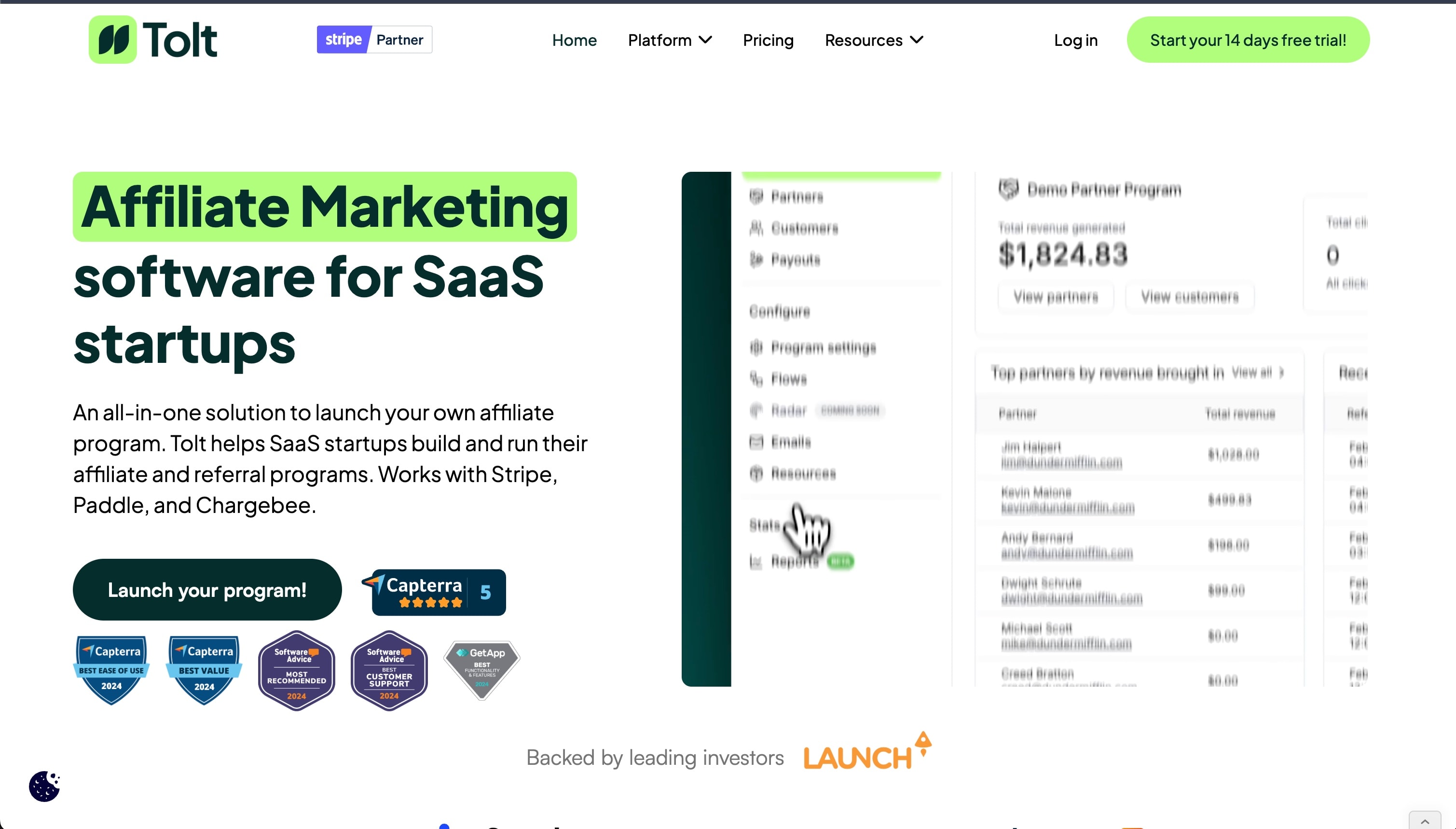
Tolt is the only affiliate platform with 0% transaction fees and enterprise features at startup prices. Built specifically for SaaS startups, it offers white-label branding and automated global payouts (PayPal, Wise, crypto, wire transfers). It handles everything from tracking to tax compliance. Rated 5.0/5.0 on Capterra with customers reporting "20% of revenue from Tolt affiliate links."
Pricing:
- Basic: $49/month (up to $10,000/month from affiliates), 2 programs, 3 partner groups, 3 team members, manual payouts
- Growth: $99/month (up to $20,000/month from affiliates), 5 programs, 5 partner groups, 5 team members, auto payouts
- Pro: $199/month (up to $50,000/month from affiliates), unlimited programs/groups/team members, dedicated Slack channel
- Enterprise: Custom pricing (over $50,000/month from affiliates), custom payout methods, priority support
All plans: 14-day free trial (no credit card required), 0% transaction fees, unlimited affiliates and referrals
Key features:
- 0% transaction fees - Only major platform with zero commission on affiliate revenue
- 15-minute setup - Connect Stripe, Paddle, or Chargebee and you're live
- Automated global payouts - PayPal, Wise, crypto, wire transfers (Growth+ plans)
- Tax compliance built-in - Auto-collects W-9/W-8 forms and files 1099s
- Full white-label branding - Custom domain, branded portal, no "Powered by" on Pro+
Why try it? The only platform with 0% transaction fees while supporting Stripe, Paddle, AND Chargebee. Rated 5.0/5.0 on Capterra. Perfect for bootstrapped founders who need enterprise features without enterprise pricing.
Start with Tolt (14-day trial)
I use Tolt for GenPPT, LinkDR, and SEO Roast. The 0% transaction fees save thousands as you scale.
2. Affonso: built by a 12-year affiliate veteran
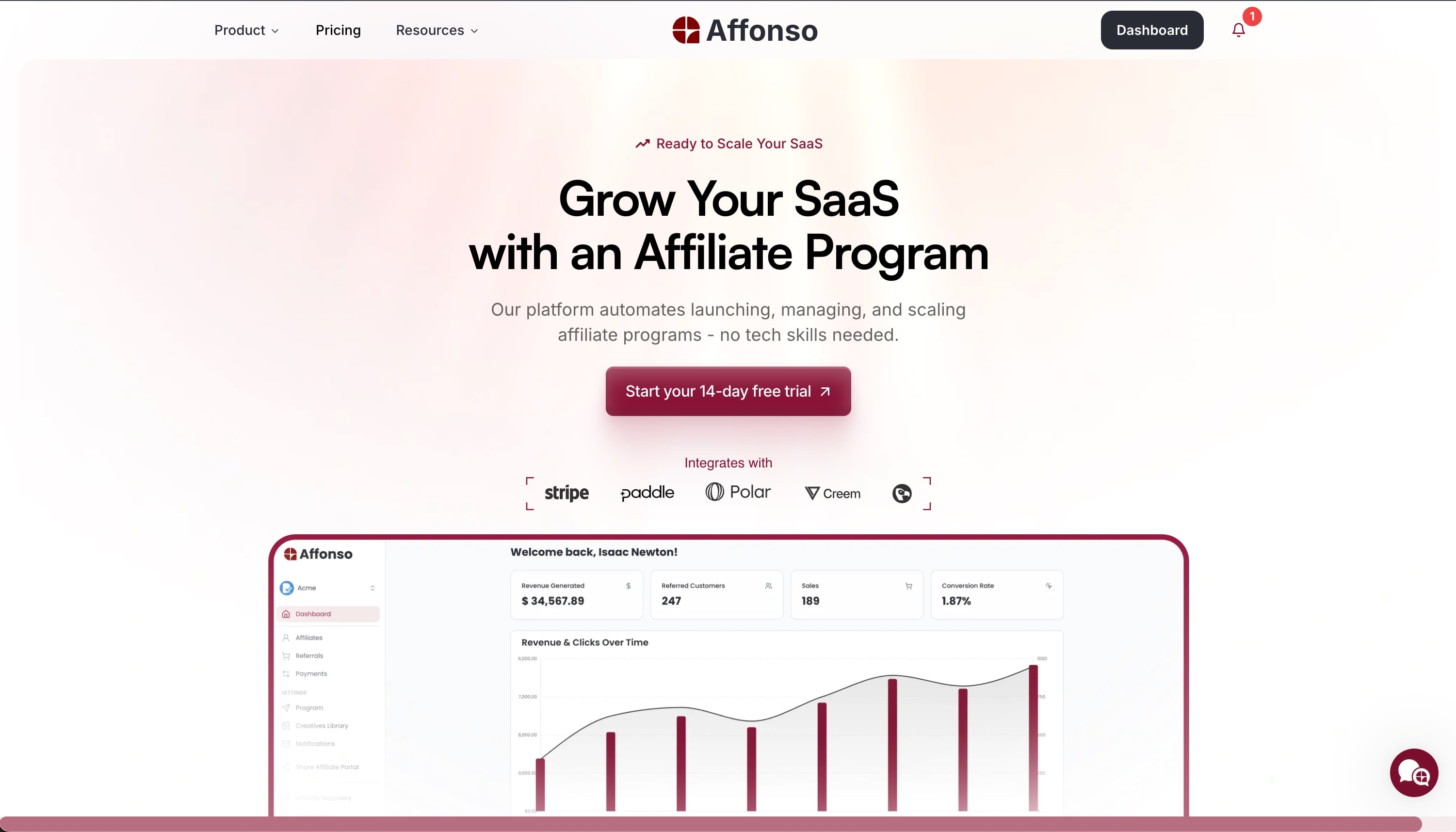
Affonso is built by Silvestro, who spent 12 years managing affiliate programs for international brands. He even built his own affiliate network. He got tired of clunky, overpriced tools that created more work instead of making affiliate growth easier. So he built Affonso solo. It's the cheapest way to launch ($12.50/month) with AI-powered affiliate discovery, automated payouts, and setup that takes 30 minutes.
Pricing:
- Launch: $12.50/month (up to $1,000/month from affiliates), 1 program, 1 team seat, 3 affiliate groups, 180 discovery credits/year
- Growth: $29/month (up to $10,000/month from affiliates), 2 programs, 5 team seats, 5 affiliate groups, auto payouts, personalized onboarding, 420 discovery credits/year
- Elite: $79/month (up to $30,000/month from affiliates), 5 programs, unlimited team seats, unlimited groups, dedicated customer success manager, 600 discovery credits/year
All plans: 14-day free trial, unlimited affiliates and referrals, no hidden fees
Key features:
- AI affiliate discovery - Automatically finds relevant creators and partners (includes discovery credits)
- 30-minute setup - Single JavaScript snippet, integrates with Stripe, Paddle, Polar, Creem, Dodo Payments
- Automated payouts - Growth+ plans: you pay one invoice, Affonso pays all affiliates
- Built-in fraud protection - Self-referral detection and suspicious activity blocking
- Branded affiliate portal - Customizable dashboard, remove "Powered by" on Elite
Why try it? Cheapest option at $12.50/month with AI discovery and auto payouts. Built by a 12-year affiliate veteran who actually ran programs, not just coded software. Setup takes 30 minutes.
Try Affonso (14-day trial)
I use Affonso for AI SEO Tracker and MagicSpace SEO. The AI discovery saves hours of manual outreach.
3. Dub: Most accurate tracking via backend links

Dub is a modern link management platform (think Bitly but better) that makes the top 3 because of its superior tracking technology. Unlike frontend JavaScript trackers that break when users switch devices, Dub's backend link tracking is baked into the URL itself. This makes it the most accurate attribution method available.
Why Dub's tracking is superior: Most platforms use frontend JavaScript that breaks when users switch devices. Dub uses backend link tracking—the referral code is baked into the URL itself, so tracking happens server-side before JavaScript loads. No cookie loss, no frontend dependencies, most accurate attribution available.
Pricing:
- Business: $75/month (billed yearly), $2,500/month payout limit, 5% payout fees
- Advanced: $250/month (billed yearly), $15,000/month payout limit, 5% payout fees
- Enterprise: Custom pricing, unlimited payouts, 3% payout fees
Key features:
- Backend link tracking - Most accurate method, survives ad blockers and device switches
- Automated global payouts - 1-click payouts with tax compliance (W-9, 1099, W-8)
- Partner discovery - Find partners who've succeeded in your space
- Link shortening & branding - Create branded short links (yourdomain.com/xyz)
Proven scale: $36M+ revenue driven, $20M+ commissions paid, 194,000+ active partners. Powers Framer, Tella, Privy, Superhuman, Perplexity.
Why try it? If you need link management AND the most accurate tracking available, Dub does both. Backend tracking is unmatched for accuracy.
Start with Dub free (no card required)
Note: Dub is a link management platform first, affiliate tracking second. The "Dub Partners" feature starts at $75/month. If you only need affiliate tracking without link management, dedicated tools might be simpler.
4. Rewardful: Stripe integration done right

Rewardful is the go-to affiliate platform for Stripe users, trusted by 2,600+ teams. Connect your account, add two scripts, and you're live in under 15 minutes. Deep two-way Stripe sync shows affiliate data directly in your Stripe dashboard.
Pricing: Starter $49/month, Growth $99/month, Enterprise $149+/month. All plans: 14-day free trial, 0% transaction fees.
Key features:
- Under 15-minute setup - One-click Stripe/Paddle integration
- Two-way Stripe sync - View affiliate data directly in Stripe dashboard
- Automated lifecycle tracking - Handles upgrades, downgrades, cancellations, refunds automatically
- PayPal and Wise mass payouts - Pay all affiliates in a few clicks
Why try it? Fastest way to launch for Stripe/Paddle users. 2,600+ teams trust it. Setup genuinely under 15 minutes. Note: Uses cookie-based tracking—for cross-device conversions, use their API for server-side tracking.
Try Rewardful free for 14 days
5. PromoteKit: "software with a soul"
PromoteKit is the simplest affiliate software for Stripe users—they call it "software with a soul." Setup takes under 10 minutes with three options: no-code, low-code, or code-based. Free plan gives you 3 referrals to test.
Pricing: Free $0/month (3 referrals), Pro $39/month (up to $10K/month from affiliates), Enterprise custom pricing. All plans: 0% transaction fees.
Key features:
- Three setup options - No-code, low-code, or code-based
- Free tier - Test with 3 referrals before committing
- Custom affiliate portal - Branded portal with custom domain
- PayPal and Wise payouts - Mass payment support
Why try it? Strips away the bloat. Genuinely simple setup. Free plan lets you test risk-free. $39/month handles up to $10K in affiliate revenue.
Try PromoteKit free (3 referrals)6. FirstPromoter: 7 years of proven reliability
FirstPromoter is the veteran—7+ years, 2,000+ customers, $30M+/month tracked. Built for power users who need complete control without complexity.
Pricing: Starter $49/month, Business $99/month, Enterprise $149+/month. All plans: 14-day free trial.
Key features:
- Stripe Instant Flow - Set up coupon code tracking in under 5 minutes, no script required
- One-click auto-payouts - FirstPromoter handles all affiliate payments
- 18-point reporting system - Powerful reports across everything that matters
- Customizable dashboard - Customize 50+ attributes, custom CSS/JS, light/dark themes
- Deep integrations - Stripe, Chargebee, Paddle, Recurly, Braintree, Zapier, Make, API/webhooks
Why try it? 7+ years of proven reliability. Ultimate flexibility without complexity. Every feature you could want, but the interface keeps it manageable.
Try FirstPromoter free for 14 days7. PartnerStack: #1 rated B2B partner ecosystem platform
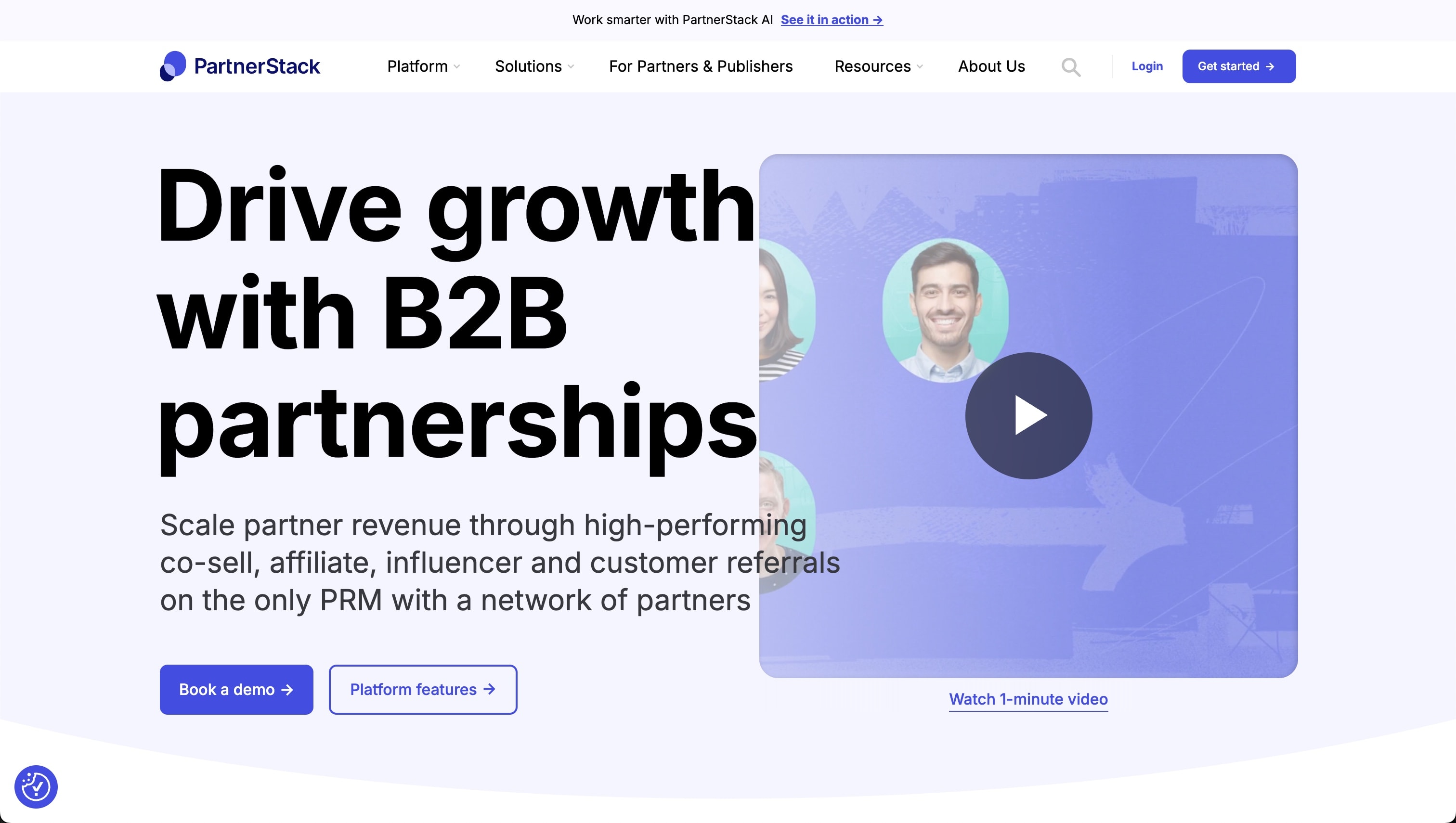
PartnerStack is the #1 rated partner ecosystem platform built specifically for B2B SaaS, trusted by 600+ companies including monday.com, Unbounce, and Formstack. With 127,944 active partners in their marketplace, they've driven $2.5B+ in sales and paid out $351M+ in commissions. Their customers see an average of 109% revenue growth and launch new programs in just 74 days. Custom pricing based on your needs—this is premium B2B partnership infrastructure.
Pricing: Custom pricing based on your needs. Request a demo for tailored pricing.
Network stats: 127,944+ active partners, $2.5B+ sales driven, $351M+ commissions paid, 600+ B2B SaaS companies. Average customer sees 109% revenue growth.
Key features:
- Purpose-built for B2B SaaS - Recurring commissions, CRM-connected tracking, event-based triggers
- PartnerStack AI - AI-powered affiliate recruitment with smart recommendations
- Partner marketplace - Access to 127,944+ active partners looking for B2B SaaS products
- Advanced attribution - Multi-touch attribution for long B2B sales cycles
- Automated global payouts - 100+ currencies with tax/VAT compliance
Who uses it: monday.com, Unbounce, GetResponse, Formstack, Teamwork, Product Hunt
Why try it? Only platform purpose-built for B2B SaaS partnerships. Understands complex sales cycles where deals take months. Industry standard for B2B companies where partnerships are a core growth channel.
Book a PartnerStack demo8. Tapfiliate: go live in 30 minutes with 66,000+ customers

Tapfiliate is trusted by 66,000+ customers including Selz, Boldking, Kickresume, Krisp. Go live in 30 minutes with 30+ pre-built integrations. Known for tracking that "never fails."
Pricing: Launch $89/month, Scale $199/month, Enterprise custom pricing. Free trials: 7-30 days depending on plan.
Key features:
- 30-minute setup - 3-step process, 30+ integrations (Shopify, WooCommerce, Stripe, etc.)
- Affiliate recruitment tools - Built-in tools to find and onboard affiliates automatically
- Advanced tracking - 30+ integrations, JS pixel, REST API, S2S/postback, coupon tracking
- Automated payouts - Integrated with Trolley for automated payouts (Scale+ plans)
- White-label customization - Full white label on Enterprise plan
Why try it? 66,000+ customers trust it. "Tracking never fails" according to customers. 30-minute setup with 30+ integrations. Automated recruitment tools help find affiliates without manual outreach.
Try Tapfiliate free (7-14 day trial)9. Post Affiliate Pro: more features than you'll ever use

Post Affiliate Pro packs 200+ features into one platform. Built-in marketing tools, self-hosted options, advanced fraud detection. Starts at $129/month.
Key features: 200+ features, ultimate flexibility, self-hosted option, built-in marketing tools, AI-powered fraud detection.
Why try it? For marketing teams who need maximum customization and aren't afraid of complexity. Learning curve but incredible power.
10. Impact: enterprise overkill
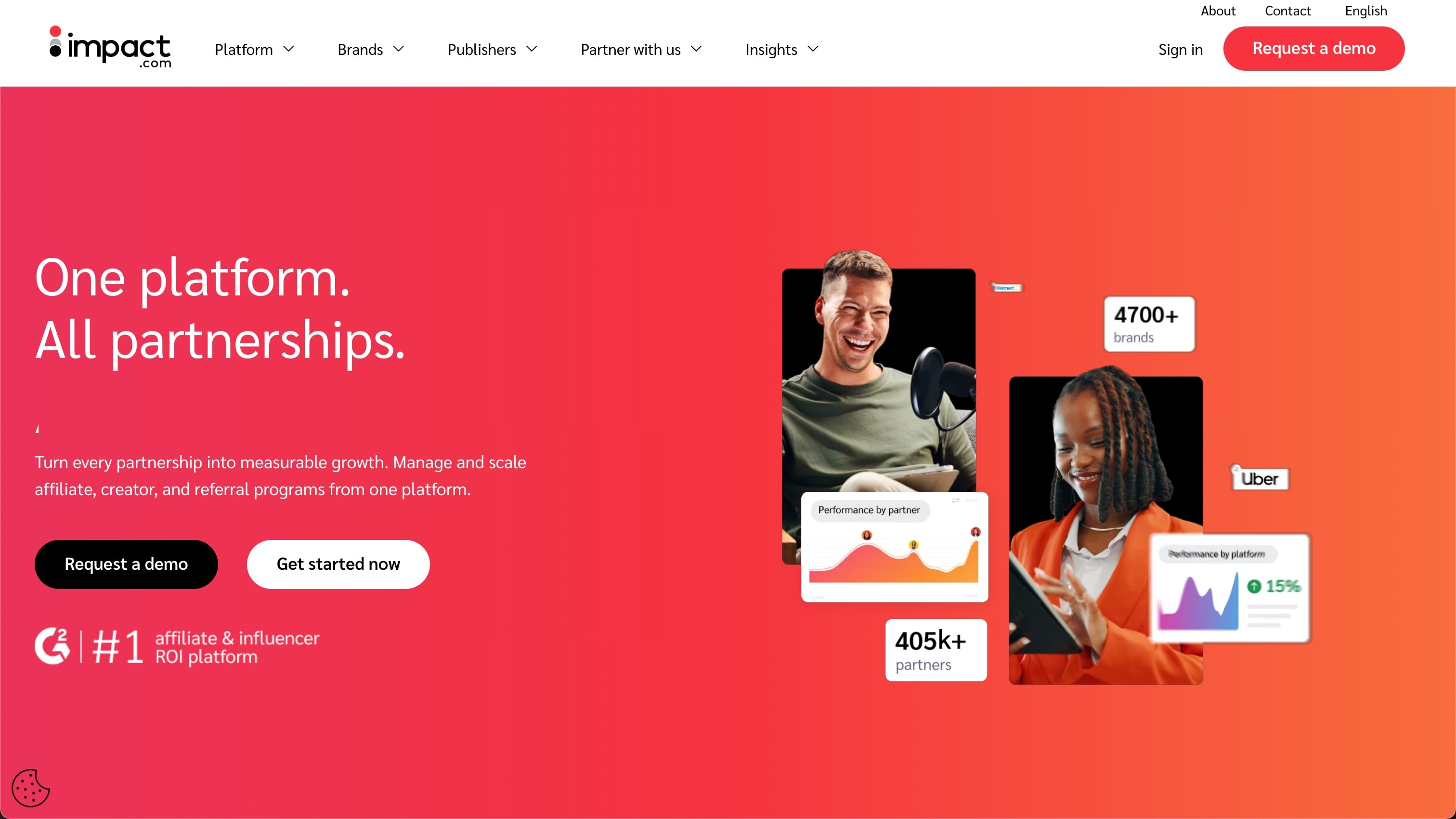
Impact.com is the Fortune 500 solution. AI-powered optimization, global payment infrastructure in 120+ countries, enterprise security. Starts at $5,000+/month.
Key features: AI optimization, full partnership suite (influencers, affiliates, B2B), global payments in 120+ countries, partnership discovery marketplace, enterprise security (SOC 2, GDPR).
Why try it? Only worth it if you have a dedicated partnership team managing millions in partner revenue across influencers, affiliates, and B2B partnerships.
11. Referral Rock: referrals and affiliates in one
Referral Rock runs both customer referral programs and affiliate programs from one dashboard. Pre-built templates, automated workflows. Starts at $200/month.
Key features: Dual program platform, pre-built templates, automated workflows, multi-reward options, white-label widgets.
Why try it? Good if you want both program types together. Dedicated tools are better if you only need one.
Best Affiliate Software Comparison Table
| Platform | Best For | Free Trial? | Starting Price | Real Talk |
|---|---|---|---|---|
| Tolt ⭐ | Bootstrapped SaaS | 14 days | $49/mo | 0% fees, 5.0/5.0 rated |
| Affonso ⭐ | Budget-conscious founders | 14 days | $12.50/mo | Cheapest + AI discovery |
| Dub ⭐ | Tracking accuracy | Free tier | $75/mo | Backend tracking (most accurate) |
| Rewardful | Stripe/Paddle users | 14 days | $49/mo | 2,600+ teams, under 15 min |
| PromoteKit | Non-technical founders | Free (3 refs) | $39/mo | "Software with a soul" |
| FirstPromoter | Power users | 14 days | $49/mo | 7+ years, $30M+/mo tracked |
| PartnerStack | B2B SaaS companies | No | Custom | 127K+ partners, $2.5B+ driven |
| Tapfiliate | Multi-channel tracking | 7-14 days | $89/mo | 66K+ customers, 30-min setup |
| Post Affiliate Pro | Feature maximalists | Yes | $129/mo | 200+ features, self-hosted |
| Impact | Fortune 500 | No | $5,000+/mo | Enterprise-grade, 120+ countries |
| Referral Rock | Dual programs | Yes | $200/mo | Customer refs + affiliates |
Final Thoughts: Don't Screw This Up
Here's the reality: your affiliate program will live or die based on your tracking quality.
I've been on both sides. As an affiliate making $20K/month in commissions, I've abandoned programs that dropped my conversions. Even when they were great products. As someone running programs for AI SEO Tracker, LinkDR, and GenPPT, I've seen how reliable tracking turns affiliates into long-term growth channels.
My honest recommendations based on your situation:
If you're bootstrapped and budget-conscious:
- Under $1K/mo from affiliates? → Affonso ($12.50/mo) - Cheapest option with AI discovery and auto payouts
- Want zero transaction fees? → Tolt ($49/mo) - Only platform with 0% commission, perfect for scaling
- Free tier to test? → PromoteKit ($0 for first 3 referrals, then $39/mo)
If you use Stripe or Paddle:
- Fastest setup (under 15 min)? → Rewardful ($49/mo) - 2,600+ teams trust it
- 5-minute Stripe coupon tracking? → FirstPromoter ($49/mo) - Battle-tested for 7+ years
- Simple + cheap? → PromoteKit ($39/mo) - "Software with a soul"
If tracking accuracy is critical:
- Most accurate tracking available? → Dub ($75/mo) - Backend link tracking, powers Framer/Tella/Privy
- Cross-device tracking that never fails? → Tapfiliate ($89/mo) - 66,000+ customers, proven reliability
- Need link management too? → Dub ($75/mo) - Link shortening + affiliate tracking
If you're a B2B SaaS company:
- Complex sales cycles? → PartnerStack (custom pricing) - CRM-connected tracking, 127K+ partners
- Need co-sell + affiliates? → PartnerStack - Purpose-built for B2B partnerships
- Fortune 500 infrastructure? → Impact ($5,000+/mo) - Enterprise-grade, 120+ countries
If you need specific features:
- Maximum customization? → FirstPromoter ($49/mo) - $30M+/mo tracked, every feature imaginable
- Self-hosted option? → Post Affiliate Pro ($129/mo) - 200+ features
- Customer referrals + affiliates? → Referral Rock ($200/mo) - Dual programs
Whatever you choose, don't cheap out on tracking. The $50/month difference between garbage software and reliable software will cost you thousands in lost commissions and burned relationships.
The platforms I personally use:
- Tolt for GenPPT, LinkDR, and SEO Roast - 0% fees matter when scaling
- Affonso for AI SEO Tracker and MagicSpace SEO - AI discovery saves hours
Good affiliates are hard to find. When you get them, don't lose them to broken tracking.
Questions? Hit me up on X.
Metadata
- Word Count: 3,600
- Reading Time: 12 min
- Keywords: affiliate marketing software, affiliate software, affiliate platform, affiliate tracking
- Meta Description: I run affiliate programs for my SaaS tools and earn $20K/mo as an affiliate. Here's which platforms have reliable tracking that won't screw over your affiliates. (159 chars)
- URL Slug: /affiliate-software
- Product Mentions: 11 platforms reviewed with detailed features and pricing
- Internal Links Used: