

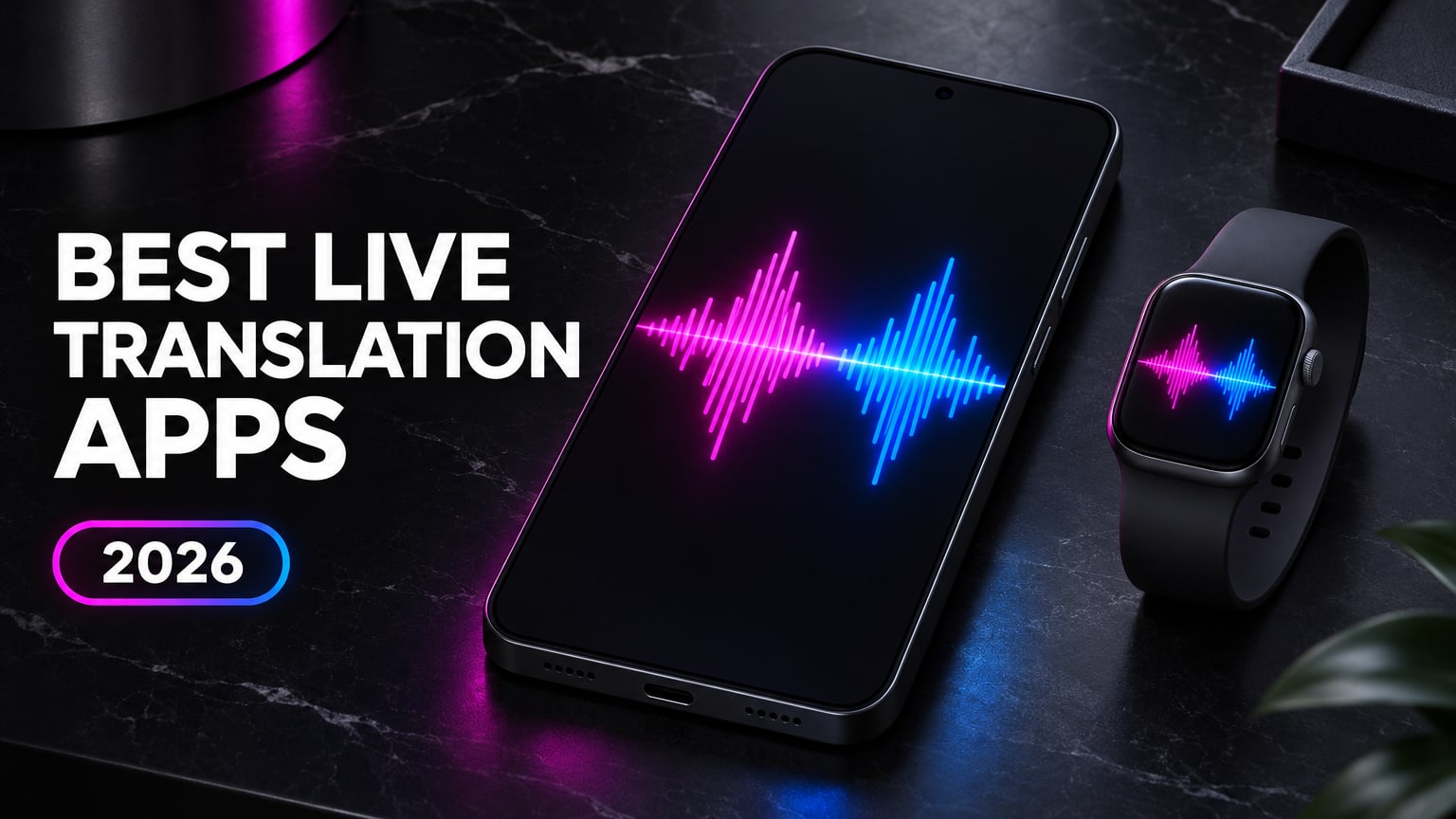
- Best overall for live conversations & watch captions: Hey Interpreter. 60 spoken languages, 180-degree OLED tabletop split-screen with zero mic passing, standalone Apple Watch and Wear OS captions, free 3-minute preview, and a $14.99 one-time 14-day Trip Pass ($59.99/yr with 7-day trial).
- Best free backup + offline camera menus: Google Translate. 70+ voice languages, free offline packs, and Lens menu scanning, held back by turn-taking pauses and no watch app.
- Best for formal European & Japanese work calls: DeepL Voice. Strong business register and Zoom/Teams QR captions from $13/mo (capped at 300 min/mo).
- Best for Korean, Japanese & Chinese honorifics: Naver Papago. Free polite-versus-casual toggle across 14 travel languages.
- Missing SayHi or Microsoft Translator Conversation mode? Jump to what replaced both retired apps.
Hey Interpreter is the best live translation app for two-way conversations in 2026, streaming 60 spoken languages onto a 180-degree tabletop split-screen and standalone Apple Watch or Wear OS captions from $14.99 for a one-time 14-day pass. Google Translate stays the best $0 backup on your phone when you need offline language packs or camera menu scanning.
Two big shutdowns left travelers and bilingual families scrambling: Amazon killed SayHi Translate in August 2024, and Microsoft Translator retired its multi-device Conversation mode on June 30, 2026. I built Hey Interpreter (listed alongside my other software on /tools) because passing a phone microphone across a restaurant table breaks natural banter, and wearing noise-canceling earbuds at dinner kills eye contact. Where a competitor beats my app, including free offline packs or Korean honorific switches, I point you straight to that tool below.
1. Hey Interpreter: best for tabletop conversations and watch subtitles
Hey Interpreter (App Store, plus Android and Wear OS) solves the awkward choreography that ruins most translation apps in noisy cafes, clinics, and family dinners. Lay one phone flat between two people in Talk Mode (or prop a foldable in tent mode) and the pure #000000 OLED screen splits in half: the top half flips 180 degrees in #FF4FA3 magenta for your conversation partner while the bottom half streams in #4F8BFF blue for you.
Nobody taps a microphone button between sentences. Powered by Soniox sub-second zero-retention streaming across 60 spoken languages, both sides read live text as words leave the speaker's mouth, with an optional 1-tap Speak aloud button whenever you want synthesized voice playback instead of quiet reading.
Switch to Listen Mode for continuous 60-language room subtitling during lectures, tours, doctor visits, or in-law dinners, complete with an optional original-script line underneath that tracks speech like synced lyrics. You can also leave your phone in your pocket and glance down at the standalone Apple Watch translator or Wear OS app (Pixel Watch and Galaxy Watch). Because hotel and hospital guest networks love trapping sockets behind login pages, the client detects captive-portal Wi-Fi drops and switches the stream onto 5G/LTE automatically.
- Best for: Dinner tables, in-law visits, clinic check-ins, hotel desks, and hands-free wrist captions while living or working abroad. Skip if: You need offline translation on a flight with zero cellular data or camera menu scanning (keep #2 installed alongside it for $0).
- Platforms & languages: Native iOS, iPadOS, watchOS, Android, and Wear OS; 60 spoken languages.
- Pricing: Free 3-minute live preview with no account needed (plus a
+30 minfriend invite bonus), $14.99 one-time 14-Day Trip Pass (no subscription, never auto-renews), $59.99/yr (includes a 7-day free trial), or $6.99/wk.
2. Google Translate: best free fallback and offline camera packs
Every traveler should keep Google Translate on their home screen because nothing touches Google Lens at pointing a camera at a handwritten menu, pharmacy box, or train platform sign for $0. Download offline language packs before boarding a flight and basic text and phrase translation keeps working with airplane mode on.
Live two-way conversation is where the free utility shows its age. Google's Conversation mode waits for one speaker to finish a turn, pauses to fire text-to-speech audio, and forces both people to talk like polite radio operators so the microphone doesn't clip overlapping laughs or quick follow-up questions. You also lose wrist support: Google offers no Apple Watch app and no official standalone Wear OS app on the Play Store.
- Best for: Free $0 backup, pointing your camera at menus or street signs, and zero-signal offline lookups. Skip if: You want continuous overlapping table conversation or live subtitles on an Apple Watch or Pixel Watch.
- Platforms & languages: iOS, Android, Web; ~70+ voice conversation languages (240+ typed text languages).
- Pricing: Free.
3. DeepL Voice: best for formal European and Japanese work calls
DeepL Voice brings DeepL's strong written idiom engine to spoken meetings and mobile conversations. On formal German, French, Dutch, or Japanese vendor calls, DeepL chooses cleaner business phrasing than Google Translate, and its meeting add-on lets remote attendees read translated captions in their own language over a link or QR code.
Two constraints hurt it outside an office. First, DeepL waits for fuller clause context before committing a translation, so captions trail live speech by 1 to 2 sentences during fast back-and-forth talk. Second, mobile voice minutes are strictly metered: the $13/mo Starter tier caps you at 300 minutes per month (five hours total), and stepping up to $38/mo only raises the ceiling to 600 minutes per month, with no smartwatch app on iOS or Android. For recorded calls or lectures you plan to review afterward rather than translate live, a dedicated AI video summarizer or Voicenotes workflow costs less per hour.
- Best for: Formal B2B video calls and structured office briefings in European languages or Japanese. Skip if: You talk for more than 10 minutes a day or want sub-second casual table captions without watching a monthly minute meter.
- Platforms & languages: iOS, Android, Web, Zoom, Microsoft Teams; ~30+ spoken input languages.
- Pricing: $13/mo Starter (
300 min/mocap) up to $38/mo (600 min/mocap); enterprise meeting seats priced separately.
4. Apple Translate and AirPods Live Translation: best built-in iOS option for 9 to 19 languages
Apple ships Apple Translate pre-installed on every modern iPhone, including an on-device Face to Face split view and AirPods Live Translation on supported AirPods Pro models paired with Apple Intelligence iPhones. For quick Spanish, French, German, Mandarin, or Japanese questions on an iPhone you already own, it costs nothing and runs cleanly without creating an account.
Check the language list before relying on Apple abroad, because coverage drops off fast:
- iPhone Apple Translate covers only 19 base languages. It misses 41 spoken languages supported in Hey Interpreter, including Tagalog, Greek, Hebrew, Romanian, Punjabi, Catalan, and Urdu.
- AirPods Live Translation covers only 9 languages. It misses major travel and family languages including Thai, Vietnamese, Russian, Arabic, Dutch, Indonesian, Polish, Turkish, and Hindi.
Even inside those 9 languages, keeping active-noise-canceling AirPods wedged in your ears across a dinner table signals to everyone around you that you are listening to a podcast rather than joining the meal.
- Best for: iPhone owners speaking one of the 19 supported languages (or 9 on AirPods) in brief street or shop exchanges. Skip if: You travel to Southeast Asia, Eastern Europe, the Middle East, the Netherlands, or South Asia, or want natural unblocked ears at dinner.
- Platforms & languages: iOS and iPadOS only (no Android); 19 base languages on iPhone, 9 languages on AirPods Live Translation.
- Pricing: Free on compatible Apple hardware.
5. Naver Papago: best honorific toggle for Korea, Japan, and China
Built by South Korea's Naver, Papago beats Western apps on one subtle detail in Seoul, Busan, or Tokyo: a dedicated Honorific toggle right inside the translation screen. Flip it on when speaking to a taxi driver, pharmacist, elder, or shopkeeper so your Korean or Japanese output uses polite forms (-yo / -nida or desu/masu) instead of sounding blunt.
Papago's ceiling is breadth and pacing. It stops at 14 languages total and uses a traditional turn-based microphone interface rather than a continuous tabletop stream or watch display.
- Best for: Tourists in South Korea, Japan, and China who want polite honorific phrasing and solid vertical menu OCR for $0. Skip if: You need any language outside its 14-language roster or hands-free tabletop mode.
- Platforms & languages: iOS, Android, Web; 14 languages.
- Pricing: Free.
6. iTranslate Converse: walkie-talkie phone flip at twice the yearly price
iTranslate was one of the earliest App Store translators to ship an Apple Watch companion and a dedicated Converse mode where flipping your iPhone upside down turns the handset into a tap-and-hold walkie-talkie.
In 2026, two friction points hold it back. Voice coverage sits at 38 languages (compared to 60 in Hey Interpreter and 70+ in Google Translate), and the app gates live voice features behind frequent paywall prompts at $12.99/mo or $99.99/yr, nearly double Hey Interpreter's $59.99 annual plan with no cheap one-time trip pass for a two-week vacation.
- Best for: Existing iTranslate Pro subscribers who prefer a tap-and-hold walkie-talkie gesture. Skip if: You dislike aggressive upgrade modals or don't want to pay $99.99/year for 38 voice languages.
- Platforms & languages: iOS, Apple Watch, Android; 38 voice languages.
- Pricing: $12.99/mo or $99.99/yr on Pro.
7. Timekettle W4 Pro and Pocketalk S2: dedicated hardware benchmark
Dedicated translator gadgets like the Timekettle W4 Pro ($449 dual-earbud interpreter) and Pocketalk S2 ($299 handheld unit with built-in cellular data) prove how badly people want frictionless cross-language conversation without tapping a browser tab. Timekettle's open-ear bone/directional mics isolate voices reasonably well at trade-show booths, and Pocketalk gives warehouse or clinic reception desks a single-purpose device employees can share.
For almost everyone else, dedicated hardware creates three headaches you never face on the phone and watch already in your pocket:
- $299 to $449 upfront cost before your trip starts, plus ongoing eSIM renewals on handheld units after the bundled data window ends.
- Another battery and case to charge. Leave the charging case at your apartment and you are right back on your phone.
- The earwax problem. Handing half a pair of Bluetooth earbuds across a cafe table to a stranger, landlord, or distant relative rarely survives first contact with real life.
- Best for: Trade-show exhibitors (
Timekettle W4 Pro) or shared reception-desk hardware where staff cannot use personal phones (Pocketalk S2). Skip if: You already carry an iPhone, Android phone, Apple Watch, or Wear OS watch. - Platforms & languages: Proprietary hardware (~40 online voice languages on Timekettle, ~85 on Pocketalk).
- Pricing: $449 (
Timekettle W4 Pro) or $299 (Pocketalk S2, includes initial built-in cellular plan).
Which live translation app fits your trip or table?
| App / Device | Voice languages | 180° tabletop split-screen | Apple Watch & Wear OS | Free option | Paid pricing (Nov 2026) |
|---|---|---|---|---|---|
| Hey Interpreter | 60 spoken | Yes ( #000000 OLED + tent mode, zero mic passing) | Both (standalone Apple Watch + Wear OS) | 3-min live preview (no login, +30m invite) | $14.99 14-day pass (one-time), $59.99/yr (7d trial), $6.99/wk |
| Google Translate | ~70+ spoken | Basic face-to-face (turn-taking pauses) | None | 100% free + offline packs | $0 |
| DeepL Voice | ~30+ spoken | Basic mobile split | None | Trial / corporate demo only | $13/mo (300m cap) to $38/mo (600m cap) |
| Apple Translate + AirPods | 19 iPhone / 9 AirPods | Face to Face on iPhone (19 languages) | Basic iPhone companion (19 languages) | Free on iOS hardware | $0 (compatible AirPods sold separately) |
| Naver Papago | 14 | Turn-based conversation view | None | 100% free | $0 |
| iTranslate Converse | 38 | Upside-down phone flip (hold to talk) | Apple Watch only | Limited text lookups | $12.99/mo or $99.99/yr |
| Timekettle W4 Pro / Pocketalk S2 | ~40 to 85 | No (shared earbuds or handheld brick) | No | None | $299 ( Pocketalk S2) to $449 (Timekettle W4 Pro) |
What replaced SayHi Translate and Microsoft Translator Conversation mode?
Hey Interpreter is the closest direct replacement for both SayHi Translate (shut down by Amazon in August 2024) and Microsoft Translator Conversation mode (retired on June 30, 2026) when you want fast, two-person spoken translation without creating accounts on every device.
People loved SayHi because two speakers could sit down, pick two languages, and talk without hunting through dictionary tabs, and families used Microsoft's multi-device Conversation codes to follow dinner-table talk in real time. Today, pick your replacement by room setup:
- One table, two speakers, zero button passing: Open Hey Interpreter in
TalkMode and lay one phone flat between you. The top half flips 180 degrees in magenta for the person across from you, the bottom half stays upright in blue for you, and sub-second captions stream simultaneously with optional 1-tapSpeak aloudplayback. - Group dinners, lectures, or church/tour halls (Microsoft Conversation mode use case): Switch Hey Interpreter to continuous
ListenMode on your phone or Apple Watch (Pixel WatchandGalaxy Watchon Android) so you can follow a room in 60 languages without asking the host to install software or scan a QR code. - Formal Zoom or Microsoft Teams calls with slides: Use DeepL Voice when everyone is already logged into a corporate video call and wants translated browser captions inside the meeting window.
Why phone and watch translation beats AirPods and $449 translator earbuds
A flat OLED phone on the table paired with subtle wrist captions preserves natural eye contact across 60 languages, whereas earbuds block your ears, cap out at 9 languages on AirPods, or force guests to share hardware.
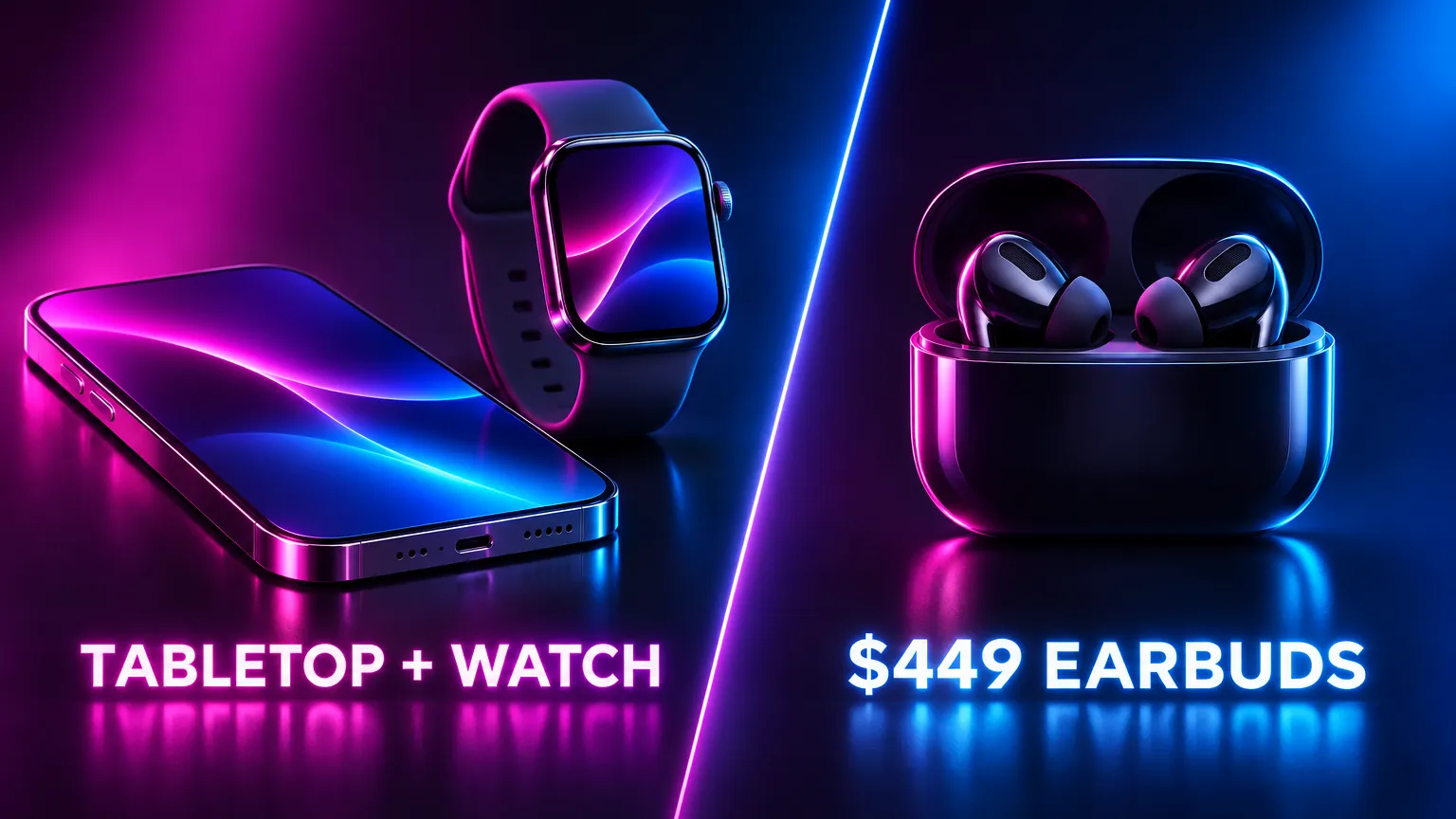
When you spend months at a time living in a location-independent base or sorting out local banking, clinic visits, and mail and residency admin abroad, three real-room details matter far more than studio demo videos:
- Eye contact and open ears. Reading a two-word glance off a flat
#000000OLED screen or an Apple Watch lets you hear the other person's real tone, laugh on beat, and keep your hands free for chopsticks or paperwork. Stuffing noise-canceling earbuds into both ears puts a wall between you and the table. - Real language coverage outside Western Europe. Apple's AirPods Live Translation stops at 9 languages (skipping Thai, Vietnamese, Russian, Arabic, Dutch, Indonesian, Polish, Turkish, and Hindi), and iPhone's built-in Translate app stops at 19 (skipping Tagalog, Greek, Hebrew, Romanian, Punjabi, Catalan, and Urdu). Hey Interpreter streams all 60.
- Surviving bad hotel and clinic Wi-Fi. Most translation apps hang on a spinning wheel the moment your phone clings to a 1-bar cafe router or an unauthenticated hospital guest network. Automatic captive-portal fallback to 5G/LTE keeps live captions moving without toggling Wi-Fi off by hand.
Frequently asked questions
What is the best replacement for SayHi Translate in 2026?
Hey Interpreter is the closest upgrade for former SayHi users who want instant two-way voice translation without clutter, adding a 180-degree OLED tabletop split-screen with zero mic-button passing across 60 languages (starting with a free 3-minute preview and a $14.99 one-time 14-day pass). If you want a permanently free app and don't mind turn-taking pauses, use Google Translate.
Which live translation apps work on Apple Watch and Wear OS?
Hey Interpreter runs standalone live caption and translation apps on both watchOS (Apple Watch) and Wear OS (Pixel Watch, Galaxy Watch) across 60 spoken languages. Apple's built-in Translate app covers 19 languages on Apple Watch only, iTranslate Converse supports 38 languages on Apple Watch only ($99.99/yr), and neither Google Translate nor DeepL Voice offers a standalone Apple Watch or Wear OS Play Store app.
Why doesn't AirPods Live Translation work for Thai, Arabic, Russian, or Dutch?
Apple's AirPods Live Translation only supports 9 languages as of November 2026, leaving out Thai, Vietnamese, Russian, Arabic, Dutch, Indonesian, Polish, Turkish, and Hindi, while the iPhone Apple Translate app stops at 19 base languages (missing Tagalog, Greek, Hebrew, Romanian, Punjabi, Catalan, and Urdu). For 60 spoken languages on iPhone, iPad, Apple Watch, Android, and Wear OS, use Hey Interpreter or Google Translate.
Can I get a live translation app for one vacation without a recurring subscription?
Yes. Hey Interpreter sells a $14.99 one-time 14-Day Trip Pass that unlocks all 60 spoken languages on phone and watch for two weeks and never auto-renews, alongside a free 3-minute no-account preview (+30 min per invited friend) and a $59.99/yr plan (7-day free trial) for frequent travelers and bilingual families.
What is the best completely free live translator app?
Google Translate is the best $0 general translator (~70+ voice languages, offline packs, and Google Lens menu scanning), and Naver Papago is the best $0 second app specifically for South Korea, Japan, and China thanks to its polite honorific toggle.